SAM4s ER-900 Series Operator's & Programming Manual v.1.28 S-Mode Programming • 95
Self Tests
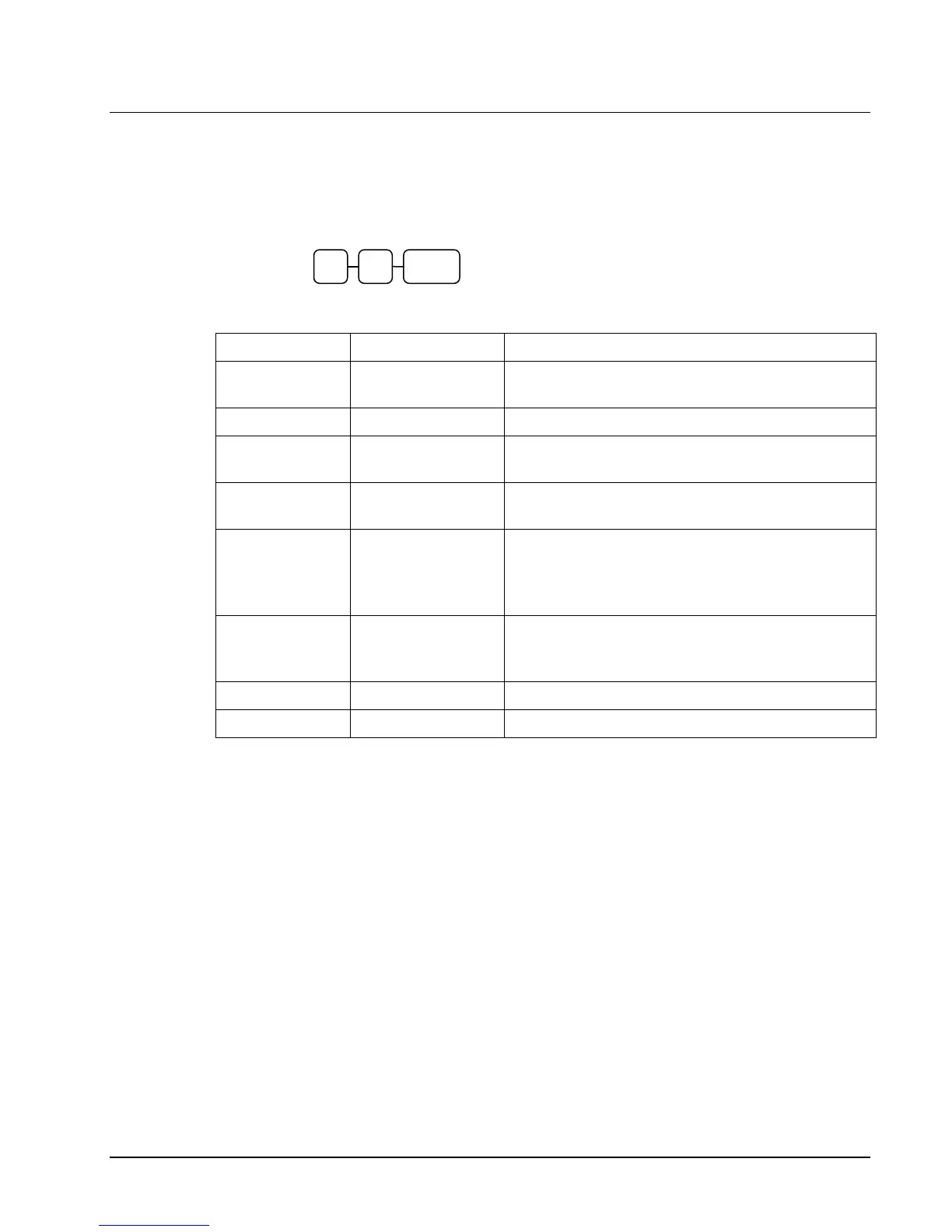
Self-tests can be performed to check the functions of the register.
1. Turn the control lock to the S position.
2. Enter the test number from the chart below and press the SUBTL key.
Test Key Sequence Results/Instructions
Printer
10 SUBTL
The receipt printer generates a printer test pattern
and the drawer will open at the end of the test.
Display
11 SUBTL
Displays illuminate a test pattern.
Keyboard
12 SUBTL
Press any key. The key’s current function is
displayed. Turn key lock to end the test.
Mode Lock
13 SUBTL
Turn the mode lock to display the lock position.
Return the key to S to end the test.
RS232C Port 1
RS232C Port 2
RS232C Port 3
RS232C Port 4
14 SUBTL
24 SUBTL
34 SUBTL
44 SUBTL
Loop back connector must be connected.
Displays “232 Port Good” if successful; displays
“232 Port No Good” and sounds an error if
unsuccessful (or if loop back is not connected).
Endless
Printing
16 SUBTL
The receipt prints a sample ticket and opens the
cash drawer. The print is repeated until the key
lock is turned.
MCR Test
17 SUBTL
Swipe a card. The printer prints card track data.
SD Card
19 SUBTL
Insert a SD card. Checks SD card operation.
SUBTL



 To Next Page