SAM4s ER-900 Series Operator's & Programming Manual v.1.28 Getting Started • 25
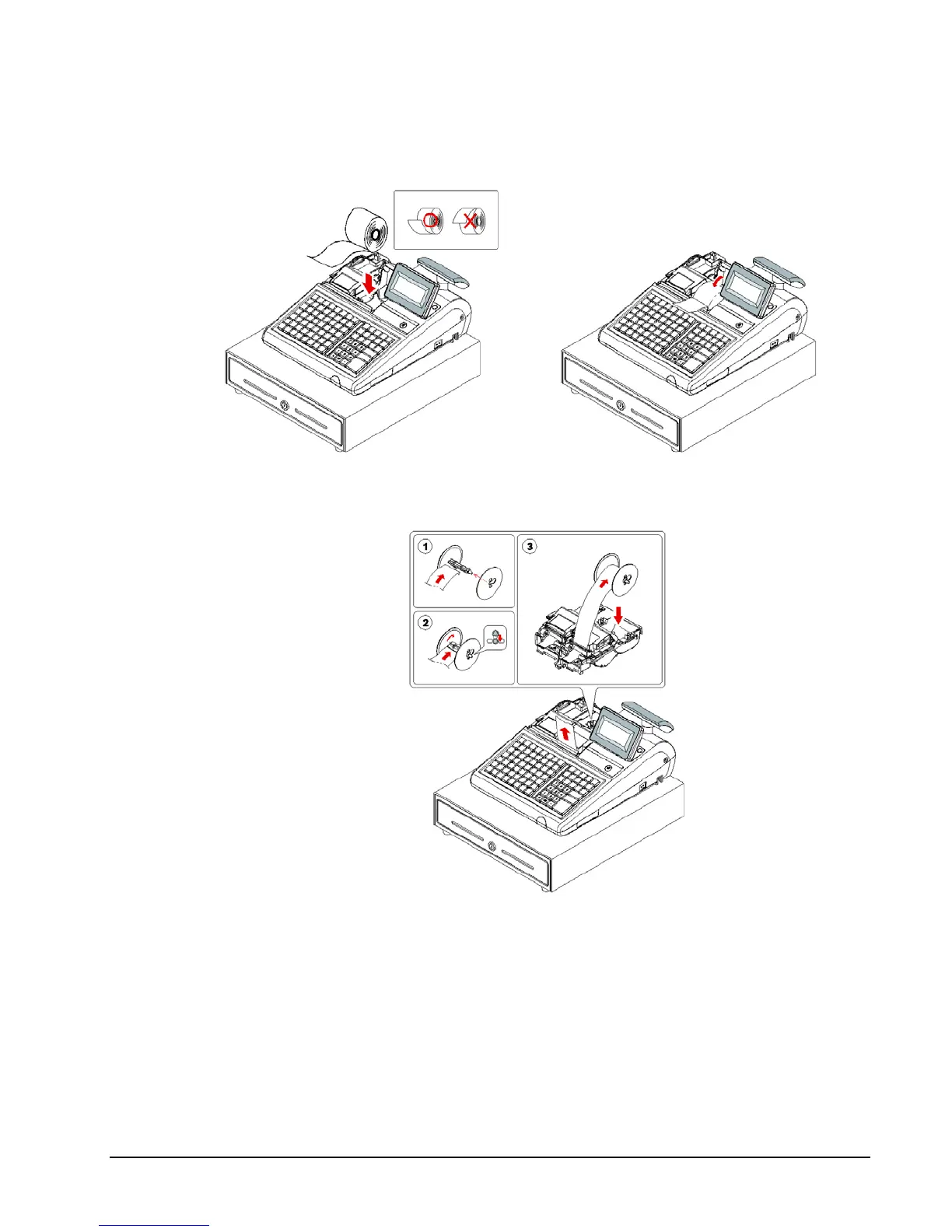
5. Push the blue cap lever and then lift up to open the journal paper cover.
6. Ensure that the paper is being fed from the bottom of the roll and then close the paper
cover slowly until it locks firmly.
7. If you wish to use the printer to print a sales journal, insert the paper into the paper take-
up spool. Wind the paper two or three turns around the spool shaft and install the spool in
the mount and insure that the paper is being fed from the bottom of the roll.



 To Next Page