SAM4s ER-900 Series Operator's & Programming Manual v.1.28 Operations • 79
Opening an Account
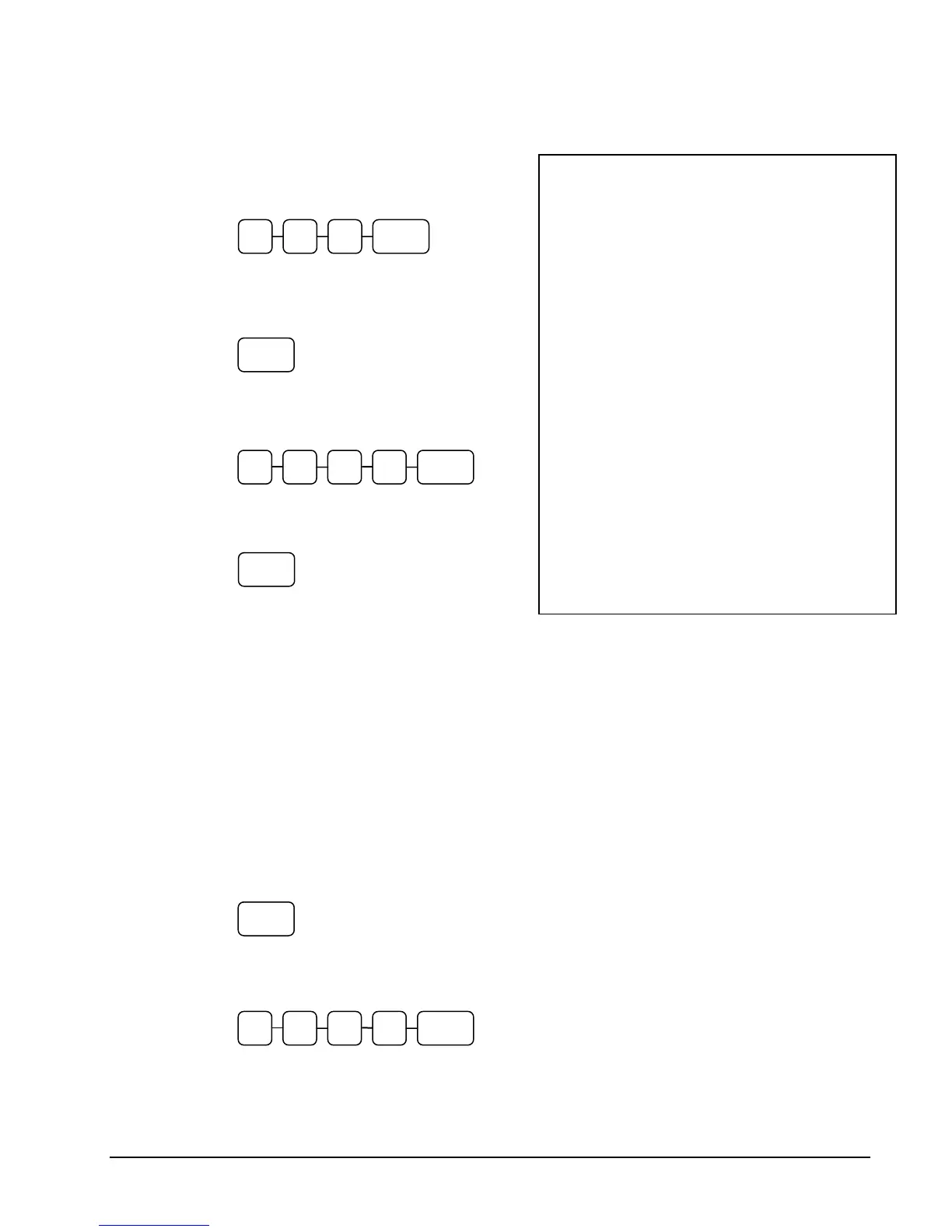
1. Enter the number of the account and press
the CHECK # key. You may be required
to turn the key lock to the MGR position.
Accepting an Advance Payment
2. Press the PAYMENT key.
3. Enter the amount of the payment and
press the appropriate tender key; cash,
check or charge.
4. Press the SERVICE key to finalize and
store the balance.
Posting New Charges
5. Enter the number of the account and press
the CHECK # key.
6. Enter items purchased.
7. Press the SERVICE key to finalize and
store the balance.
Accepting an Overpayment and
Issuing Change
8. Enter the number of the account and press
the CHECK # key.
9. Press the PAY TEND key.
10. Enter the amount of the payment and
press the appropriate tender key; cash,
check or charge.
11. Press the SERVICE key to finalize and
store the balance.
Sample of Hard Check postings printed on an optional printer:
DATE 12/01/2011 WED
CHECK #
#123
PBAL $0.00
PAYMENT $50.00
CHECK $50.00
SERVICE $0.00
BFWD
-50.00
No.000017 REG 01 KELLY TIME 09:15
DATE 12/01/2011 WED
PBAL $50.00
ROOM $75.00
SERVICE $75.00
BFWD
25.00
No.000019 REG 01 KELLY TIME 09:47
DATE 12/01/2011 WED
PBAL $25.00
CHANGE $5.00
TENDER $30.00
CASH $25.00
SERVICE $0.00
BFWD
$0.00
No.000021 REG 01 KELLY TIME 10:16
PAYMENT
SERVICE
0 0 0 CHECK5
CHECK#3 1 2
PAY
TEND
0 0 0 CASH 3



 To Next Page