128 CHAPTER 3 J-Link software and documentation package
J-Link / J-Trace (UM08001) ©
2004-2017 SEGGER Microcontroller GmbH & Co. KG
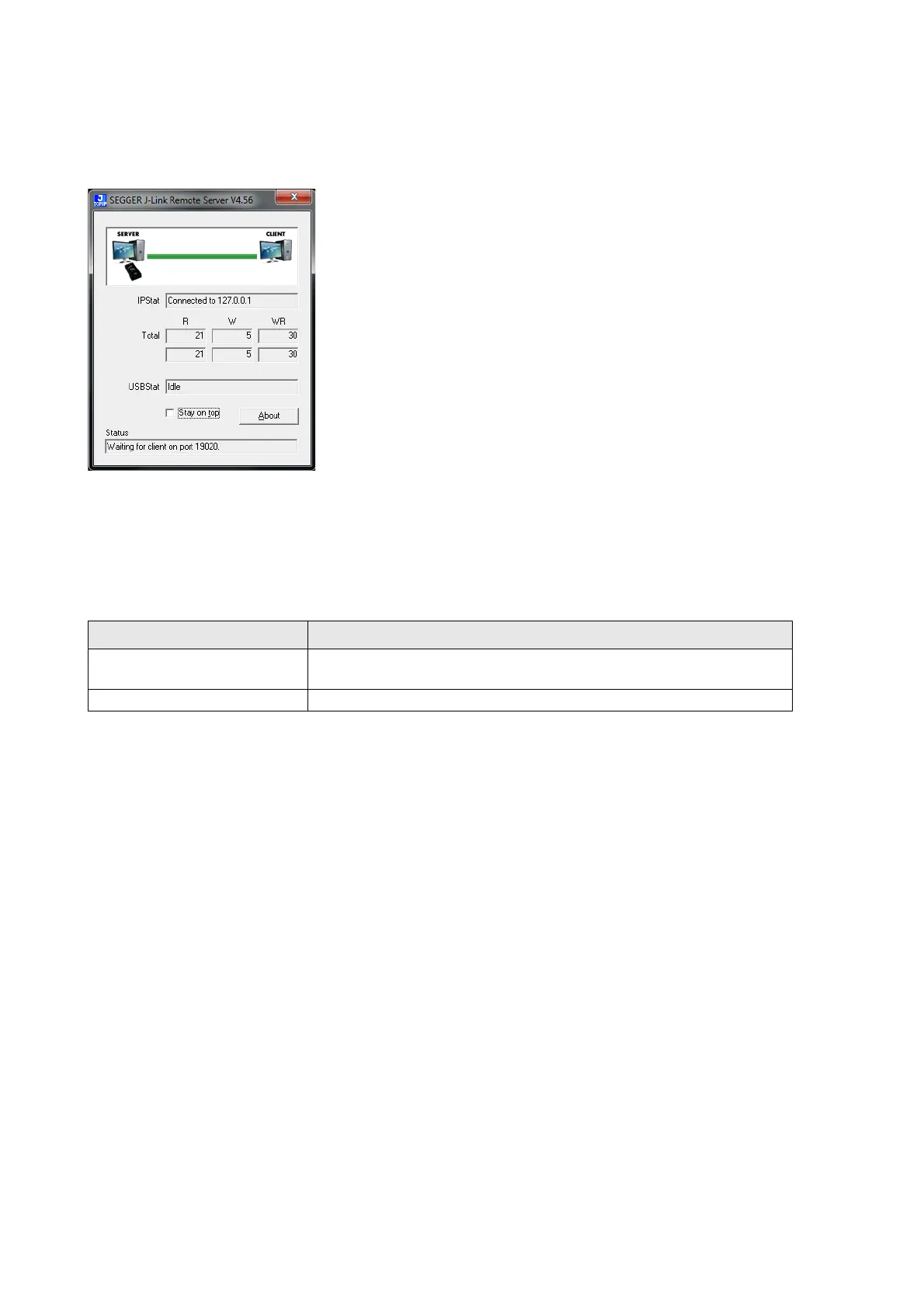
3.4 J-Link Remote Server
J-Link Remote Server allows using J-Link / J-Trace remotely via TCP/IP. This enables
you to connect to and fully use a J-Link / J-Trace from another computer. Perfor-
mance is just slightly (about 10%) lower than with direct USB connection.
The J-Link Remote Server also accepts commands which are passed to the J-Link
Remote Server via the command line.
3.4.1 List of available commands
The table below lists the commands accepted by the J-Link Remote Server
3.4.1.1 port
Syntax
-port <Portno.>
Example
To start the J-Link Remote Server listening on port 19021 the command should look
as follows:
-port 19021
3.4.1.2 SelectEmuBySN
Syntax
-SelectEmuBySN <S/N>
Example
To select the emulator with Serial Number 268000000 the command should look as
follows:
-SelectEmuBySN 268000000
Command Description
port
Selects the IP port on which the J-Link Remote Server is
listening.
SelectEmuBySN Selects the J-Link to connect to by its Serial Number.
Table 3.12: Available commands



 To Next Page