164 CHAPTER 4 Setup
J-Link / J-Trace (UM08001) ©
2004-2017 SEGGER Microcontroller GmbH & Co. KG
4.3 Setting up the IP interface
Some emulators of the J-Link family have (or future members will have) an additional
Ethernet interface, to communicate with the host system. These emulators will also
come with a built-in web server which allows configuration of the emulator via web
interface. In addition to that, you can set a default gateway for the emulator which
allows using it even in large intranets. For simplicity the setup process of J-Link Pro
(referred to as J-Link) is described in this section.
4.3.1 Configuring J-Link using J-Link Configurator
The J-Link software and documentation package comes with a free GUI-based utility
called J-Link Configurator which auto-detects all J-Links that are connected to the
host PC via USB & Ethernet. The J-Link Configurator allows the user to setup the IP
interface of J-Link. For more information about how to use the J-Link Configurator,
please refer to J-Link Configurator on page 167.
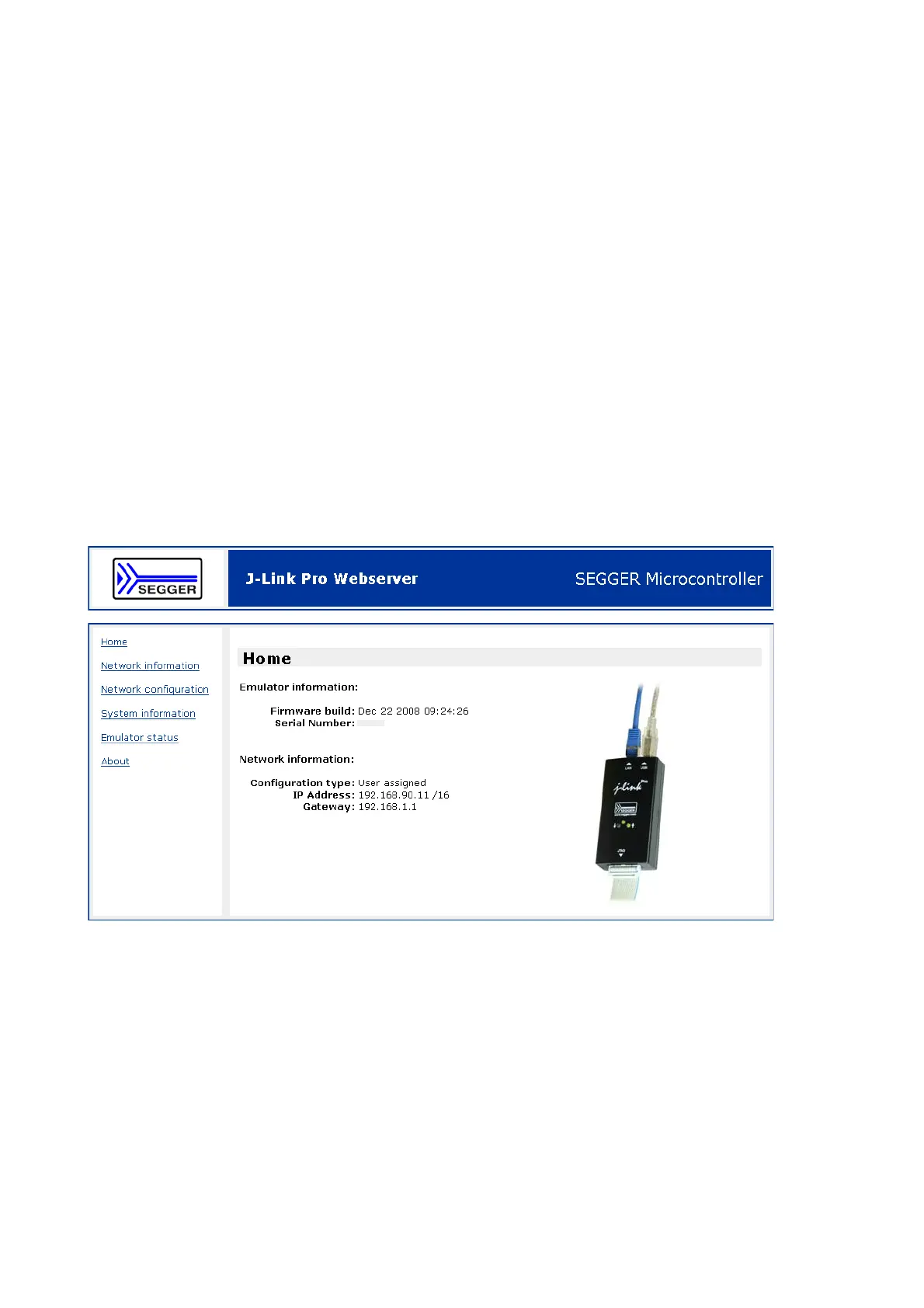
4.3.2 Configuring J-Link using the webinterface
All emulators of the J-Link family which come with an Ethernet interface also come
with a built-in web server, which provides a web interface for configuration. This
enables the user to configure J-Link without additional tools, just with a simple web
browser. The Home page of the web interface shows the serial number, the current
IP address and the MAC address of the J-Link.



 To Next Page