172 CHAPTER 4 Setup
J-Link / J-Trace (UM08001) ©
2004-2017 SEGGER Microcontroller GmbH & Co. KG
4.7.3 Determining the version of JLink DLL
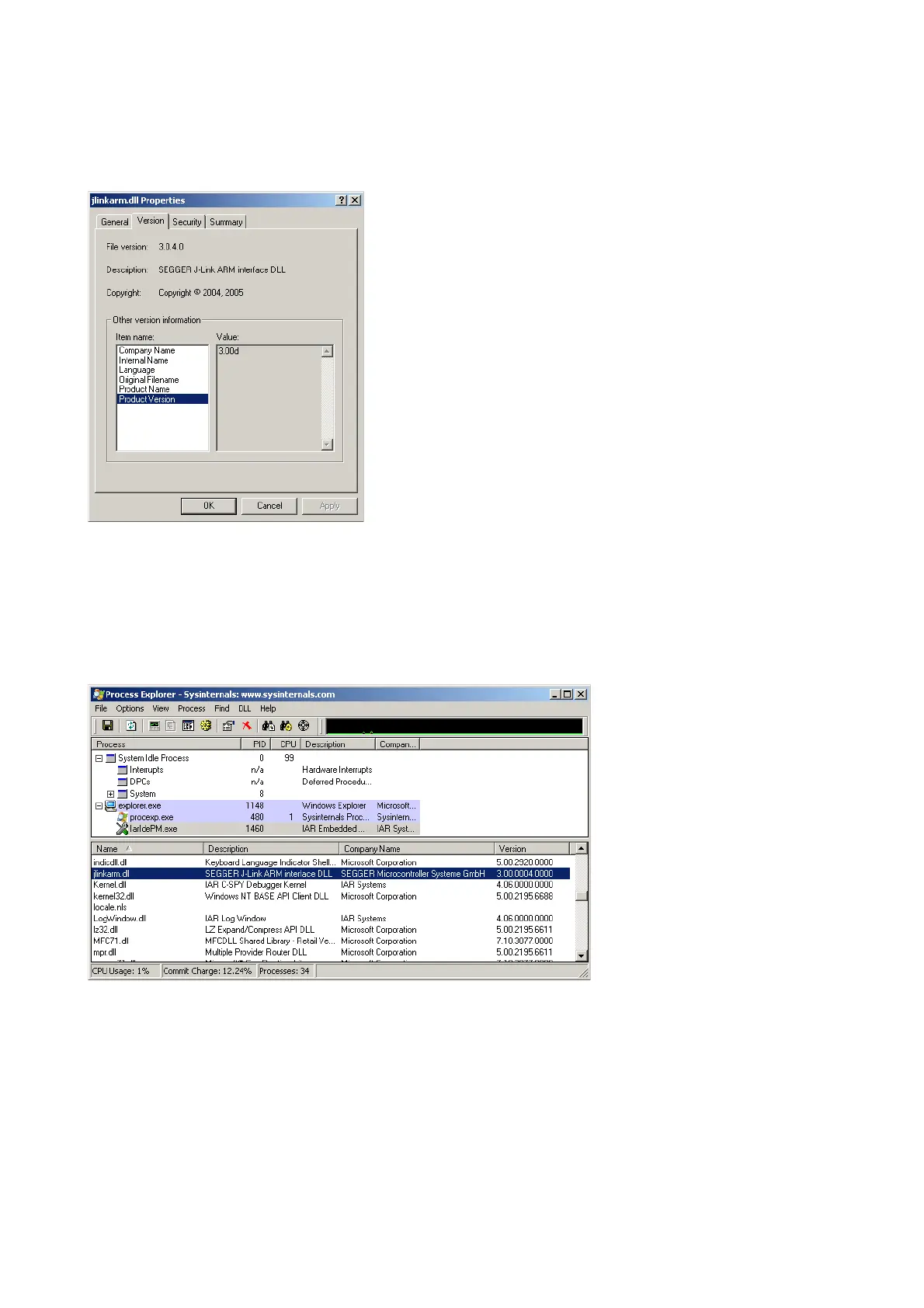
To determine which version of the JLinkARM.dll you are using, the DLL version can be
viewed by right clicking the DLL in explorer and choosing Properties from the con-
text menu. Click the Version tab to display information about the product version.
4.7.4 Determining which DLL is used by a program
To verify that the program you are working with is using the DLL you expect it to use,
you can investigate which DLLs are loaded by your program with tools like Sysinter-
nals’ Process Explorer. It shows you details about the DLLs used by your program,
such as manufacturer and version.
Process Explorer is - at the time of writing - a free utility which can be downloaded
from www.sysinternals.com.



 To Next Page