J-Link / J-Trace (UM08001) © 2004-2017 SEGGER Microcontroller GmbH & Co. KG
167
4.5 J-Link Configurator
Normally, no configuration is required, especially when using J-Link via USB. For spe-
cial cases like having multiple older J-Links connected to the same host PC in paral-
lel, they need to be re-configured to be identified by their real serial number when
enumerating on the host PC. This is the default identification method for current J-
Links (J-Link with hardware version 8 or later). For re-configuration of old J-Links or
for configuration of the IP settings (use DHCP, IP address, subnet mask, ...) of a J-
Link supporting the Ethernet interface, SEGGER provides a GUI-based tool, called J-
Link Configurator. The J-Link Configurator is part of the J-Link software and docu-
mentation package and can be used free of charge.
4.5.1 Configure J-Links using the J-Link Configurator
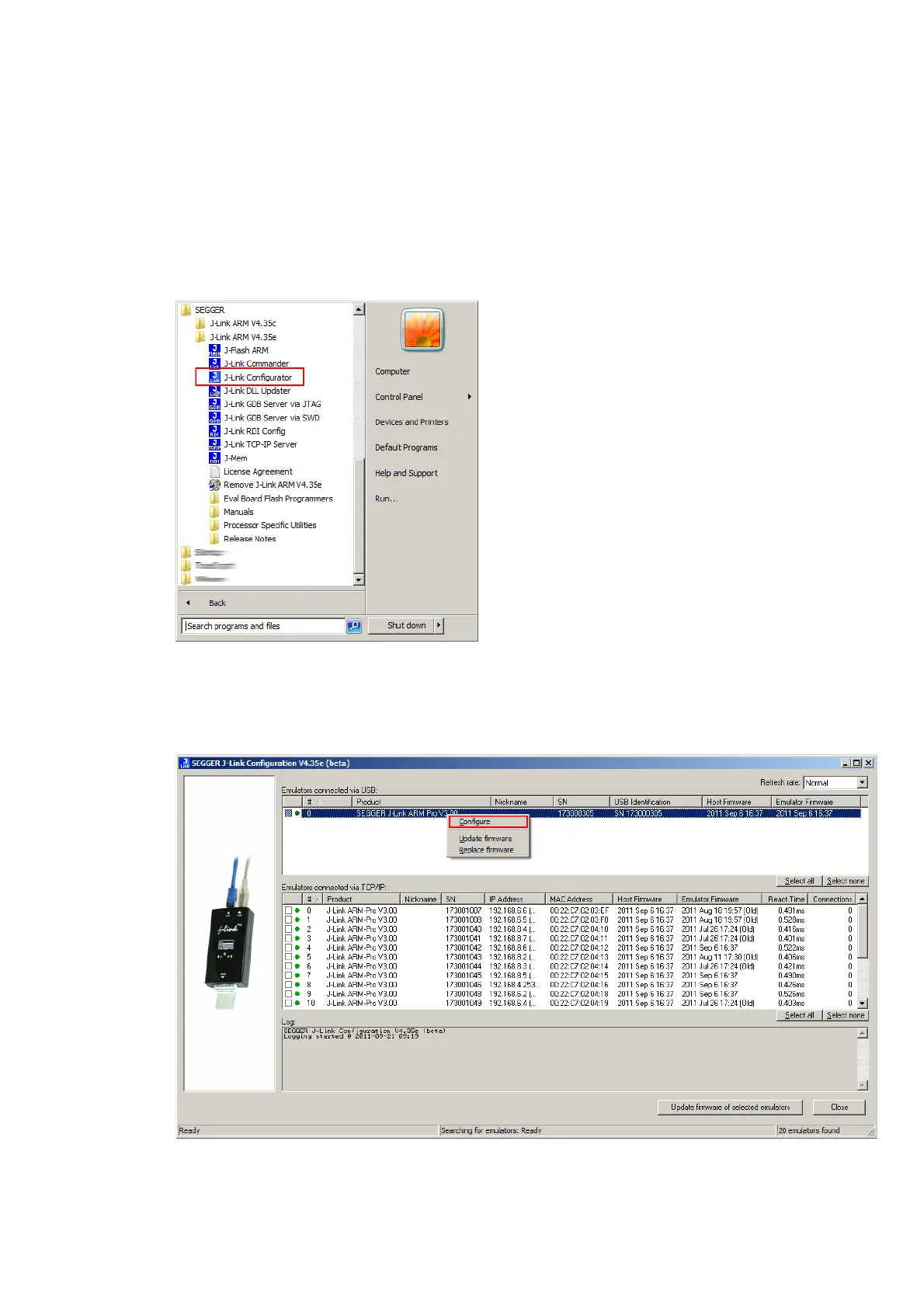
A J-Link can be easily configured by selecting the appropriate J-Link from the emula-
tor list and using right click -> Configure.



 To Next Page