J-Link / J-Trace (UM08001) © 2004-2017 SEGGER Microcontroller GmbH & Co. KG
413
15.17 Texas Instruments
J-Link has been tested with the following Texas Instruments devices:
• AM3352
• AM3354
• AM3356
• AM3357
• AM3358
• AM3359
• OMAP3530
• OMAP3550
• OMAP4430
• OMAP-L138
• TMS470M
• TMS470R1A64
• TMS470R1A128
• TMS470R1A256
• TMS470R1A288
• TMS470R1A384
• TMS470R1B512
• TMS470R1B768
• TMS470R1B1M
• TMS470R1VF288
• TMS470R1VF688
• TMS470R1VF689
15.17.1 AM335x
The AM335x series devices need some special handling which requires the correct
device is selected in the J-Link DLL. When used out of a debugger, this is usually
done automatically (see
Software reset on page 384). For J-Link Commander & J-
Link GDBServer this needs to be done manually.
15.17.1.1Selecting the device in the IDE
When using J-Link in an IDE, there is usually a way to directly select the device in the
IDE, since it usually also needs this information for peripheral register view etc. The
selected device is then usually automatically passed to the J-Link DLL.
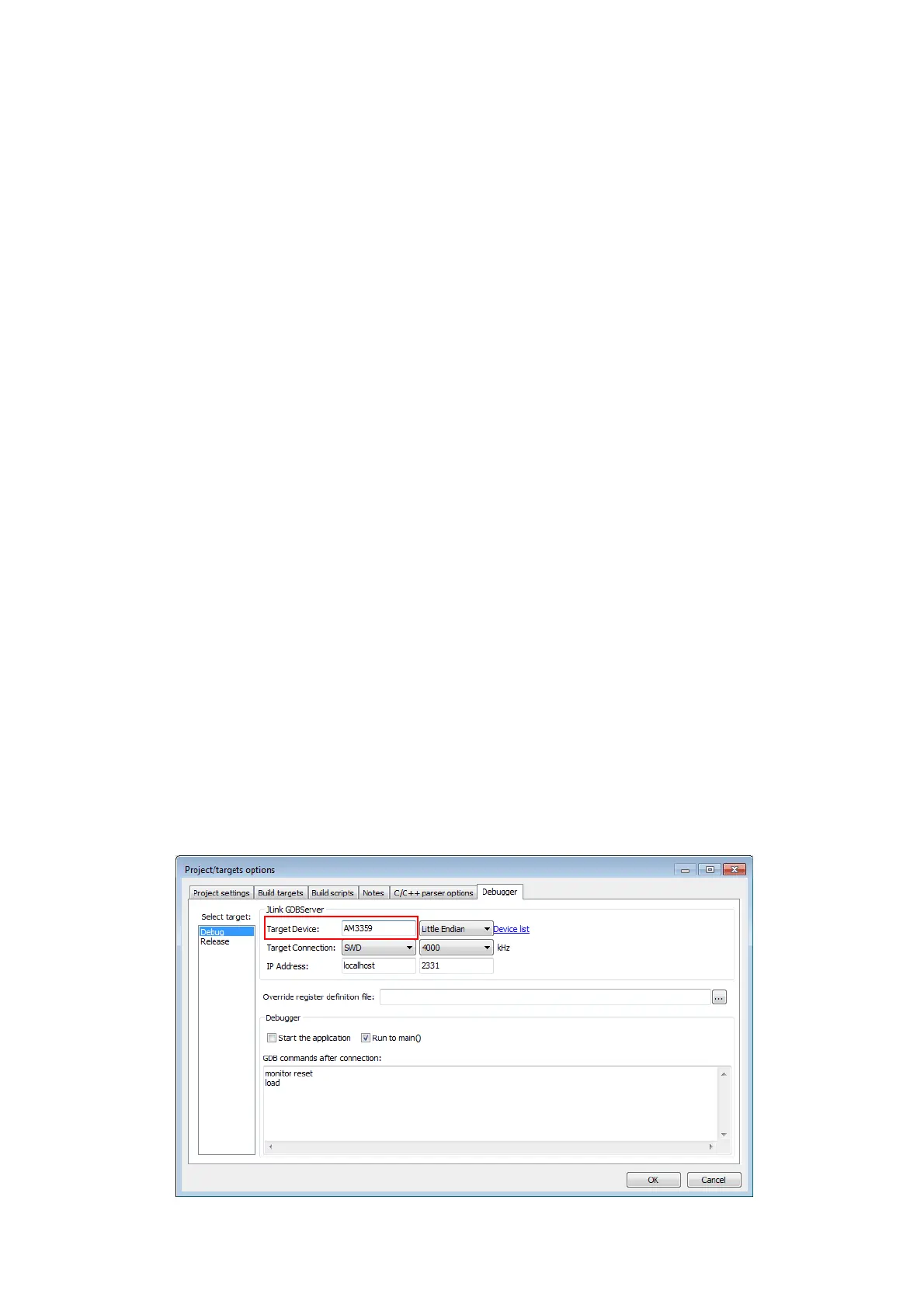
The screenshot below is an example for a device selection inside emIDE (http://
www.emide.org).



 To Next Page