J-Link / J-Trace (UM08001) © 2004-2017 SEGGER Microcontroller GmbH & Co. KG
255
<DeviceName> is the name of the device for which download into internal flash mem-
ory shall be enabled. For a list of supported devices, please refer to Supported
devices on page 250. For more information about the GDB monitor commands please
refer to J-Link GDB Server on page 92.
6.4.5 J-Link Commander
J-Link Commander supports downloading bin files into internal flash memory of pop-
ular microcontrollers. In the following, it is explained which steps are necessary to
prepare J-Link Commander for download into internal flash memory.
6.4.5.1 Preparing J-Link Commander for flash download
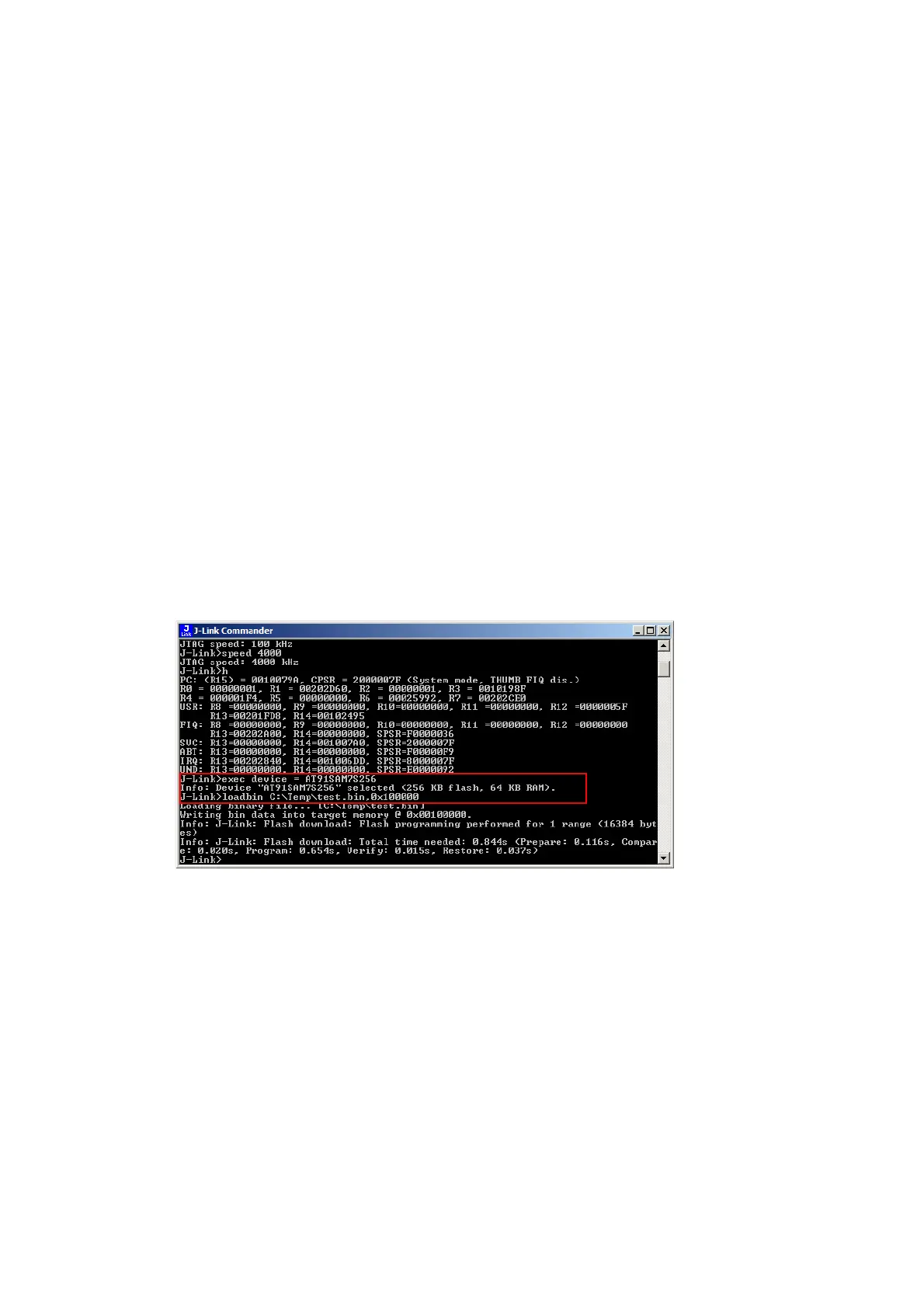
To configure J-Link Commander for flash download simply select the connected
device by typing in the following command:
exec device = <DeviceName>
<DeviceName> is the name of the device for which download into internal flash mem-
ory shall be enabled. For a list of supported devices, please refer to Supported
devices on page 250. In order to start downloading the binary data file into flash,
please type in the following command:
loadfile <filename>, <addr>
<Filename> is the path of the binary data file which should be downloaded into the
flash.
The loadfile command supports .bin, .hex, .mot and .srec files
<Addr> is the start address, the data file should be written to.



 To Next Page