J-Link / J-Trace (UM08001) © 2004-2017 SEGGER Microcontroller GmbH & Co. KG
149
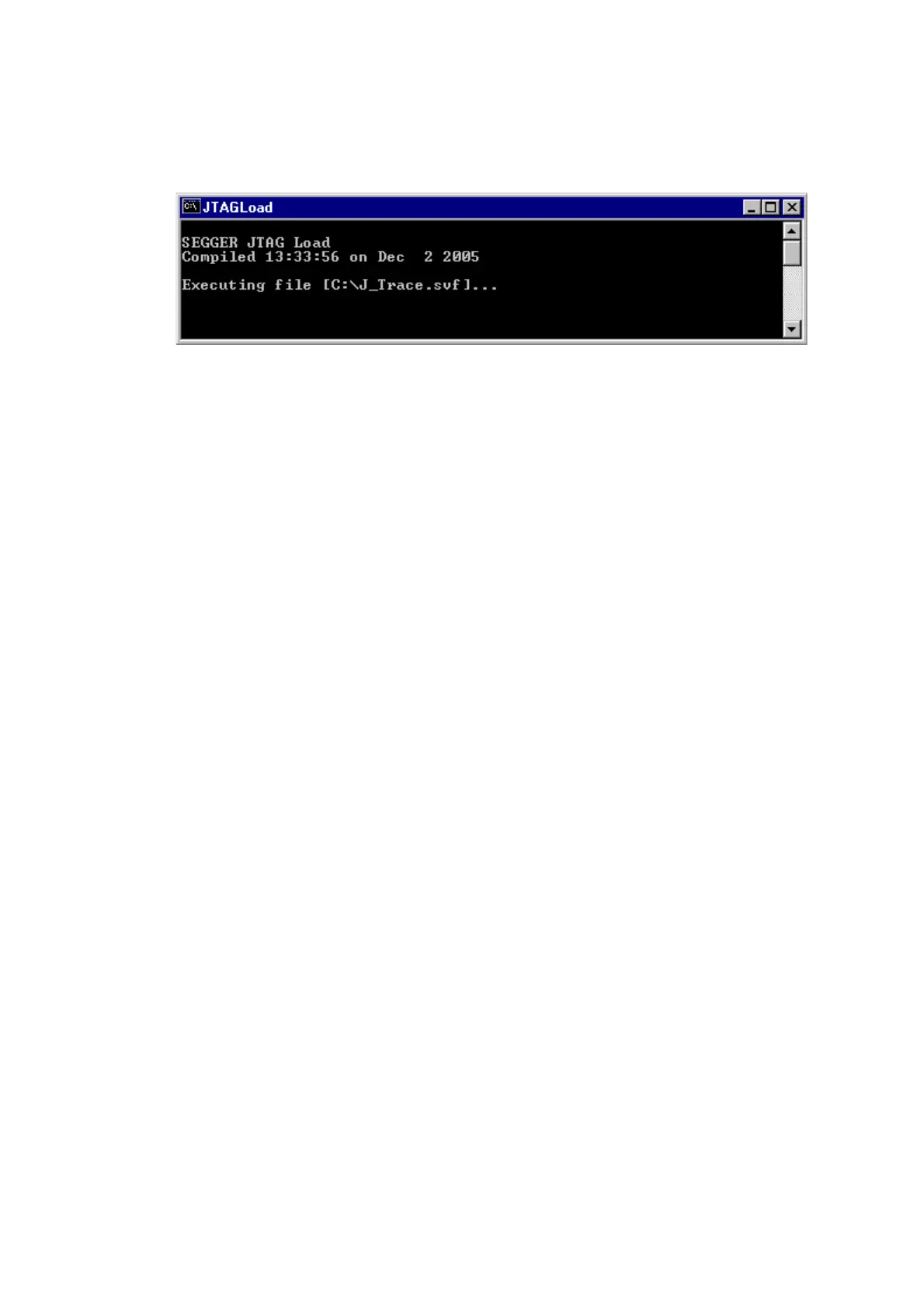
3.10 JTAGLoad (Command line tool)
JTAGLoad is a tool that can be used to open and execute an svf (Serial vector format)
file for JTAG boundary scan tests. The data in the file will be sent to the target via J-
Link / J-Trace.
SVF is a standard format for boundary scan vectors to be used with different tools
and targets. SVF files contain human-readable ASCII SVF statements consisting of an
SVF command, the data to be sent, the expected response, a mask for the response
or additional information.
JTAGLoad supports following SVF commands:
•ENDDR
•ENDIR
•FREQUENCY
•HDR
•HIR
•PIOMAP
•PIO
•RUNTEST
•SDR
•SIR
•STATE
•TDR
•TIR
A simple SVF file to read the JTAG ID of the target can look like following:
! Set JTAG frequency
FREQUENCY 12000000HZ;
! Configure scan chain
! For a single device in chain, header and trailer data on DR and IR are 0
! Set TAP to IDLE state
STATE IDLE;
! Configure end state of DR and IR after scan operations
ENDDR IDLE;
ENDIR IDLE;
! Start of test
! 32 bit scan on DR, In: 32 0 bits, Expected out: Device ID (0x0BA00477)
SDR 32 TDI (0) TDO (0BA00477) MASK (0FFFFFFF);
! Set TAP to IDLE state
STATE IDLE;
! End of test
SVD files allow even more complex tasks, basically everything which is possible via
JTAG and the devices in the scan chain, like configuring an FPGA or loading data into
memory.



 To Next Page