158 CHAPTER 4 Setup
J-Link / J-Trace (UM08001) ©
2004-2017 SEGGER Microcontroller GmbH & Co. KG
4.1 Installing the J-Link software and documentation
pack
J-Link is shipped with a bundle of applications, corresponding manuals and some
example projects and the kernel mode J-Link USB driver. Some of the applications
require an additional license, free trial licenses are available upon request from
www.segger.com.
Refer to chapter J-Link software and documentation package on page 69 for an over-
view of the J-Link software and documentation pack.
4.1.1 Setup procedure
To install the J-Link software and documentation pack, follow this procedure:
Note: We recommend to check if a newer version of the J-Link software and doc-
umentation pack is available for download before starting the installation. Check
therefore the J-Link related download section of our website:
http://www.segger.com/download_jlink.html
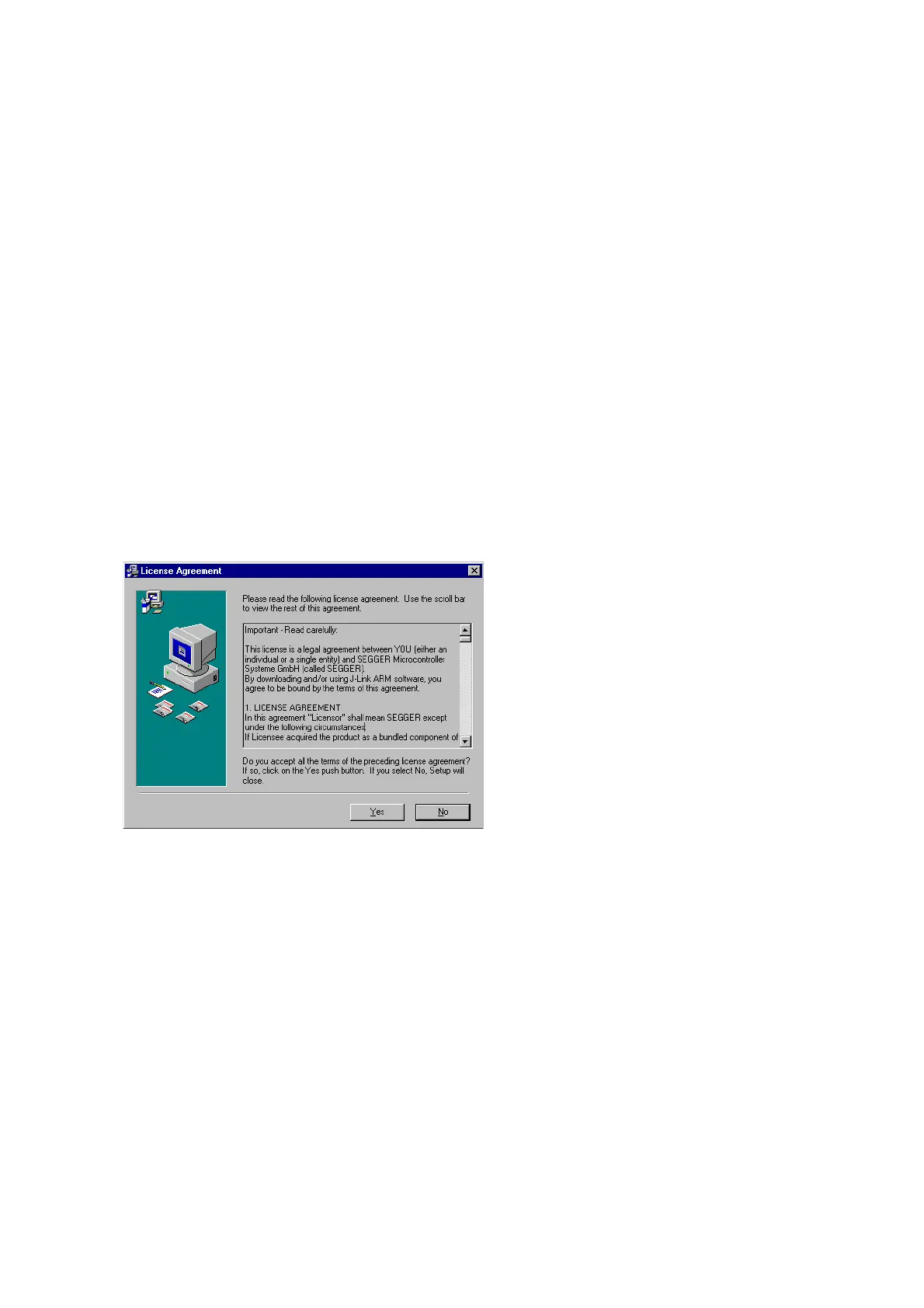
1. Before you plug your J-Link / J-Trace into your computer's USB port, extract the
setup tool Setup_JLinkARM_V<VersionNumber>.zip. The setup wizard will
install the software and documentation pack that also includes the certified J-
Link USB driver. Start the setup by double clicking Setup_JLinkARM_V<Version-
Number>.exe. The license Agreement dialog box will be opened. Accept the
terms with the Yes button.



 To Next Page