J-Link / J-Trace (UM08001) © 2004-2017 SEGGER Microcontroller GmbH & Co. KG
159
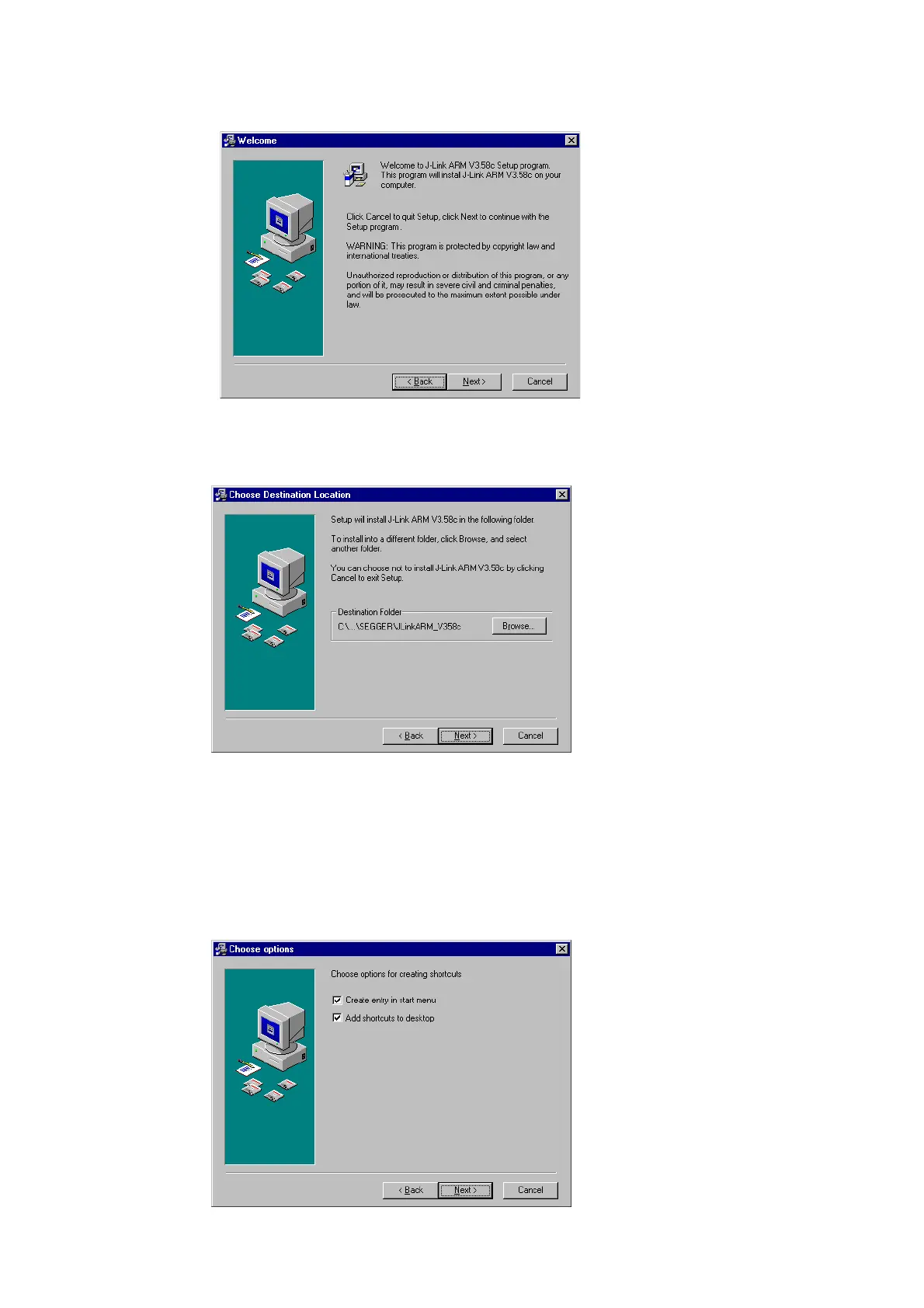
2. The Welcome dialog box is opened. Click Next > to open the Choose Destina-
tion Location dialog box.
3. Accept the default installation path C:\Program Files\SEG-
GER\JLinkARM_V<VersionNumber> or choose an alternative location. Confirm
your choice with the Next > button.
4. The Choose options dialog is opened.
The Install J-Link Serial Port Driver installs the driver for J-Links with CDC
functionality. It is not preselected since J-Links without CDC functionality do not
need this driver.
The Create entry in start menu creates an entry in start menu. It is prese-
lected.
The Add shortcuts to desktop option can be selected in order to create a
shortcut on the desktop.
Accept or deselect the options and confirm the selection with the Next > button.



 To Next Page