134 CHAPTER 3 J-Link software and documentation package
J-Link / J-Trace (UM08001) ©
2004-2017 SEGGER Microcontroller GmbH & Co. KG
3.7 J-Link RTT Viewer
J-Link RTT Viewer is a Windows GUI application to use all features of RTT in one
application. It supports:
• Displaying terminal output of Channel 0.
• Up to 16 virtual Terminals on Channel 0.
• Sending text input to Channel 0.
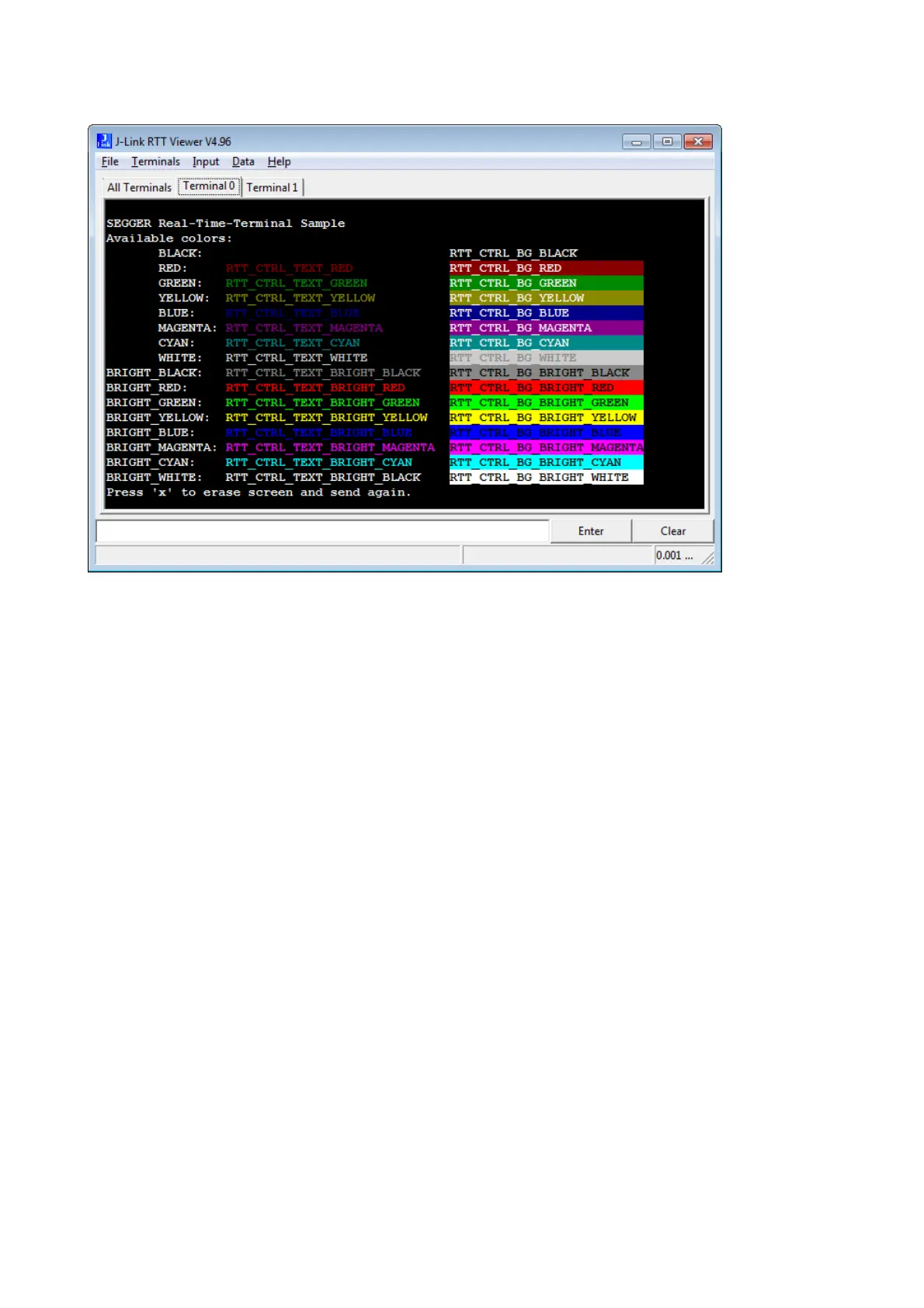
• Interpreting text control codes for colored text and controlling the Terminal.
• Logging terminal data into a file.
• Logging data on Channel 1.
For general information about RTT, please refer to RTT on page 355.
3.7.1 RTT Viewer Startup
Make sure J-Link and target device are connected and powered up.
Start RTT Viewer by opening the executable (JLinkRTTViewer.exe) from the installa-
tion folder of the J-Link Software or the start menu. Unless the command line
paramter -autoconnect is set, the Configuration Dialog will pop up.
Configure the Connection Settings as described below and click OK. The connection
settings and all in app configuration will be saved for the next start of J-Link RTT
Viewer.



 To Next Page