J-Link / J-Trace (UM08001) © 2004-2017 SEGGER Microcontroller GmbH & Co. KG
239
SetRXIDCode = 112233445566778899AABBCCDDEEFF00
5.12.1.60SetSkipProgOnCRCMatch
Note: Deprecated. Use SetCompareMode instead.
This command is used to configure the CRC match / compare mode.
Syntax
SetSkipProgOnCRCMatch = <CompareMode>
Example
SetSkipProgOnCRCMatch = 1 // Select using fastest method
5.12.1.61 SetSysPowerDownOnIdle
When using this command, the target CPU is powered-down when no transmission
between J-Link and the target CPU was performed for a specific time. When the next
command is given, the CPU is powered-up.
Note: This command works only for Cortex-M3 devices.
Typical applications
This feature is useful to reduce the power consumption of the CPU.
Syntax
SetSysPowerDownOnIdle = <value>
Note: A 0 for <value> disables the power-down on idle functionality.
Example
SetSysPowerDownOnIdle = 10; // The target CPU is powered-down when there is no
// transmission between J-Link and target CPU for at least
10ms
5.12.1.62SetVerifyDownload
This command is used to configure the verify mode.
Syntax
SetVerifyDownload = <VerifyMode>
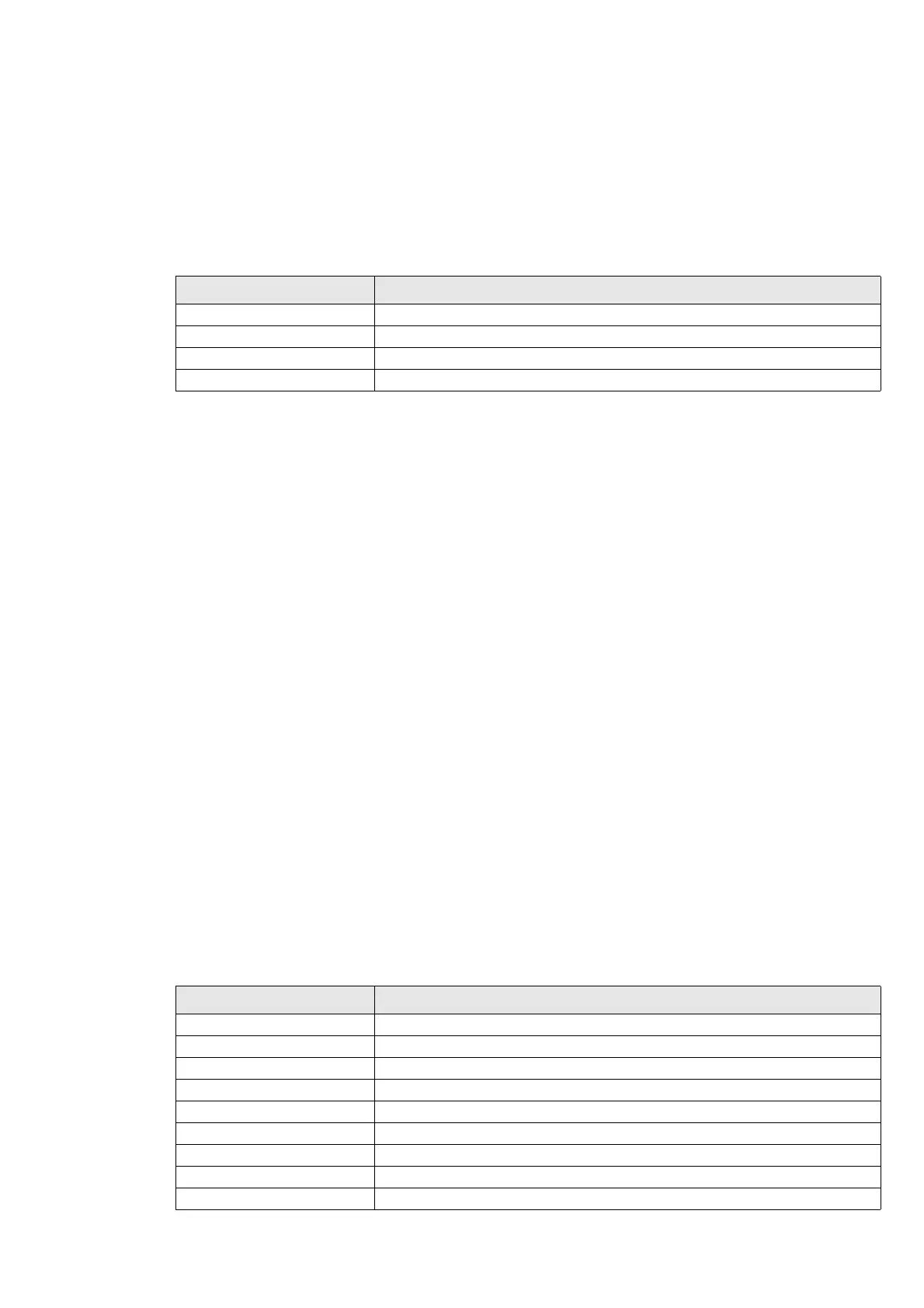
Compare mode Description
0 Skip
1 Using fastest method (default)
2 Using CRC
3 Using readback
Verify mode Description
0 Skip
1 Programmed sectors, fastest method (default)
2 Programmed sectors using CRC
3 Programmed sectors using readback
4 All sectors using fastest method
5 All sectors using CRC
6 All sectors using read back
7 Programmed sectors using checksum
8 All sectors using checksum



 To Next Page