MRD 3187B - User Manual
Page 139 (245)
5. Use the and buttons
to move the cursor to
“Filtering:” then press the
button.
6. Use the and buttons
to set the Filtering to “Enabled”
or “Disabled”, then press the
button to save the
selection.
7. Use the and buttons
to move the cursor to
“Processing:” then press the
button.
8. Use the and buttons
to set the Filtering to
“PSI(MPEG)” or “SI(DVB)”,
then press the button to
save the selection.
9. Use the and buttons
to move the cursor to “Out TS
Rt:” then press the button.
10. Use the and buttons
to select the column to edit and
use the and buttons
to change the Output Bitrate,
then press the button to
save the selection.
11. Use the and buttons
to move the cursor to “Phys
Conn:” then press the
button.
12. Use the and buttons
to set the Filtering to “Port 1” or
“Port 2”, then press the
button to save the selection.
IP
1. Use the and
buttons to move the cursor to
“IP:” then press the
button.
2. Use the and
buttons to select the column
to edit and use the and
buttons to change the
IP, then press the
button to save the selection.
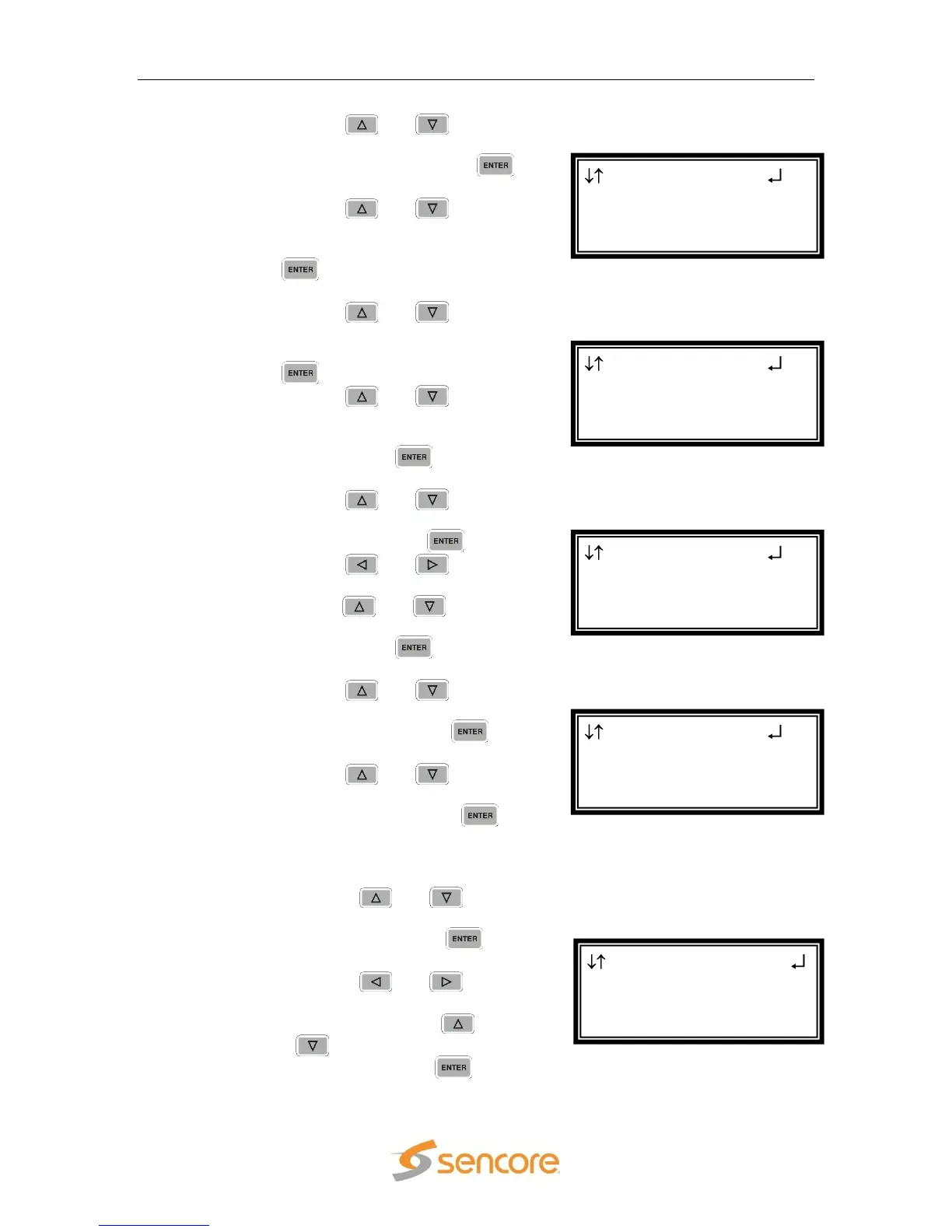
Transmit 1 Setup←→
►IP:239.192.000.001
Dest Port:01030
Source Port:01030
Transmit 1 Setup
Processing:PSI(MPEG)
Out TS Rt:012.00
►Phys Conn:Port 1
Transmit 1 Setup
Filtering:Enabled
Processing:PSI(MPEG)
►Out TS Rt:012.00
Transmit 1 Setup
Transmit:Enabled
Filtering:Enabled
►Processing:PSI(MPEG)
Transmit 1 Setup
Transmit:Enabled
►Filtering:Enabled
Processing:PSI(MPEG)



 To Next Page