MRD 3187B - User Manual
Page 68 (245)
Video Loss Mode
1. Use the and buttons to move
the cursor to “Video Loss Mode:” then
press the button.
2. Use the and buttons to
choose between (“Display Raster”,
“Disable Output”), then press the
button to save the selection.
Auto AFD
1. Use the and buttons to move
the cursor to “Auto AFD:” then press
the button.
2. Use the and buttons to
enable or disable AFD, then press the
button to save the selection.
Video Shift
Video Shift provides a horizontal and vertical shift of the video output.
1. Use the and buttons to move
the cursor to “H-shift:” then press the
button.
2. Use the
and
buttons to select
the column to edit and use the
and
buttons to change the
horizontal step (-50 – +50 steps, where
the minus direction moves the video
down), then press the
button to
save the selection.
3. Use the and buttons to move
the cursor to “V-shift:” then press the
button.
4. Use the
and
buttons to select
the column to edit and use the
and
buttons to change the vertical
step (-50 – +50 steps, where the minus
direction moves the video to the left),
then press the
button to save the
selection.
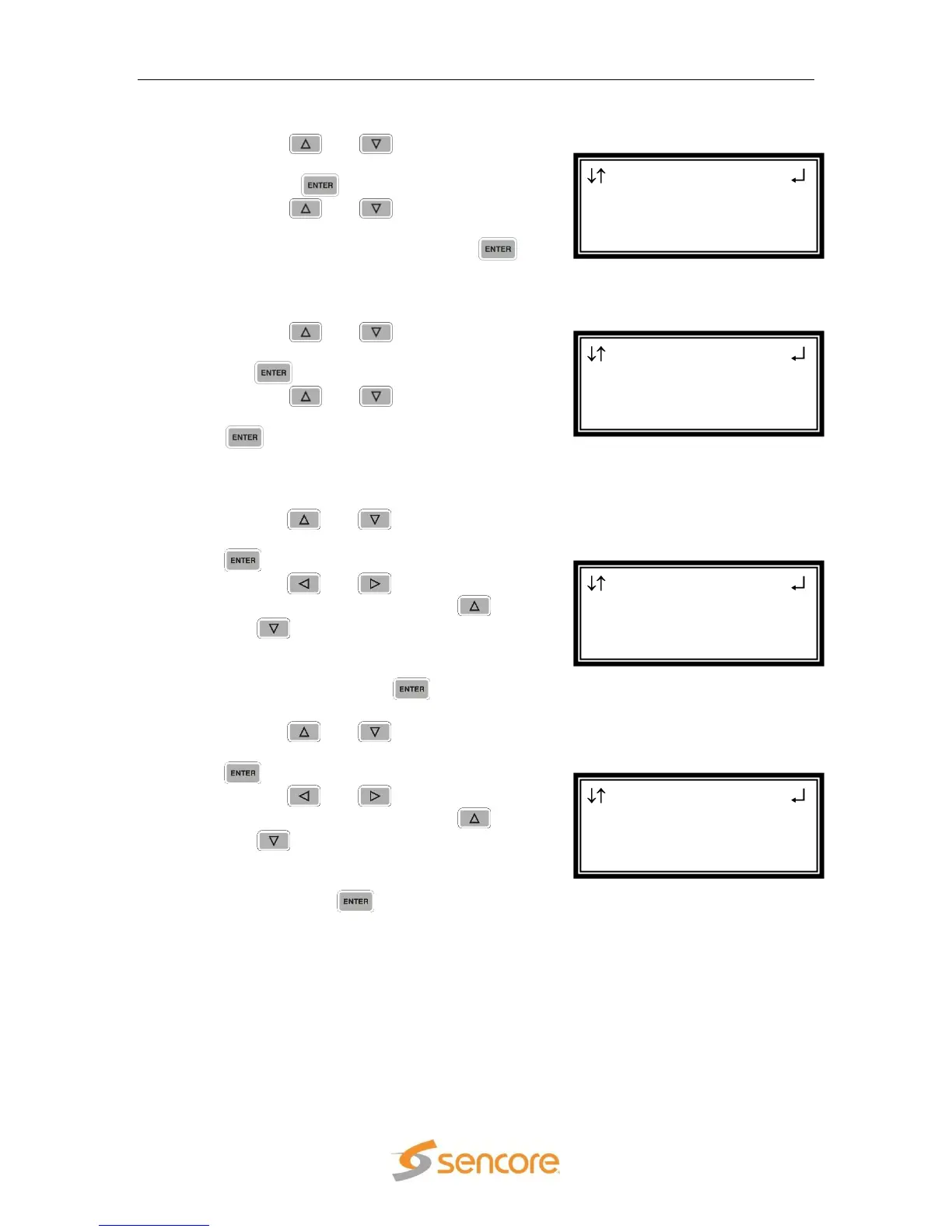
SD Settings 2-1
Auto AFD:Disabled
H-Shift:+00 steps
►V-Shift:+00 steps
SD Settings 2-1
Auto AFD:Disabled
►H-Shift:+00 steps
V-Shift:+00 steps
SD Settings 2-1
Video Loss Mode:
Display Raster
►Auto AFD:Disabled
SD Settings 2-1
Disp Mode:Cropped
►Video Loss Mode:
Display Raster



 To Next Page