MRD 3187B - User Manual
Page 69 (245)
SDI VANC Assignment
To edit the SDI VANC Assignment, use
the following steps.
1. Use the and buttons to move
the cursor to “SDI VANC Assign” then
press the button to display the
status screen for the VANC.
2. Press the button once more to
enter the Edit screen.
Ancillary Data Packets
This controls the embedding of the Ancillary Data Packets (ADP) into the
VANC of the SDI output.
1. Use the and buttons to
move the cursor to the desired type
of Ancillary Data Packet (“EIA-
608CC”, “EIA-708CC”, “TTX
S2031M”, “Source ID”, or “SCTE
127”, “AFD”), then press the
button.
2. Use the and buttons to
choose “Enabled” or “Disabled”,
then press the button to save
the selection.
3. Use the and buttons to
select “Line:” for the ADP and
press the button.
4. Use the and buttons to
change the line number (4 – 15) in
which the ancillary data will be
located, then press the
button.
Note: Repeat steps 1-4 above to change EIA-708CC, TTX S2031M, Source
ID, SCTE 127 and AFD.
NTSC Waveforms
To enable NTSC items, use the following steps.
1. Use the and buttons to move
the cursor to “Line 21CC:” then press
the button.
2. Use the and buttons to
select “Enabled” or “Disabled”, then
press the button to save the
selection.
Note: Repeat steps 1-2 above to change AMOL and TVG2x.
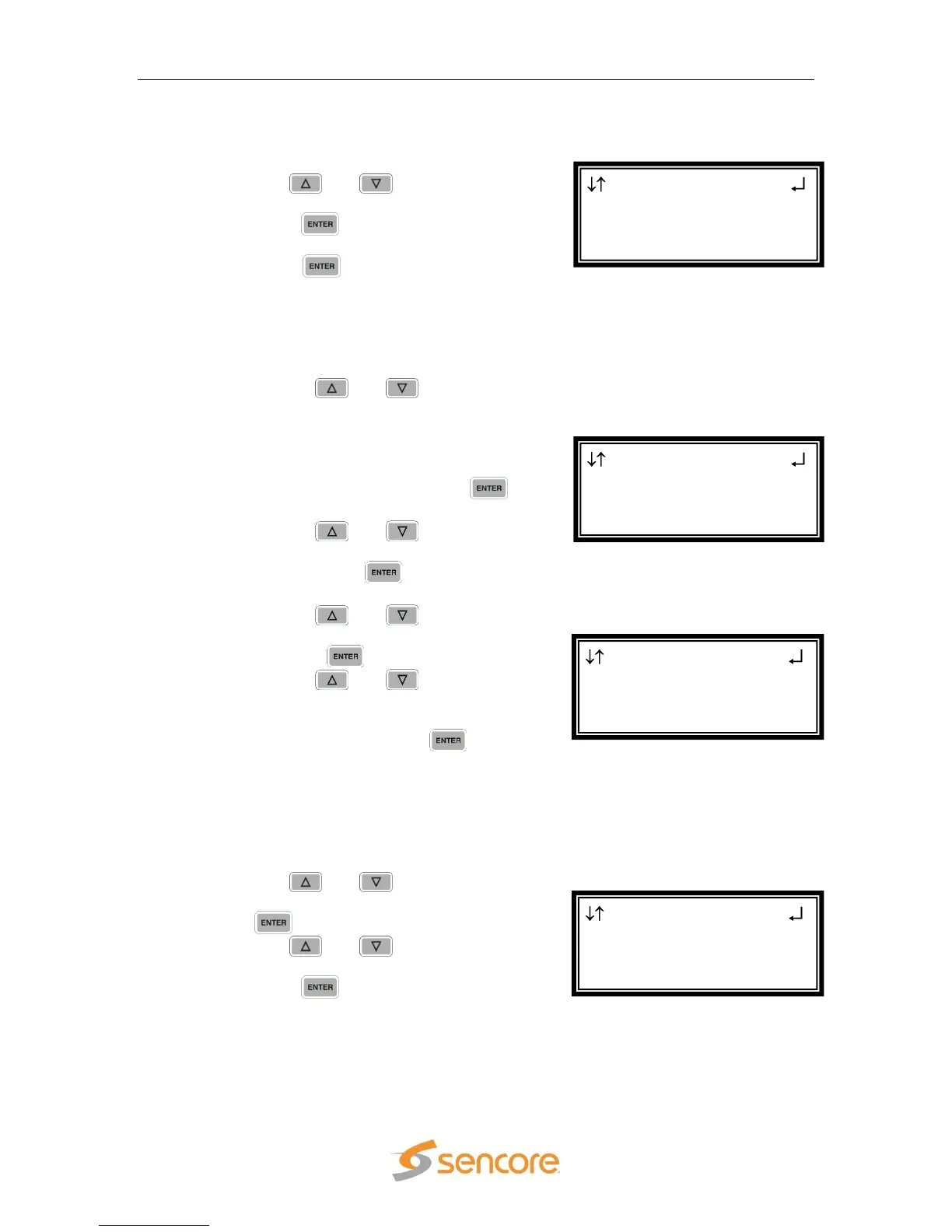
SD SDI VANC 2-1
NTSC Waveforms
► Line 21CC:Enabled
AMOL:Disabled
SD SDI VANC 2-1
ADP
EIA-608CC:Disabled
► Line:9
SD SDI VANC 2-1
ADP
► EIA-608CC:Disabled
EIA-708CC:Disabled
SD Settings 2-1
H-Shift:+00 steps
V-Shift:+00 steps
►SDI VANC Assign



 To Next Page