MRD 3187B - User Manual
Page 70 (245)
PAL Waveforms
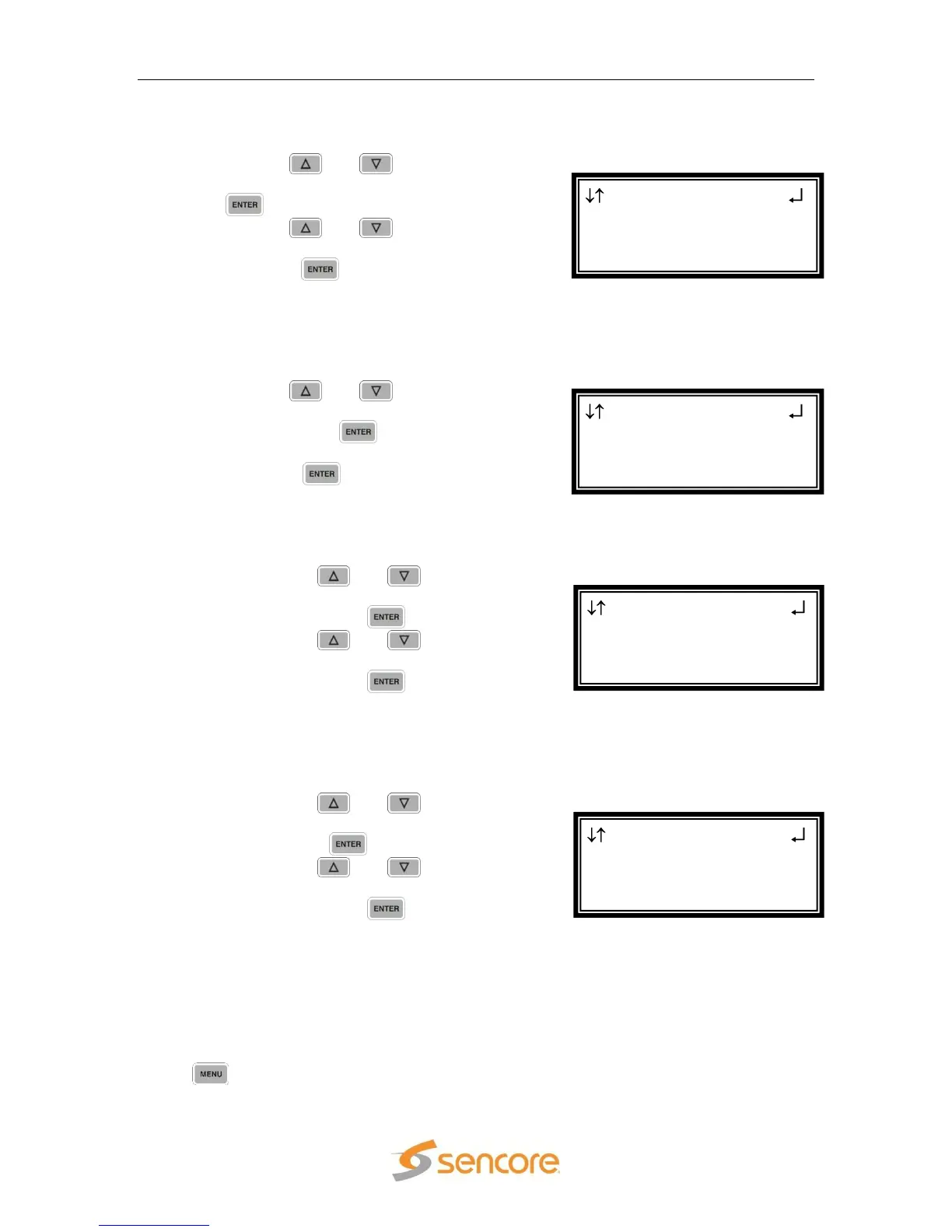
To enable PAL items, use the following steps.
1. Use the and buttons to move
the cursor to “TTX:” then press the
button.
2. Use the and buttons to
select “Enabled” or “Disabled”, then
press the button to save the
selection.
Note: Repeat steps 1-2 above to change VPS and WSS.
Composite VBI Assignment
To edit the Composite VBI Assignment, use the following steps.
1. Use the and buttons to move
the cursor to “Cmpst VBI Assignment”
then press the button to display
the status screen for the VBI.
2. Press the button once more to
enter the Edit screen.
NTSC Waveforms
To enable NTSC items, use the following steps.
1. Use the and buttons to
move the cursor to “Line21 CC:”
then press the button.
2. Use the and buttons to
select “Enabled” or “Disabled”,
then press the button to save
the selection.
Note: Repeat steps 1-2 above to change AMOL, and TVG2x.
PAL Waveforms
To enable PAL items, use the following steps.
1. Use the and buttons to
move the cursor to “TTX:” then
press the button.
2. Use the and buttons to
select “Enabled” or “Disabled”,
then press the button to save
the selection.
Note: Repeat steps 1-2 above to change VPS, and WSS.
Genlock Offset
The 8708 card can be Genlocked to a standard “black and burst” signal applied to the
Genlock input on the back panel. The frame rate of the “black and burst” signal must
be the same as the frame rate of the video output. The “Genlock Reference,” under
the button, must be set to the type of Genlock signal being used as well. If the
Genlock input source is lost, the red “Error” LED will illuminate on the front panel, a
Cmpst VBI 2-1
PAL Waveforms
► TTX:Enabled
VPS:Disabled
Cmpst VBI 2-1
NTSC
► Line21 CC:Enabled
AMOL:Disabled
SD Settings 2-1
Auto AFD:Disabled
SDI VANC Assign
►Cmpst VBI Assignment
SD SDI VANC 2-1
PAL Waveforms
► TTX:Enabled
VPS:Disabled



 To Next Page