Tuning CDHD
202 User Manual
Clear this option if overshoot is t oo large.
Click N e x t to continue.
St e p 4 – Options: Sm oot hin g
Not y et supported.
St e p 4 – Opt ion s: LM JR Va lue s
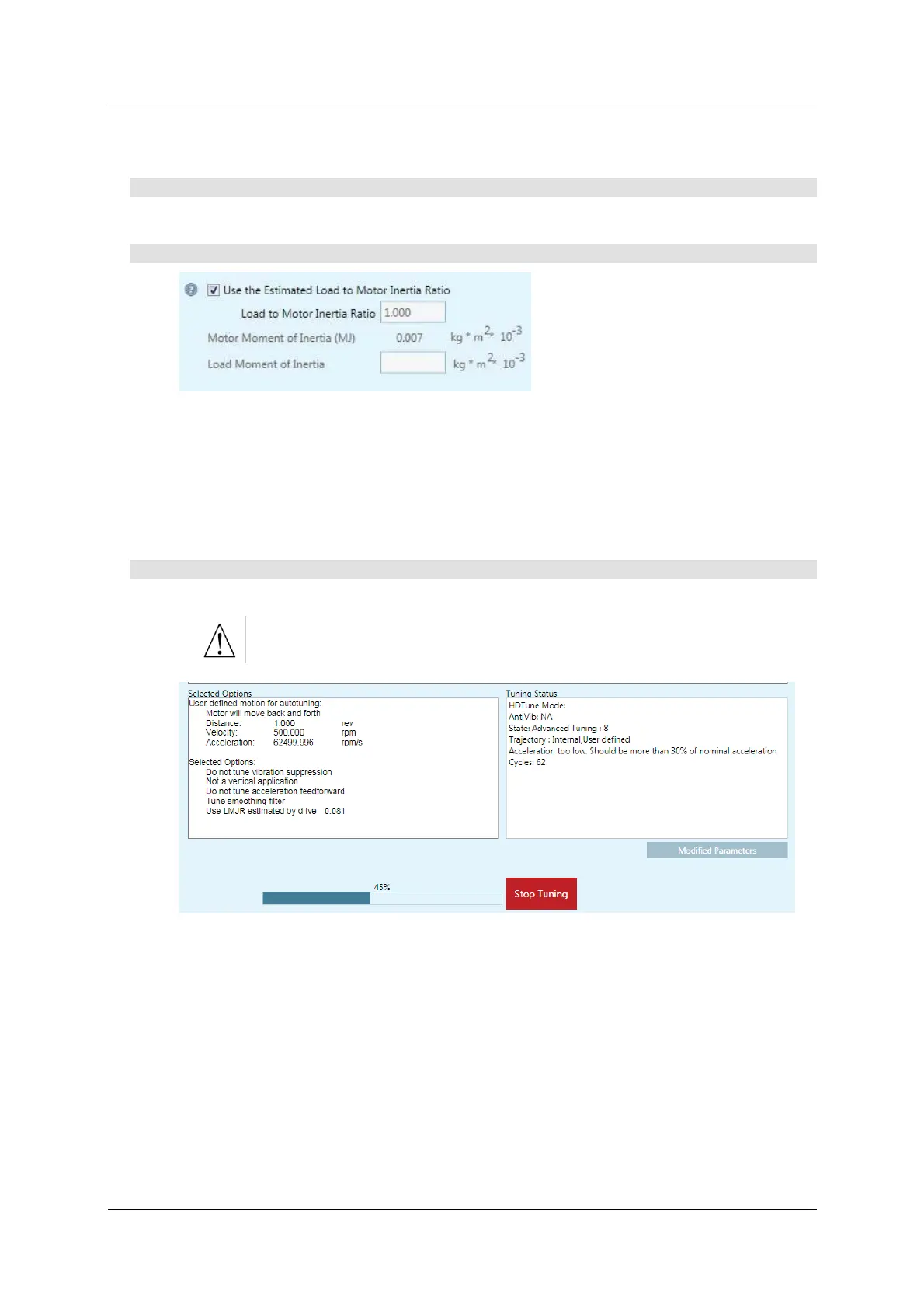
Figur e 9 - 1 1 . Aut otu nin g – LM JR Va lue s
Typically the autotuning can use the LMJR value calculated in Step 2.
For som e system s you m ay need to set LMJR manually. In such instances, clear
the option to use the Est im at ed LMJR value, and ent er inertia values.
Refer to
St ep 2 – Load/ Motor Inertia Ratio.
St ep 5 – St a r t
1 . Press St a r t Tu ning to begin the autotuning process.
St ar t enables the drive and moves the m otor repeatedly!
Figur e 9 - 1 2 . Autotuning – St a r t
The m ot or m oves back and forth continuously while testing values at intervals
throughout the range for each of the control loop parameters.
When the autotuning is completed, press Modifie d Par am ete r s t o view the new
sett ings.



 To Next Page