Three conditions are required to enable the CDHD2S drive:
⚫ No fault.
⚫ The software enable switch must be ON (SWEN=1).
⚫ The remote enable switch must be ON (REMOTE=1).
Use the ServoStudio2 Enable and Fault screen to view and set the conditions required to enable
the drive.
The following elements provide a visual indication of the enabled or disabled state of the drive:
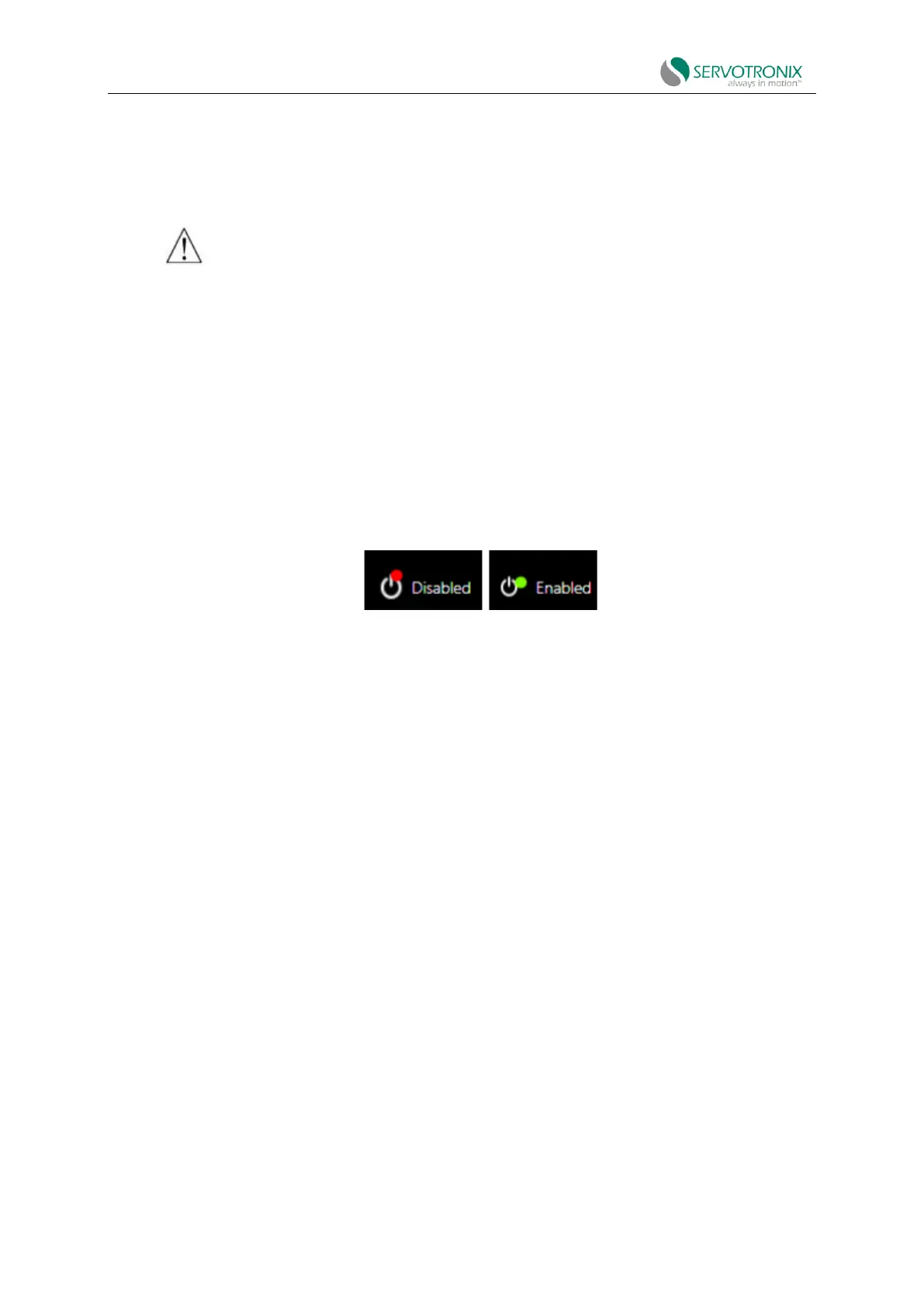
⚫ The Enabled|Disabled buttons in the ServoStudio2 toolbar indicate drive state.
Figure 7-1
If it lights up, the drive is enabled (activated). The motor is being energized.
If the light is off, the drive is disabled.
⚫ The decimal point 1 on the digital display of the drive indicates the enabled/disabled
state of the drive.
If it lights up when the operation mode is displayed, the drive is enabled, as shown in the
example here.
If not, the drive is disabled.
7.2 Drive Operation Mode
The CDHD2S can run in multiple operation modes. Each operation mode has a main control
loop (current/torque, velocity or position) and a specific type of command input.
When using the VarCom instruction, the operation mode is set via the OPMODE value:
0=Velocity control, using serial commands
1=Velocity control, using analog inputs
2=Current control, using serial commands
3=Current control, using analog inputs
4=Position control, using pulse/gearing inputs



 To Next Page