interval as 1. Since there will be no movement of 128 pre-trigger points, the recorded data will be
filled with zeros (zero velocity command before movement).
3. Use the variables REC COMPLETE (recording completed) and/or RECING (recording in
progress) to determine whether the recorded data is available.
4. Set the variable GETMODE to 0. Then use the command GET to retrieve data recorded in
comma-separated variable (CSV)ASCII format.
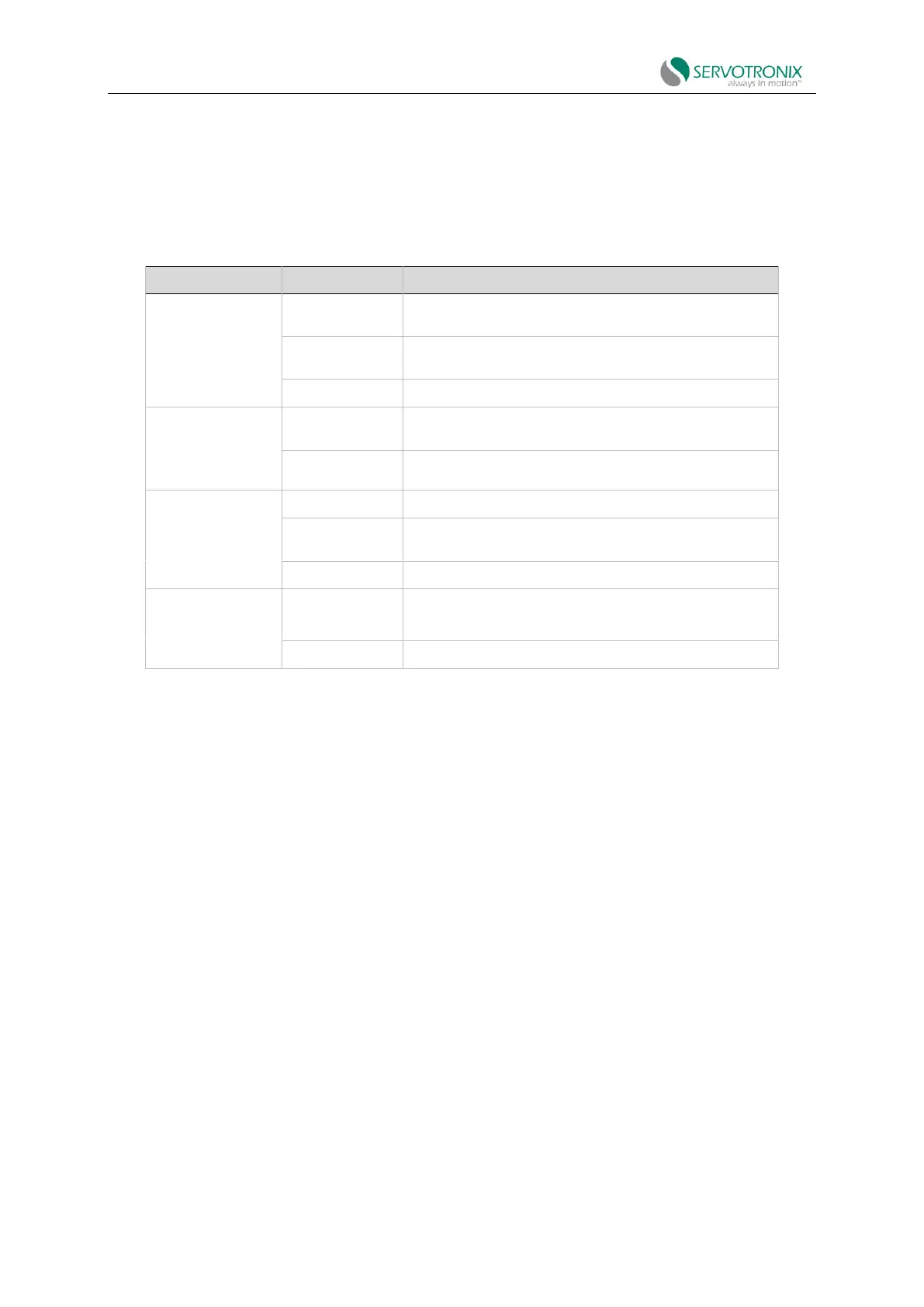
Table 8-2
Recording activation
command
Define the variables to be recorded, as well as the recorded
time span and sampling time.
Define the trigger conditions for starting recording and the
pre-trigger duration.
Turn off the active record.
Record
utility
information
List all variables that can be recorded by the recording
function.
List all options that trigger recording.
Indicate that the record is ready.
Indicate that a trigger condition has occurred and the
record is active.
Indicate that the recording has been completed.
Define the format of recorded data (binary /ASCII).
Retrieve the recorded data.
8.6.4 Evaluate PTPVCMD
Note: ServoStudio2 has not been fully updated.
The parameter PTPVCMD (Position Command Generator velocity) reports the derivative of the
position command profile in velocity unit. PTPVCMD can be used to record and view actual velocity
and velocity commands, which can only be used as derivatives of the position profile.
PTPVCMD is a trajectory velocity command that applies to all position loops.
VCMD is the output velocity command of the linear controller.
VCMD is not used for HD (non-linear) control.
The following figure shows an example of PTPVCMD recording indicating poor performance.



 To Next Page