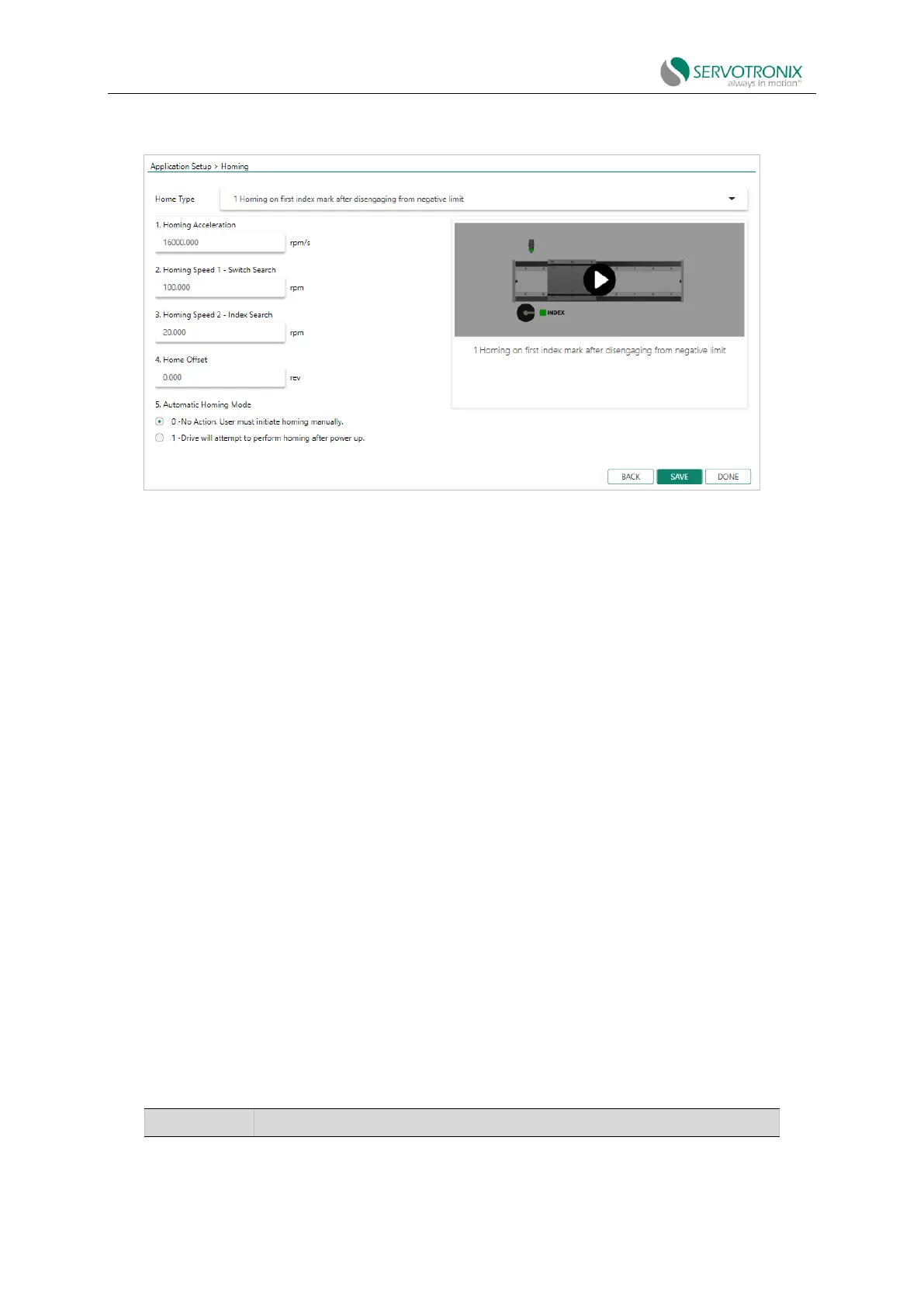
Application Setup - Return
Figure 6-16 ServoStudio2 - application setup - return
It will be displayed when "Interface Mode" is the following mode:
⚫ EtherCAT
⚫ CANopen
⚫ Pulsetrain
⚫ USB/RS232
Application Setup - Save
This option appears in the Application Setup - Return step when the software is communicating
with the drive.
6.3 Communication
Commissioning the drive via PositionUnits requires serial RS232 or USB connection. After
configuring the drive, you can connect the drive to a PLC or controller via an EtherCAT or CANopen
network.
When communicating via serial RS232/USB connection and pulse train/analog interface, the
drive must be set to COMMODE0.
Note: When communicating via EtherCAT or CANopen networks, the drive must be set to
COMMODE1. COMMODE1 is the factory default setting of the drive.
The following parameters are used to configure and monitor communication:



 To Next Page