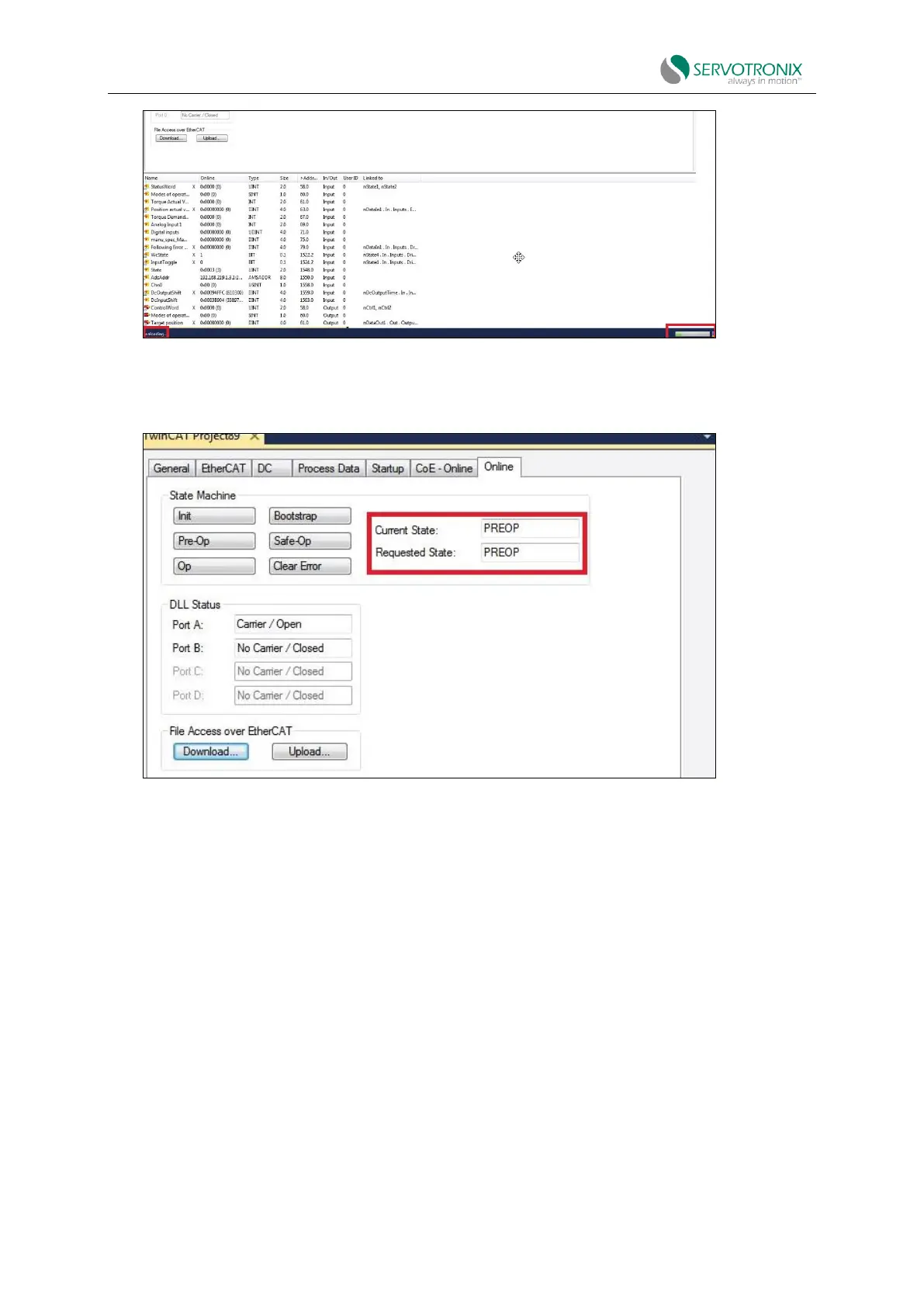
Figure 4-51
10. When the firmware update is completed, the "Current State” switches from BOOT to PREOP.
Figure 4-52
4.12.5 Restoration operation after firmware update
Procedure: Restoration operation after firmware update
1. Go to the ServoStudio2 Drive Information screen in ServoStudio2 and check the drive
firmware version to verify that the new firmware has been loaded.
2. Open the Backup and Restore screen and click the "Restore" button to reload the previously
backed up drive parameters
3. Check the version release notes and set all parameters that may have been added to the
new version.
4. Save parameters to non volatile parameter memory: execute the serial command "Save", or
click the "Save" button on the ServoStudio2 toolbar, or use the command C0006 on the operation
panel; and wait for the display to show completion.
5. Restart the power and run the machine. If machine behavior has changed, please contact
technical support.



 To Next Page