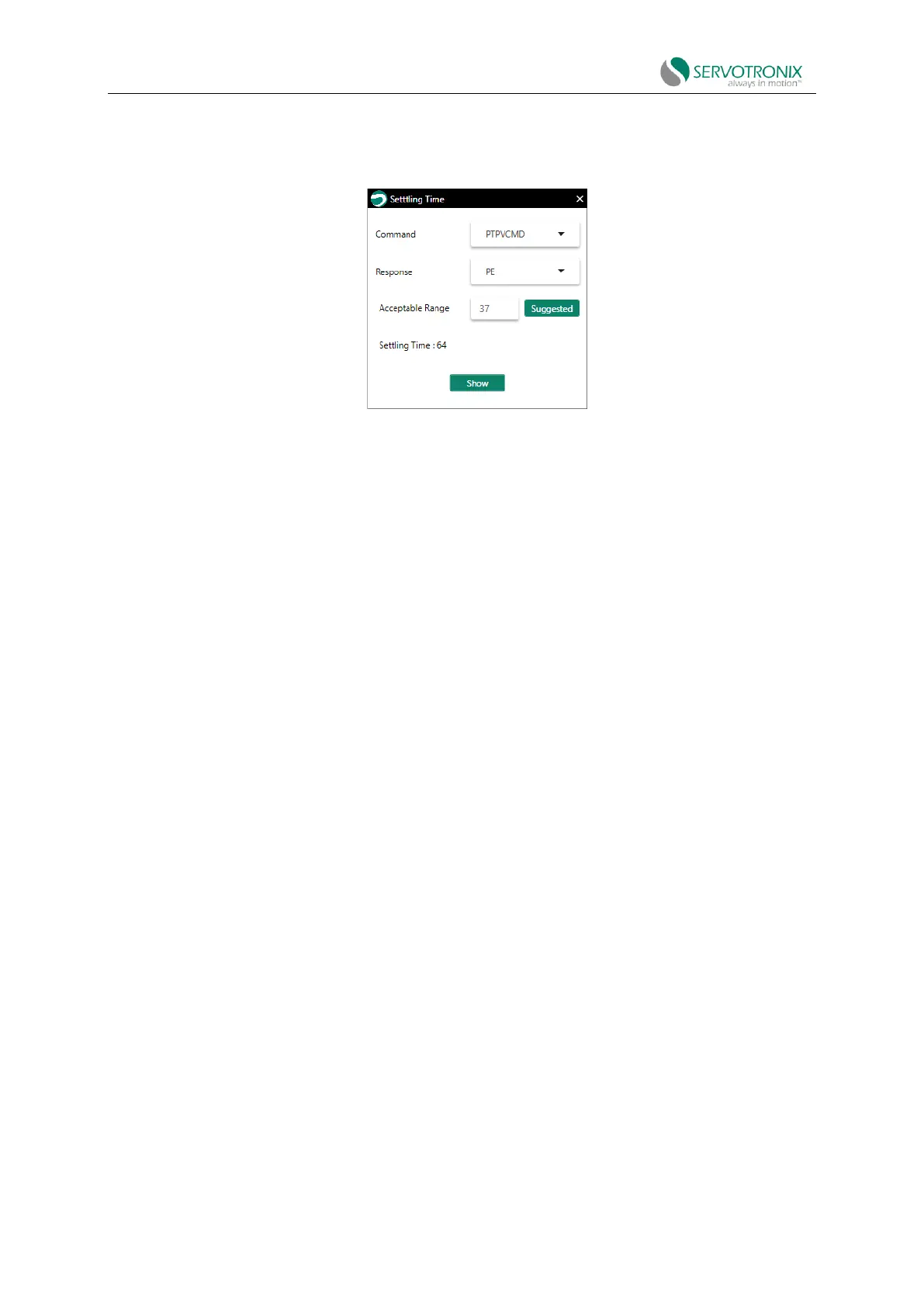
6. Check the position error and settling time
Right-click in the graph pane and select Show Settling Time.
Figure 8-17 Position error (count) and settling time (ms)
The acceptable range of response (position error) is the motion at the end point (in count).
Acceptable range:
Example:
Mechanical dimensions (connector length) = 0.5 meters
Motor resolution: 1 revolution = 17 bits = 131072 counts
Gear ratio=1:100
Acceptable range:
If the motor rotates 100 times, the end point motion is 0.2x10⁻⁶ meters. Acceptable range: 50-
100.
8.6.3 Recording data in the terminal
Procedure: Record data (terminal)
1. Use the command RECORD to define the variables to be recorded, the recording interval
and the number of points to be recorded. The syntax for recording command is:
RECORD{sampling time}{number of points}{variable 1}[variable 2][variable 3]
For example: RECORD32100"VCMD"V"ICMD
Record 100 points of VCMD, V and ICMD every 1 ms
Note that there must be a quotation mark (") before the variable.
2. Use the command RECTRIG to define the variables and conditions that trigger recording.
The syntax for recording trigger command is:
RECTRIG{variable}[level][pretrigger][up|down]
Note: If the specified number of pre-trigger points is greater than the number of points actually
recorded before triggering, the recorded pre-trigger segment will include the variable
value before the motion started.
For example, when the acceleration is 10000rps/s, record a jog (J) from zero to 1000rpm;
specify the recording level as 1rpm, the direction upward, 128 pre-trigger points and the time



 To Next Page