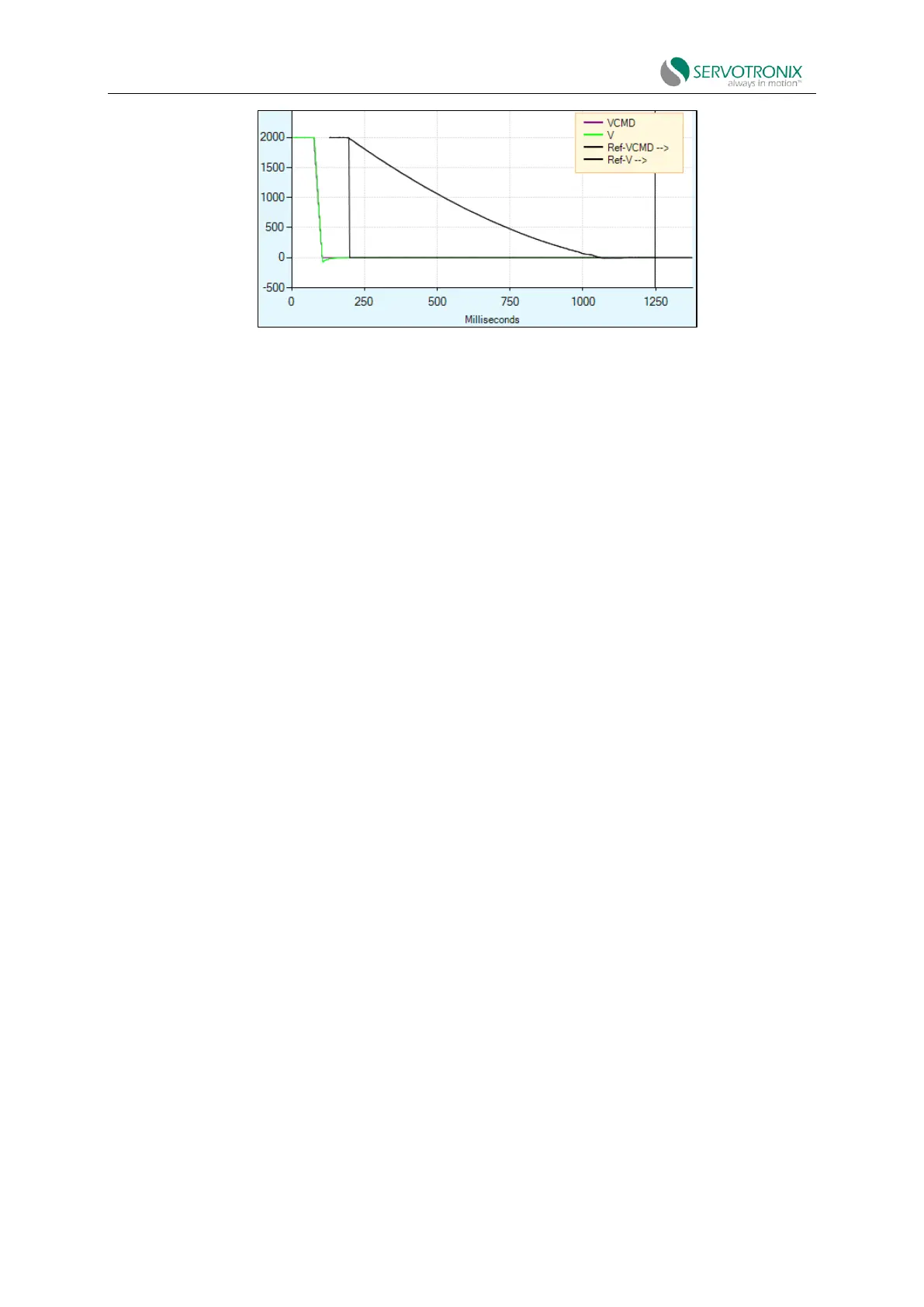
Figure 9-2 Motor coasts to a stop when STO takes effect
STO indicator
STO status and diagnostic information is provided in the following ways.
Digital display
If the drive is disabled and STO is in effect (STO power is removed), a warning condition will
occur and n will be normally on when the panel is in status mode (08 indicates the operation mode
in this example). If the drive is enabled and STO is active (STO power is removed), a fault condition
will occur and the digital display will automatically switch to fault mode.
If panel mode switches back to status mode while a fault condition still exists, the display will
show Sn with n flashing (according to panel mode behavior).
Serial communication
When using serial communication (terminal), ST query returns the status report list. The state
is slightly different when STO takes effect (STO power supply is removed), depending on whether
the drive is enabled or disabled when STO power supply is removed.
If the drive is disabled and STO is in effect (STO power is removed), a warning condition will
occur and the status report will display the warning:
Drive is not active
Drive is not ready:
No SW enabled
Warning exists:
WRN1STO signal not connected
If the drive is enabled and STO power is removed, this is a fault condition and the status report
will indicate the fault.
Drive is not active



 To Next Page