5. Application Operation
5-26
CBM-20A/20Alite
2
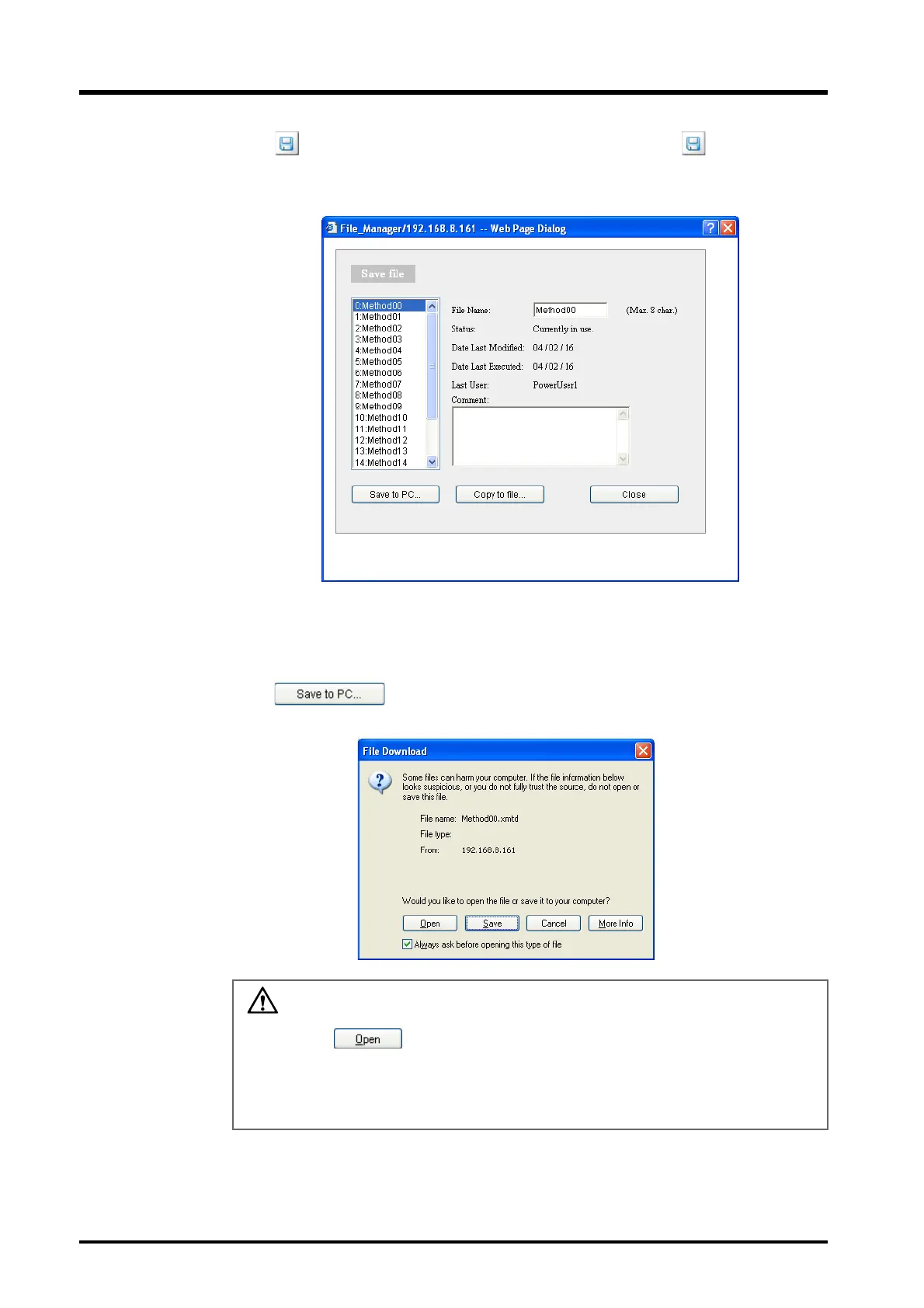
Click in the "Method" section to save method files and click in the
"Sequence" section to save sequence files.
The "Save file" window is displayed.
3
Select the file to be saved from the list on the left of the window.
4
Click .
The following window is displayed.
CAUTION
Do not click . Clicking this button and associating the file with another
application may make it impossible to save the file. If this button is inadvertently
clicked and the "Open With" window is displayed, close the window by clicking
[Cancel].



 To Next Page