5.7 Managing Files
5-27
CBM-20A/20Alite
5
5
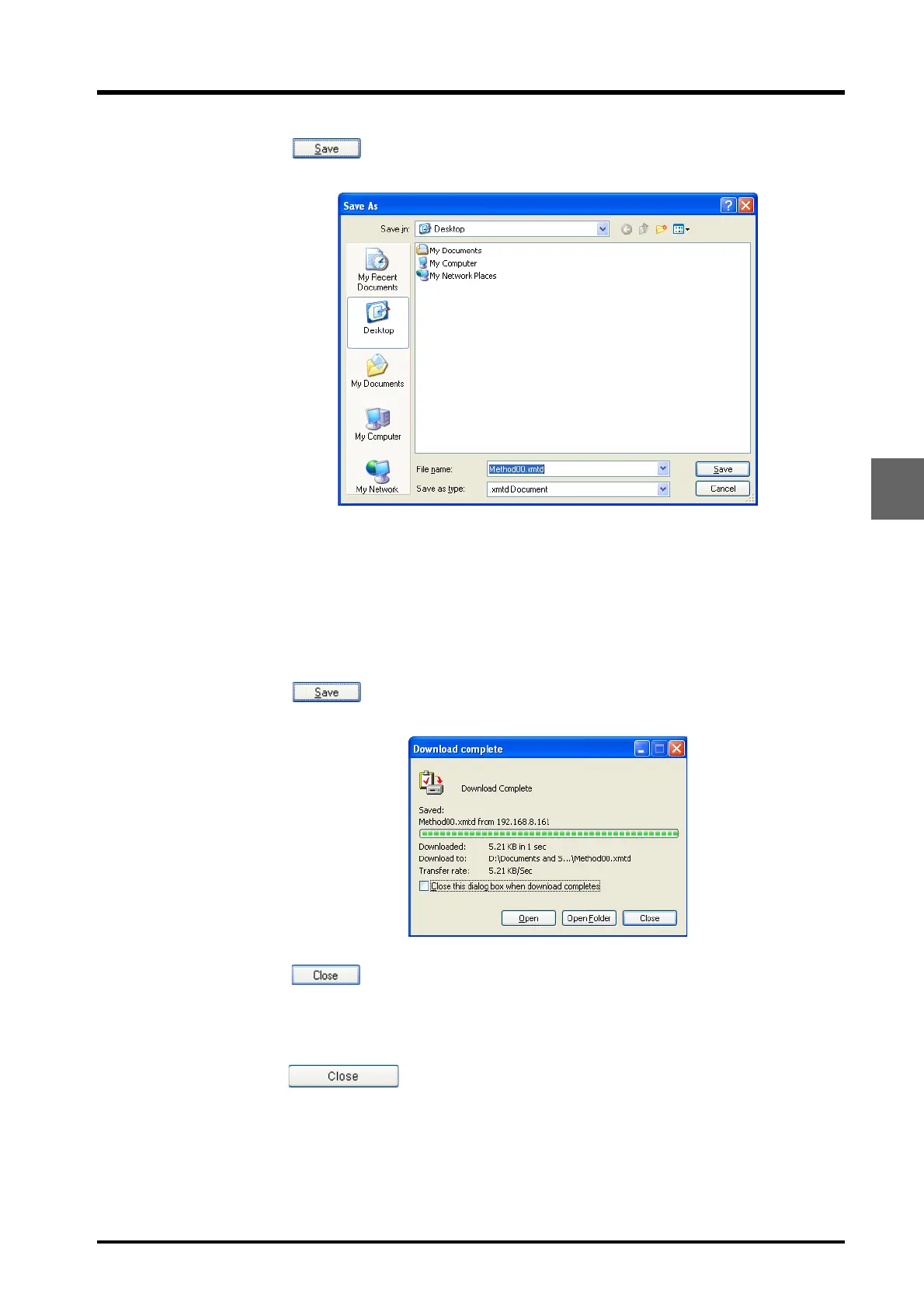
Click .
The following window is displayed.
6
Select the save location.
7
Input the filename.
8
Click .
The file is saved in the selected location and the following window is displayed.
9
Click in the "Download complete" window.
The window closes.
10
Repeat steps 3 to 9 until all the required files are saved. To end the saving procedure,
click in the "Save file" window.
The "Save file" window closes.



 To Next Page