9. Technical Information
9-40
CBM-20A/20Alite
9.4.6 Registering New Users
Use the following procedure to register new users.
1
Log into the "Group Settings" application as an Administrator, just as described in
"9.4.5 Setting Group and System Names" P. 9-38.
2
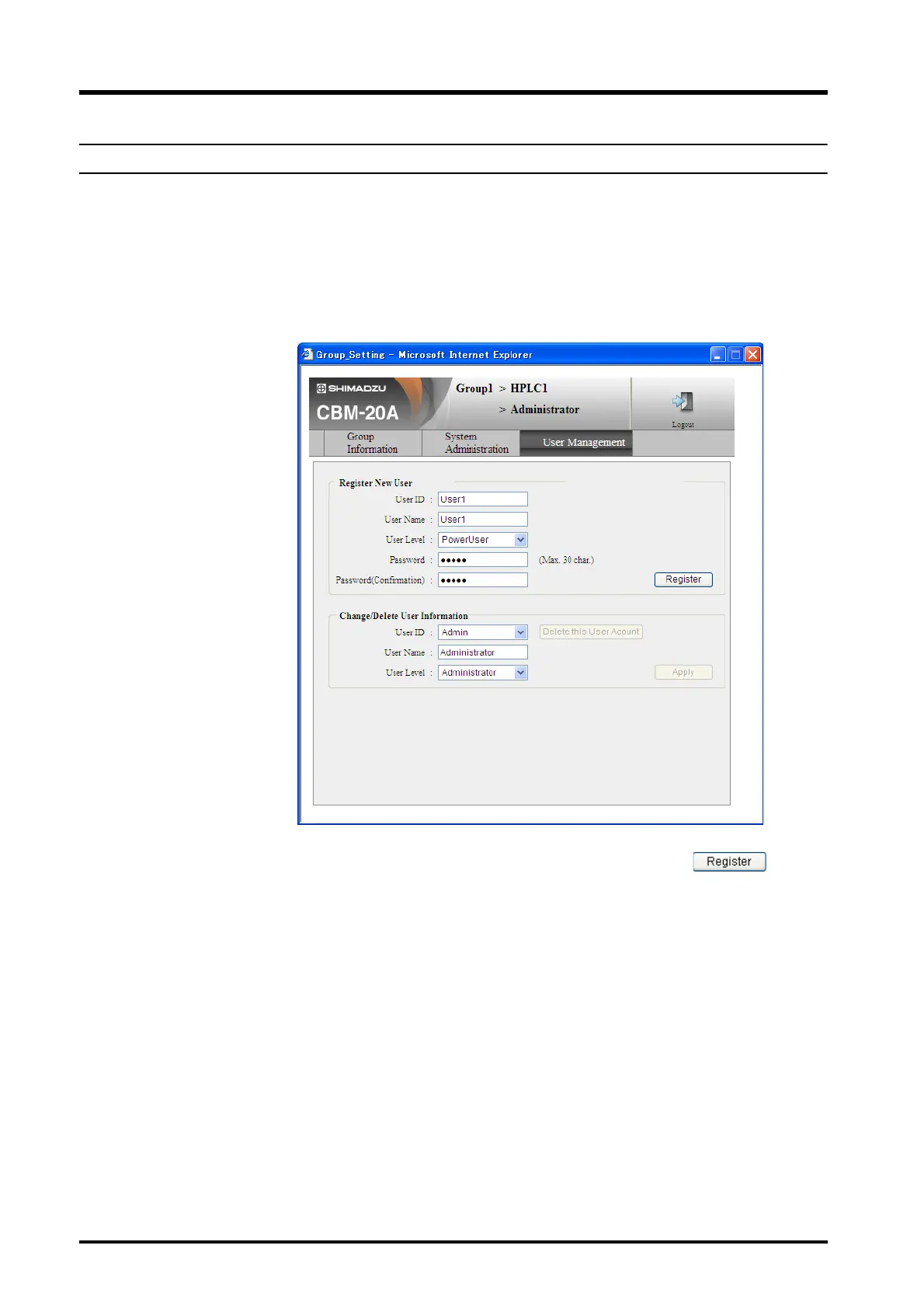
Open the "User Management" tab page.
3
Enter the user ID, name, level and temporary password, then click .
4
Register all the users.



 To Next Page