2-9
The important aspects of mounting the cabinet are:
Access for the operator;
Height of displays and controls;
Free space for door opening;
Cable entry for field wiring.
Refer to AS1670 for the height requirement and minimum access requirements.
In general, 18U – 28U cabinets will need to be wall mounted. Mounting holes and cabinet
dimensions are shown in drawing 1919-22b.
Door opening left/right should be specified with the order. The cabinets are symmetrical,
top to bottom, so door opening can be swapped by removing the equipment, rotating the
cabinet 180°, then re-fitting the equipment.
FACPs are ordered from the factory with bays and cards fitted as per the panel order
spreadsheet.
Additional mounting bays may be ordered as KT0447 which includes the 19” rac
mounting brackets and earth loom.
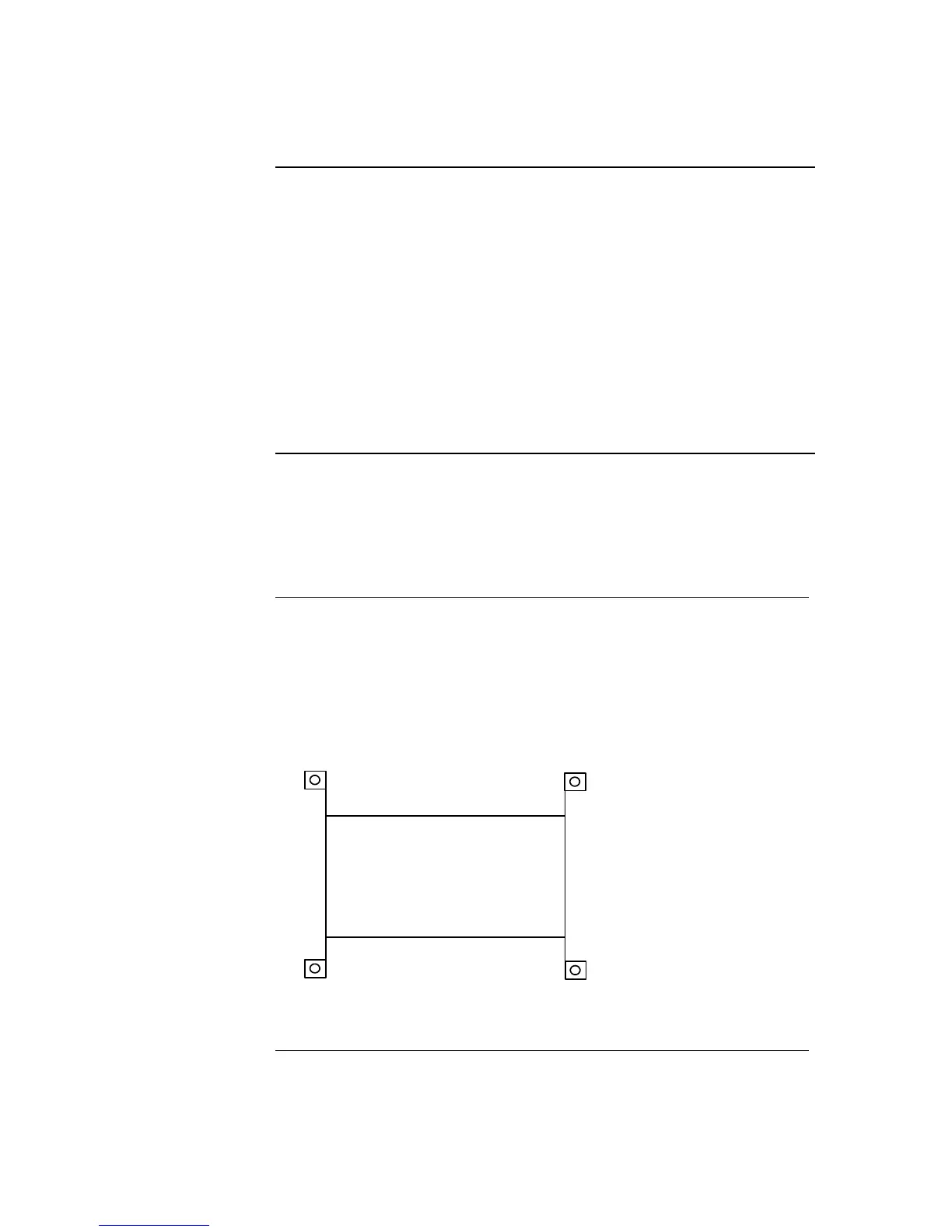
Attach each mounting bracket to the two studs in each front corner to achieve the format
shown below. Fit M6 cage nuts to the appropriate 19”rack holes, then attach the bay
using M6 countersunk screws.
←
Mounting Bracket
←
Bay Front
Figure 2-6. Bracket Mounting
Refer to the assembly drawings in the Appendix.
Step 1. Mounting Cabinets (4100U)
Overview
Step 2. Mounting Card Bays to Cabinets (4100U)
Overview



 To Next Page