DCR-PC101/PC101E
5-64
3. Bit Value Discrimination
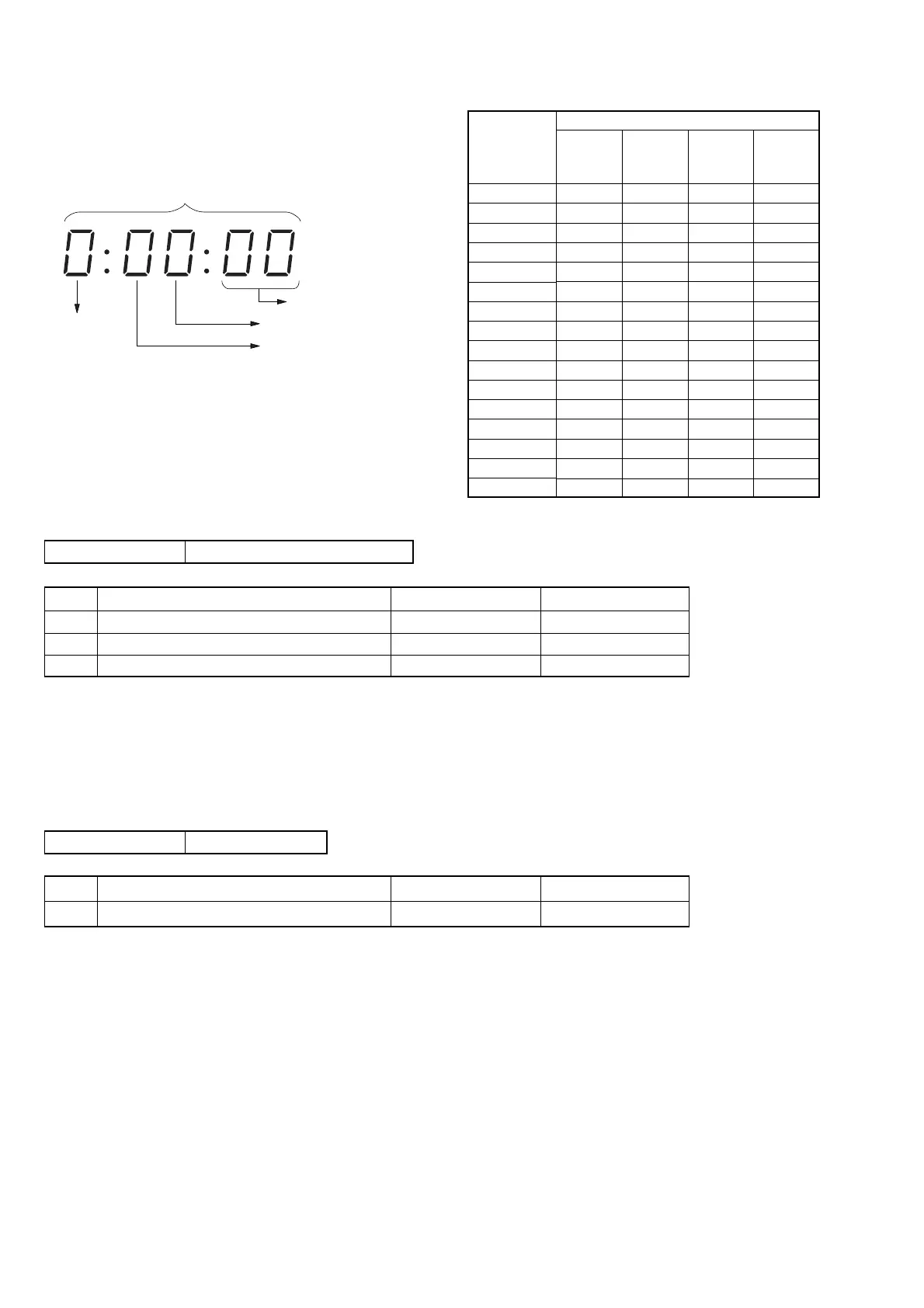
Bit values must be discriminated using the display data of the ad-
justment remote commander for the following items. Us the table
below to discriminate if the bit value is “1” or “0”.
(Example) If the remote commander display is “8E”, bit value from
bit 7 to bit 4 can be discriminated from the column A,
and those from bit 3 to bit 0 from column B.
4. Jack Check (1)
Page 7 Address 0C
Using method:
1) Select page: 7, address: 0C.
2) By discriminating the bit value of display data, the state of
jack can be discriminated.
5. Jack Check (2)
Page 3 Address 61
Using method:
1) Select page: 3, address: 61.
2) By discriminating the bit value of display data, the state of
jack can be discriminated.
Page
Address
bit3 to bit0 discrimination
bit7 to bit4 discrimination
Display on the adjustment remote commander
Display on the
adjustment
remote
commander
0
1
2
3
4
5
6
7
8
9
A (
A
)
B (
b
)
C (
C
)
D (
d
)
E (
E
)
F (
F
)
Bit values
bit3
or
bit7
0
0
0
0
0
0
0
0
1
1
1
1
1
1
1
1
bit2
or
bit6
0
0
0
0
1
1
1
1
0
0
0
0
1
1
1
1
bit1
or
bit5
0
0
1
1
0
0
1
1
0
0
1
1
0
0
1
1
bit0
or
bit4
0
1
0
1
0
1
0
1
0
1
0
1
0
1
0
1
A
B
Bit Function When bit value = 1 When bit value = 0
1 MIC jack (ME-020 board J402) Used Not used
2 VIDEO/AUDIO jack (ME-020 board J401) Used Not used
3 S VIDEO jack (FK-2850 block J602) Used Not used
Bit Function When bit value = 1 When bit value = 0
6 Head Phone jack (FK-2850 block J601) Used Not used















 To Next Page