DCR-PC101/PC101E
5-33
17. CCD Defect Check
RadarW
RadarW
RadarW
Subject Not required
Measurement Point Check on the monitor TV
Measuring Instrument
Note: Check that the data of page: 0, address: 10 is “00”.
Switch setting
1) POWER ...................................................................CAMERA
2) NIGHT SHOT.................................................................. OFF
Checking method:
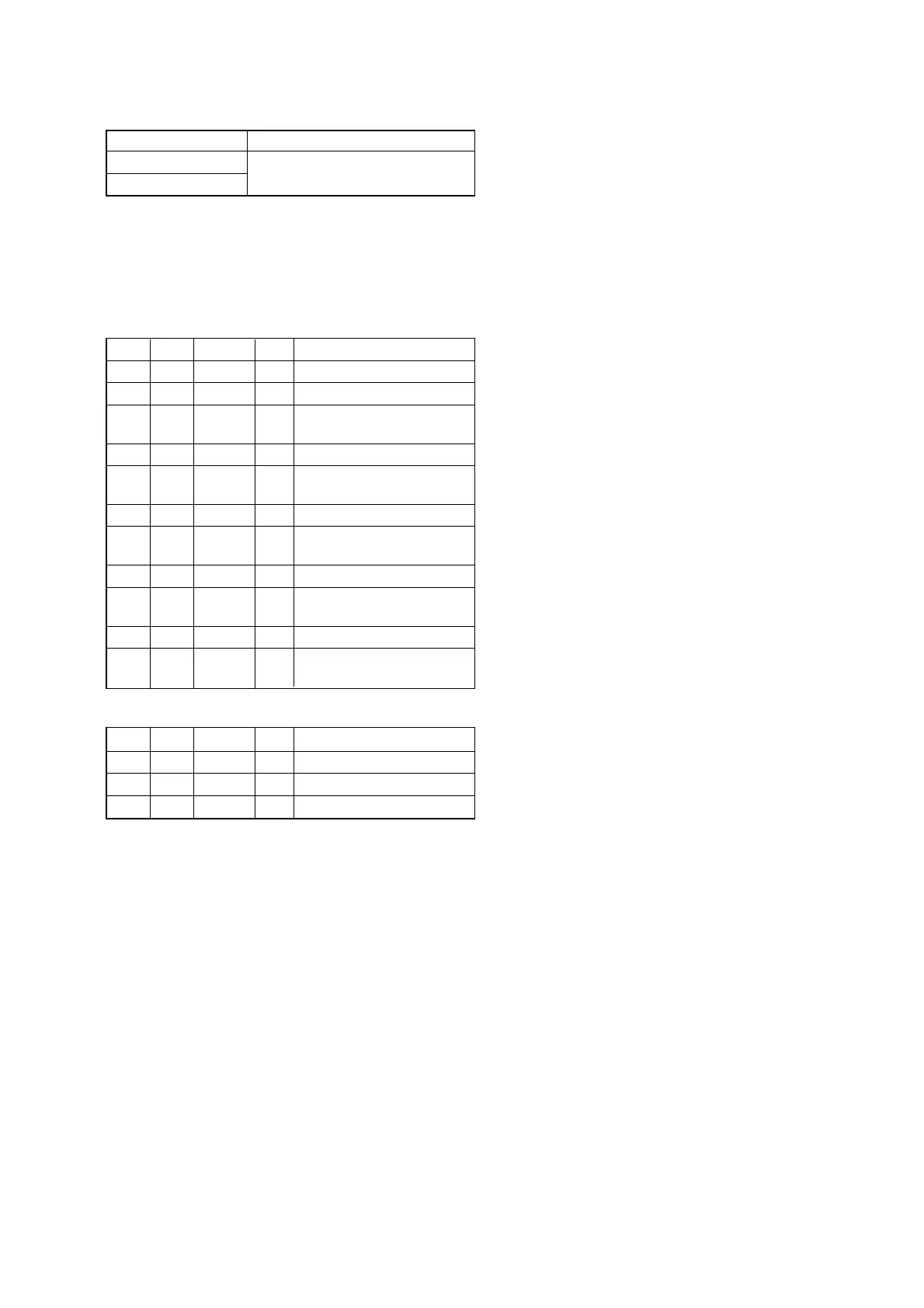
Order Page Address Data Procedure
1 6 01 05 Press PAUSE button.
26 1FCC
3
Check on the monitor screen
that no defect is found.
4 6 40 03
5
Check on the monitor screen
that no defect is found.
6 6 40 04
7
Check on the monitor screen
that no defect is found.
8 6 40 05
9
Check on the monitor screen
that no defect is found.
10 6 40 06
11
Check on the monitor screen
that no defect is found.
Processing after Completing Adjustment:
Order Page Address Data Procedure
1 6 01 00 Press PAUSE button.
2 6 40 00
36 1F00















 To Next Page