1PPS Input or Output: Viewing Signal State
To quickly view if the 1PPS inputs and outputs of this option card are currently enabled or dis
abled, go to the option card’s Status Summary panel. For instructions, see: "Viewing an
Input/Output Signal State" on page331.
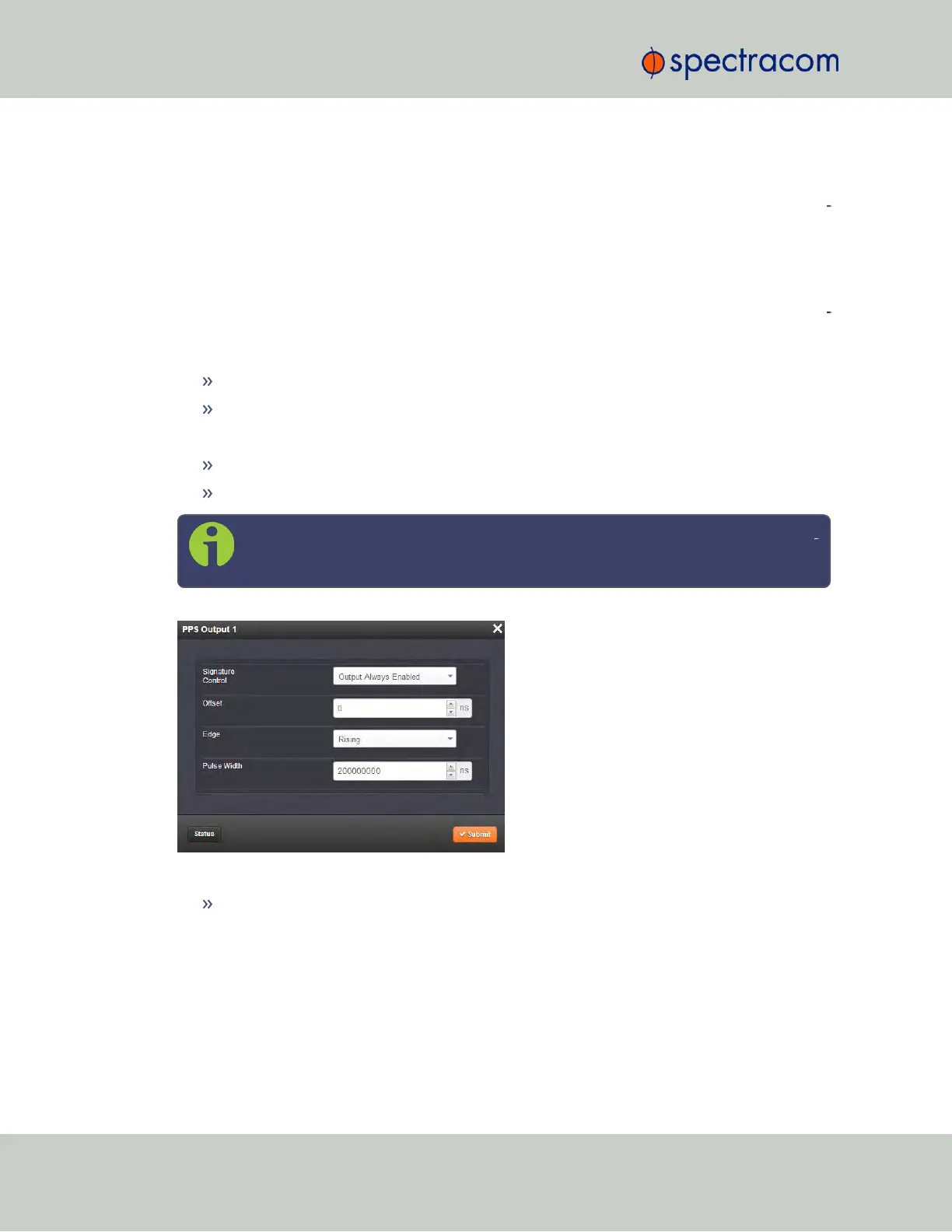
1PPS Output: Edit Window
To configure the settings of a 1PPS output, go to its Edit window. For instructions, see: "Con
figuring Option Card Inputs/Outputs" on page330.
The Web UI list entries for these cards are:
1PPS In/Out
1PPS In/Out, Fiber
The connector numbers are:
J2, J3, J4 (model -28)
J2, J3 (model -2A)
Note: SecureSync starts numbering I/O ports with 0 (only 1PPS and 10MHz out
puts start at1, because of the built-in outputs).
The fields available are:
Signature Control: Used to control when the 1PPS output signal will be present. See:
"Signature Control" on page136.
356 SecureSync User Reference Guide
APPENDIX



 To Next Page