Configuring Unicast Mode
To enter the Unicast mode, perform the following steps:
1.
In the GB PTP Edit window, navigate to the Advanced tab.
2.
Confirm that Unicast Sync is checked. The 1204-32 PTP module should always respond
to unicast negotiations.
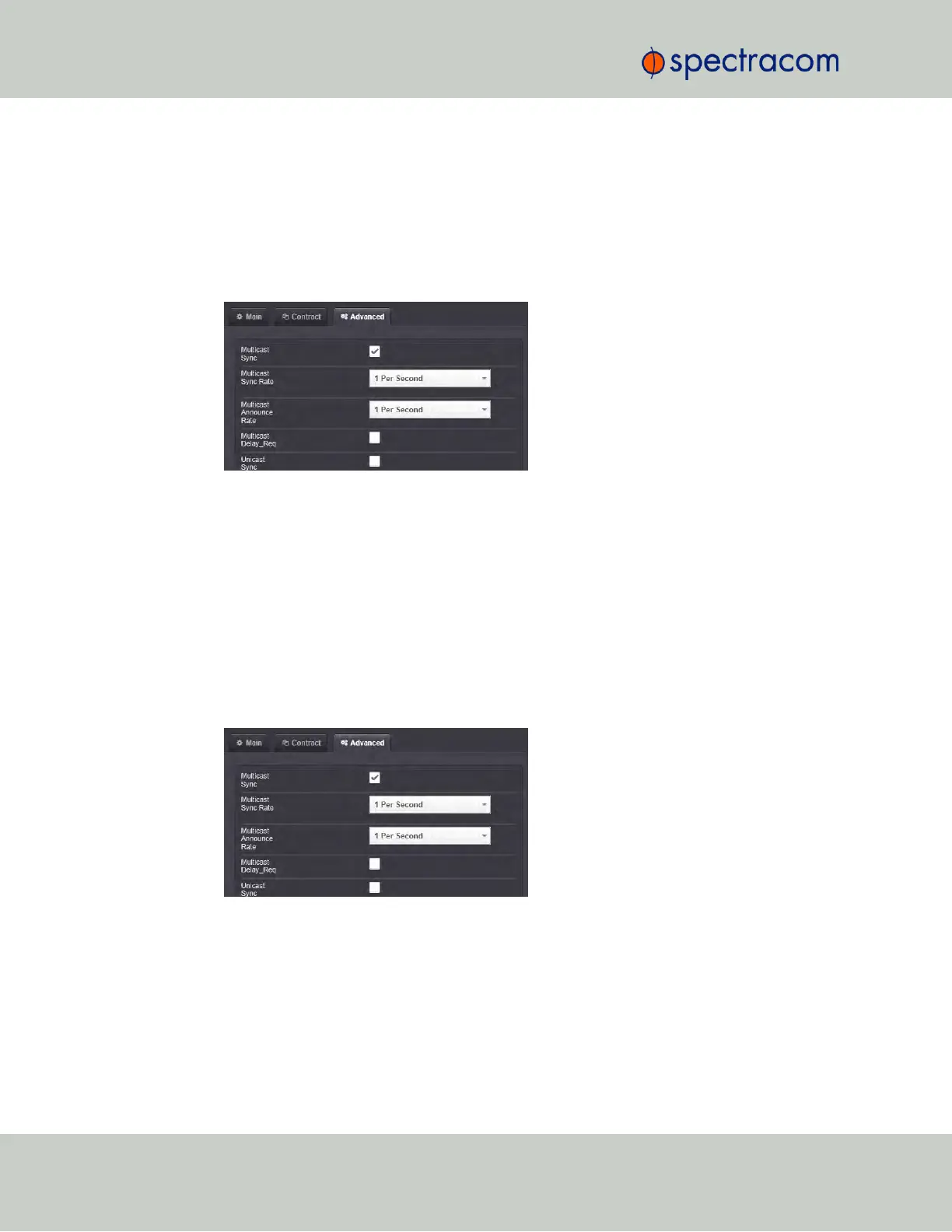
Configuring Minicast/Hybrid Mode
To enter the Minicast/Hybrid mode, perform the following steps:
1.
In the GB PTP Edit window, navigate to the Advanced tab.
2.
Select the Multicast Sync checkbox.
3.
Select the Multicast Sync Rate from the drop-down list.
4.
Select the Multicast Announce Rate from the drop-down list.
5.
Confirm that the Unicast Sync checkbox is checked. The 1204-32 PTP module should
always respond to unicast negotiations.
Configuring PTP on the Network
To configure PTP on the network:
470 SecureSync User Reference Guide
APPENDIX



 To Next Page