SysObjID—The System Object ID number. This is editable in the SNMP
Status panel (see "Configuring the SNMP Status" below).
Contact Information—The email to contact for service. This is editable in the
SNMP Status panel (see "Configuring the SNMP Status" below).
Location—The system location. This is editable in the SNMP Status panel
(see "Configuring the SNMP Status" below).
Description—A simple product description. This is not editable in the SNMP
Status.
Restoring the Default SNMP Configuration
To restore the VersaSync to its default SNMP configuration:
1.
Navigate to the MANAGEMENT > NETWORK: SNMP Setup screen.
2.
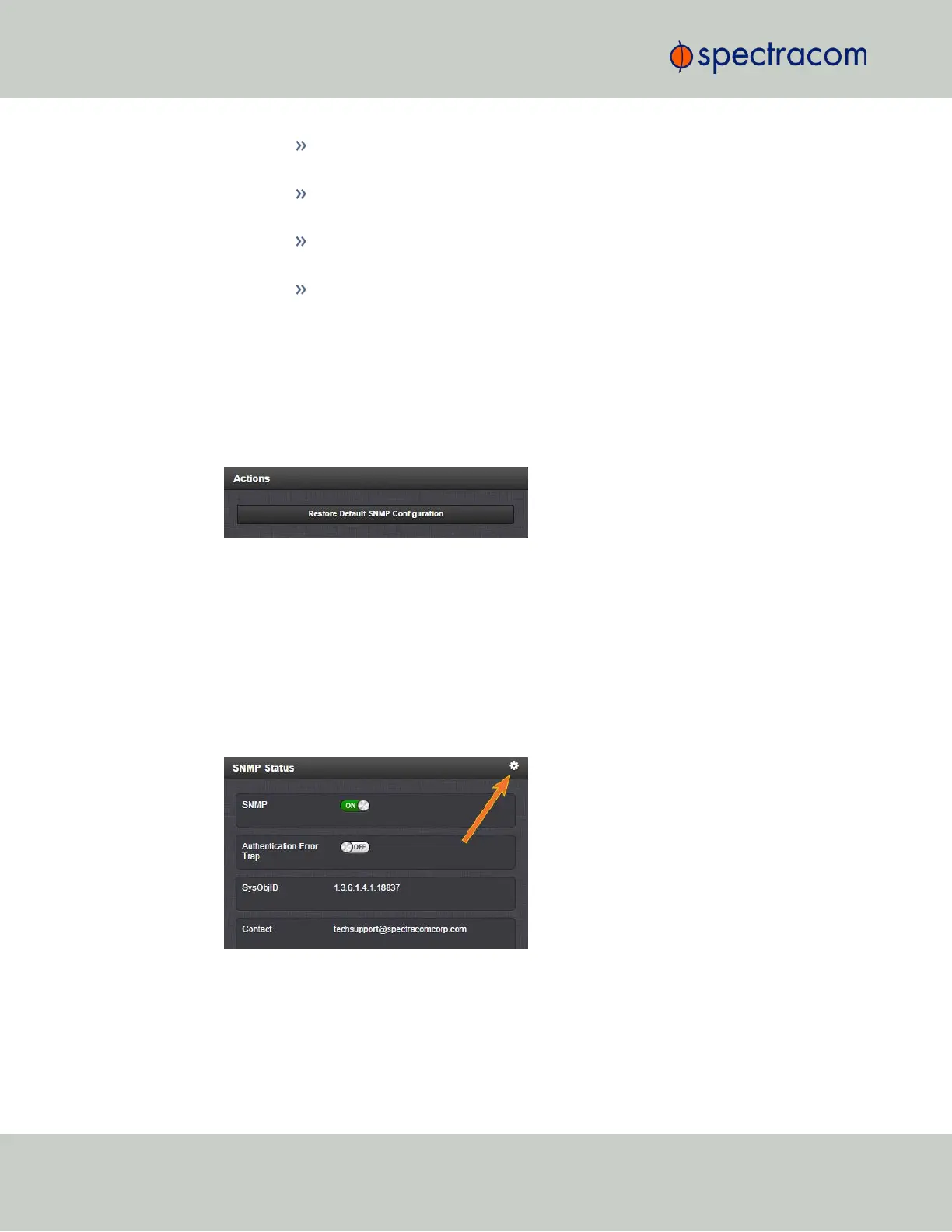
In the Actions panel, click the Restore Default SNMP Configuration button.
3.
Confirm that you want to restore the default settings in the pop-up message.
Configuring the SNMP Status
The SNMP Status Settings are sysObjectID, sysContact, and sysLocation. To configure SNMP
Status Settings:
1.
Navigate to MANAGEMENT > NETWORK: SNMP Setup.
2.
In the SNMP Status panel on the left, click the GEARicon in the top-right corner of the
panel.
3.
The SNMP Status pop-up window will display:
68
CHAPTER 2 • VersaSync User Manual Rev. 6.0
2.7 Configuring Network Settings



 To Next Page