Maintenance 143
2006792 Rev B – 200228
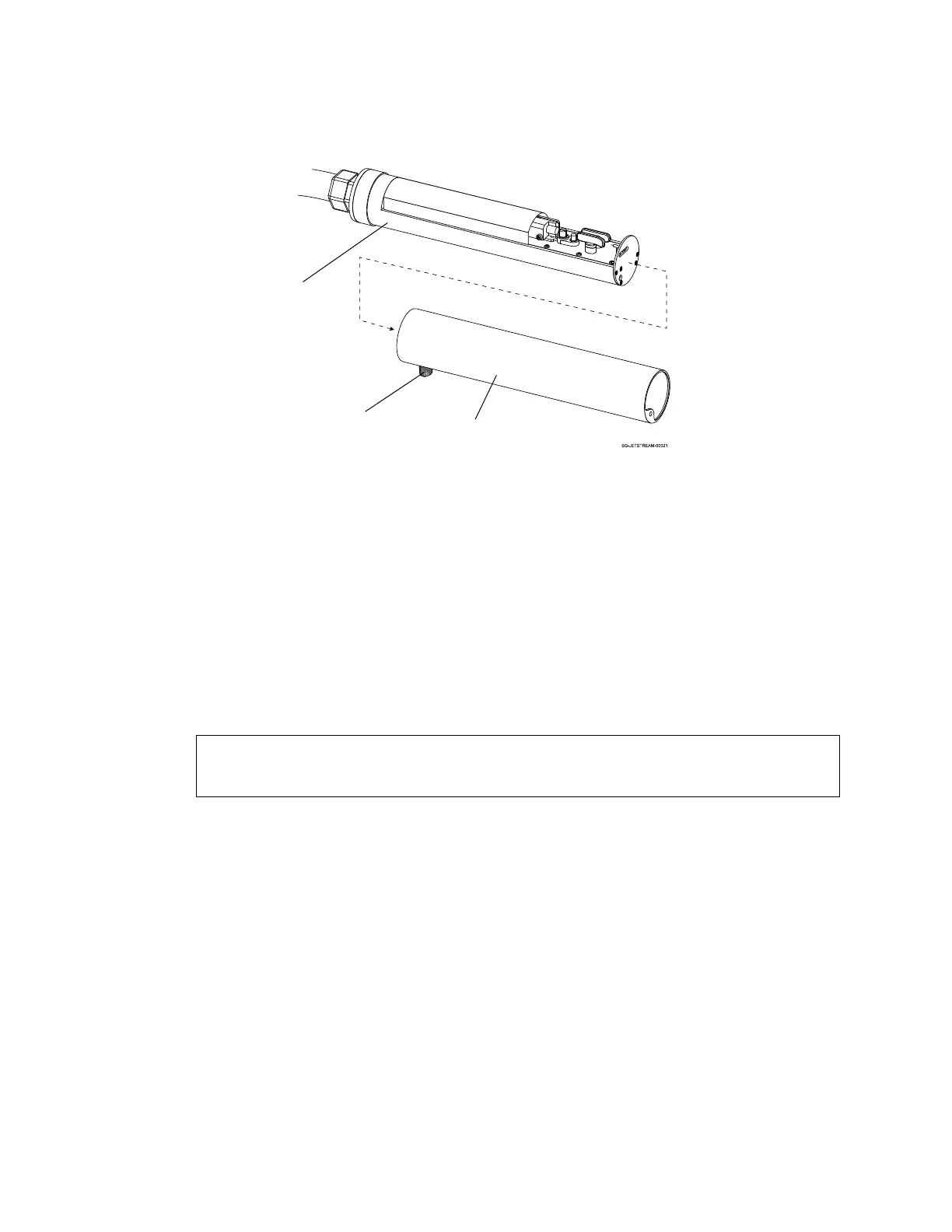
c. Set the Printhead Cover on a flat surface.
3. Clean the inside of the Printhead:
a. Hold the Printhead over the Cleaning Tray with the Nozzle end facing down.
b. Holding the nozzle of the Cleaning Bottle about 1" (25.4 mm) from the internal
components of the Printhead, squirt makeup fluid up and down the path from the
Gun Body to the Ink Return Gutter.
c. Allow the makeup fluid and ink to drain into the Cleaning Tray.
d. Repeat until path is clean.
NOTE: Do not pour cleaning solution directly into the Ink Return Gutter. Doing so
may reduce ink viscosity.



 To Next Page