5-13
Cycle and Control Value Programming Operator Manual 920011-649
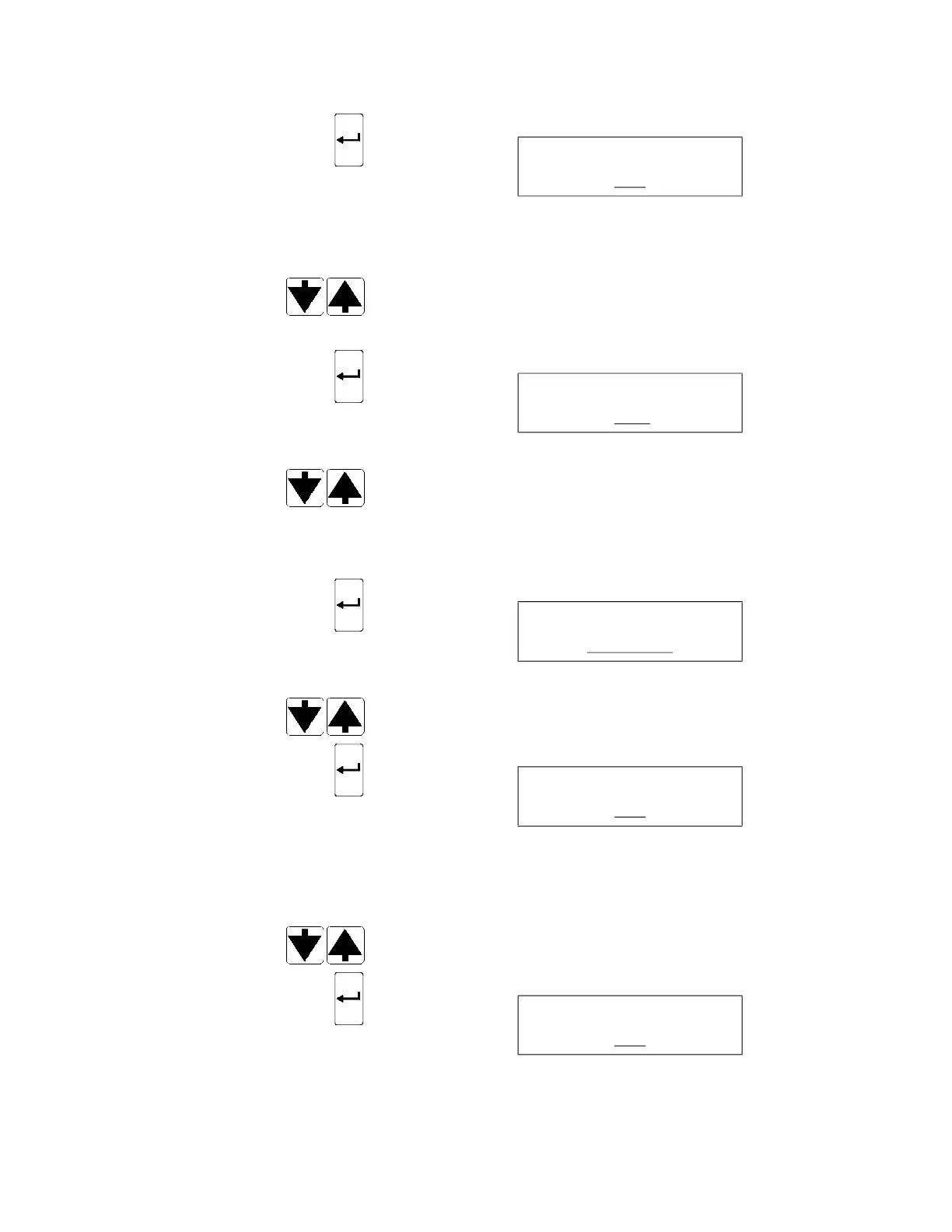
31. Press ENTER touch pad to confirm setting. Display shows:
__ blinking
32. AUTOMATIC D-SHORT screen allows operator to activate or
deactivate second D-SHORT starting after 36 hours of inactivity.
Press SCROLL arrows (up or down) to enable (YES) or disable
(NO) AUTOMATIC D-SHORT feature.
33. Press ENTER touch pad to confirm selection. Display shows:
__ blinking
Press SCROLL arrows (up or down) to toggle between YES (if
optional Automated Leak Test Assembly is present; automated
leak test at cycle start) or NO (no automated leak test).
NOTE: Leak test is automatically set to YES through a jumper in
the connection.
34. Press ENTER touch pad to confirm selection. Display shows:
__ blinking
Press SCROLL arrows (up or down) to toggle between KLENZYME
or PROLYSTICA.
35. Press ENTER touch pad to confirm selection. Display shows:
__ blinking
36. DUPLICATE PRINTOUT feature is set to YES to allow operator to
generate a duplicate of last cycle printout. After each cycle in
progress, display asks if a duplicate printout is needed.
Press SCROLL arrows (up or down) to enable (YES) or disable
(NO) DUPLICATE PRINTOUT feature.
37. Press ENTER touch pad to confirm selection. Display shows:
__ blinking
AUTO D-SHORT
YES
LEAK TEST
YES
ENZYME TYPE
KLENZYME
DUPLICATE PRINT?
YES
MULTIPLE PRINTS?
YES













 To Next Page