5-14
920011-649 Operator Manual Cycle and Control Value Programming
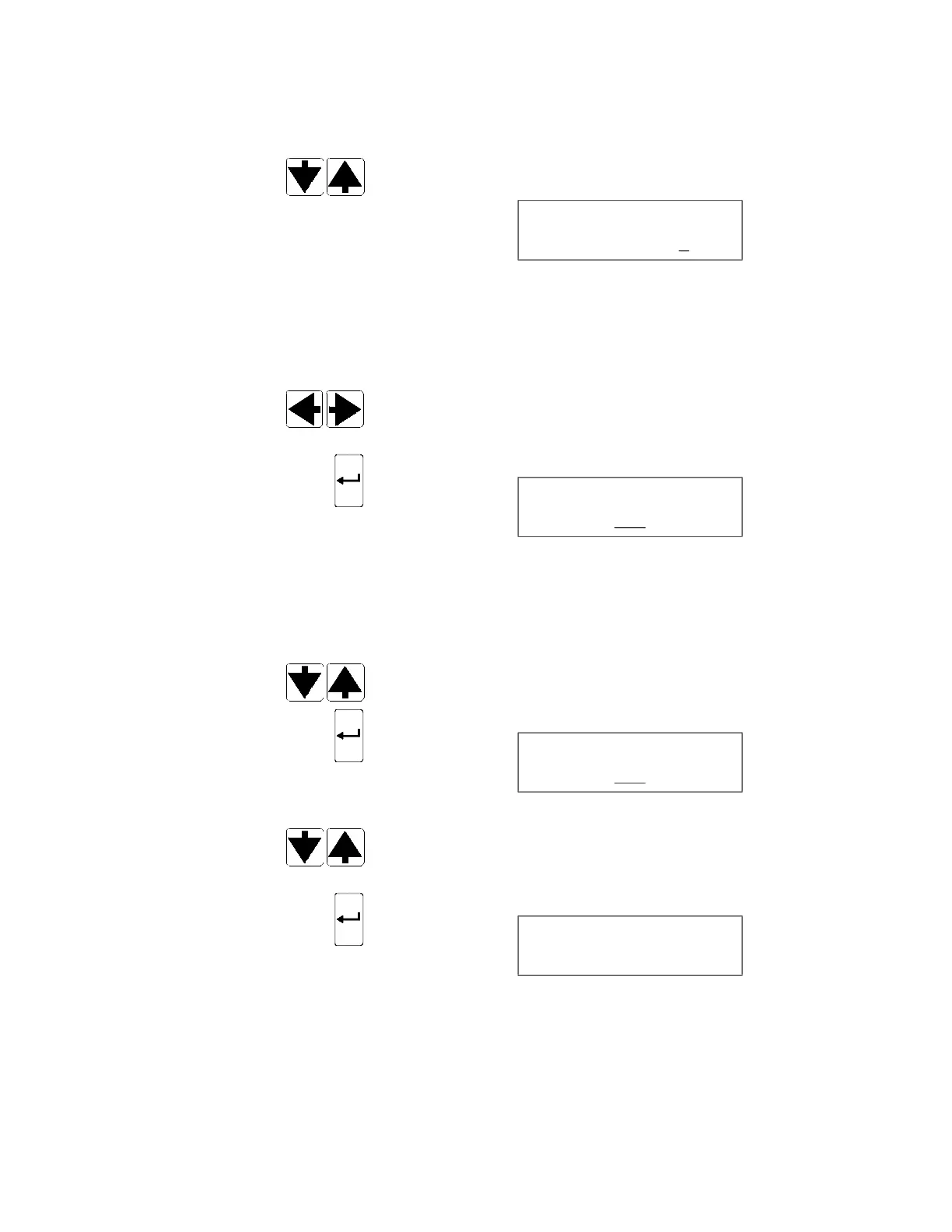
38. MULTIPLE PRINTOUTS feature is set to YES to allow operator
to generate more than one printout after each cycle.
Press SCROLL arrows (up or down) to enable (YES) or disable
(NO) MULTIPLE PRINTOUTS feature. Display shows:
After each cycle in progress, number of cycle printouts requested
is generated for each endoscope. If a DOUBLE endoscope
processing cycle is running, number of printouts doubles.
Press SCROLL arrows (left or right) to scroll to numbers and
set number of printouts to generate for each device. Up to two
printouts can be generated per device.
39. Press ENTER touch pad to confirm selection. Display shows:
__ blinking
40. EXTEND PRINTOUT feature is set to YES so additional space is
printed on cycle printout to allow operator to write down
additional information.
Press SCROLL arrows (up or down) to enable (YES) or disable
(NO) EXTEND PRINTOUT feature.
41. Press ENTER touch pad to confirm selection. Display shows:
__ blinking
42. PRINT VALUES screen allows supervisor to obtain a printout of
current Supervisor mode configuration settings. Press SCROLL
arrows (up or down) to choose (YES) or (NO).
43. Press ENTER touch pad to confirm selection. Display shows:
CYCLE PRINTS PER
ENDOSCOPE X
EXTEND PRINT?
YES
PRINT VALUES
YES
PRINTING













 To Next Page