Unloading Material Connecting Material Coil Box To Printer
Page 107
© Copyright 2020 Stratasys. All rights reserved.
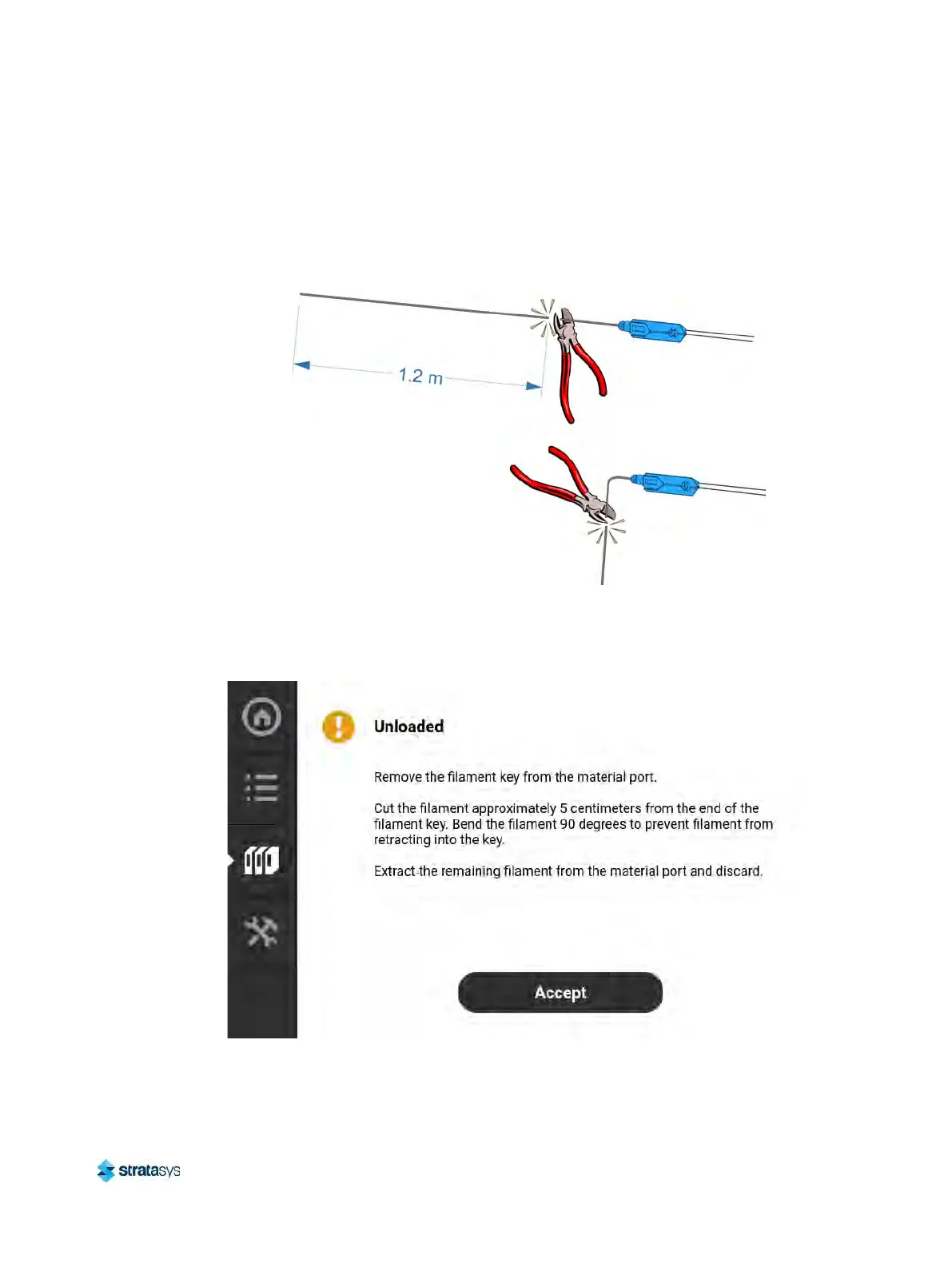
• Cut the filament approximately 5 centimeters from the end of the filament key. Bend the
filament 90 degrees to prevent filament from retracting into the key. See
Figure 14 (page 107).
• Extract the remaining filament from the material port and discard.
F
igure 14: Cut Filament After Unloading
8. Open the material coil box and insert the filament key and filament tube. Close the material
c
oil box.
Figure 15: Material Unloaded Screen













 To Next Page