Working with the Materials Page Material Load Controls
Page 66
© Copyright 2020 Stratasys. All rights reserved.
material coil box cannot be loaded/unloaded simultaneously). Filament pathways can appear in
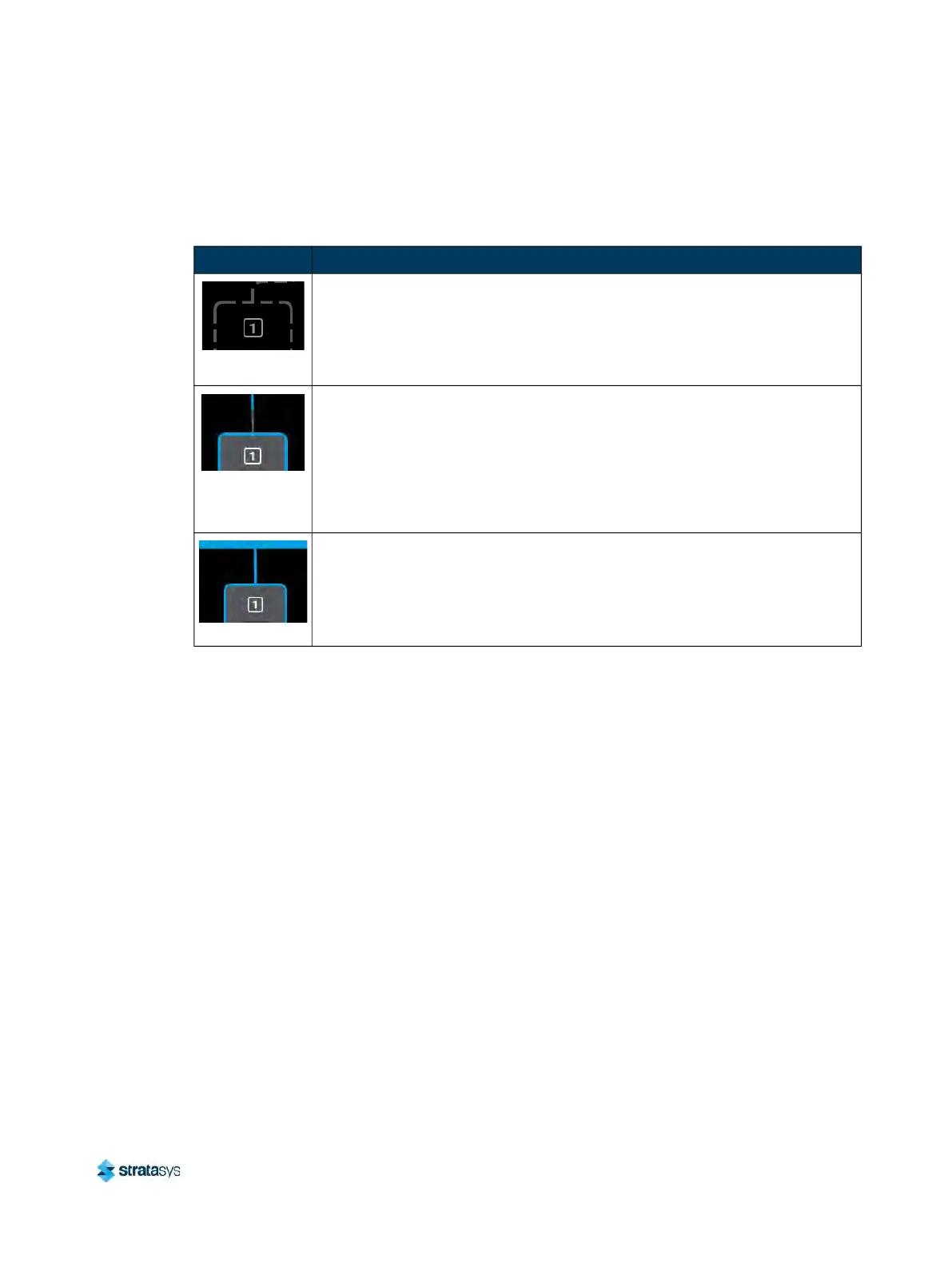
the following states (color usage, highlighting, and descriptions apply to both model and
support):
As materials are loaded and unloaded, the pathway between the Material Status Icon and the
He
ad Status Icon will become colored, and will fill in the direction that the material coil box’s
filament is traveling (towards the head or away from the head). Figure 31 (page 67) depicts the
functionality displayed when a material coil box’s filament is being loaded to the head, while
Figure 32 (page 68) depicts the functionality displayed when a material coil box’s filament is
being unloaded from the head. Opening the Material Details page for the material being
lo
aded/unloaded will provide additional control over the load/unload. The Cancel button will be
displayed within this page, giving you the option to cancel the material load/unload if
necessary.
Material load progress will display the same functionality regardless of whether a model or
su
pport material coil box is being loaded. Once a box’s material is loaded to the head, the
pathway between the Material Status Icon and the corresponding Head Status Icon will be solid
blue, the Head Status Icon will turn solid blue, and the Material Status Icon will display a blue
Table 11: Filament Pathway States
Icon State Description
Empty
• Indicates that a material is not loaded into the corresponding filament port.
•
After connecting a material coil box to the printer, the filament pathway will
r
efresh and indicate that filament needs to be inserted into the drive
mechanism.
Loading/
Un
loading
• Indicates that filament from the corresponding material coil box is in the
p
rocess of being loaded to the head.
• The pathway between the Material Status Icon and the Head Status Icon
w
ill fill, in blue, in the direction that the material coil box’s filament is
traveling (towards the head).
• Once the load process is complete, the filament pathway will refresh and
d
isplay in its loaded state.
Loaded
Indicates that filament from the corresponding material coil box is loaded to
th
e head and is selected to be used for building.













 To Next Page