Objet1000 Plus User Guide 6 Operating and Maintaining the Objet1000 Plus 3DPrinter
DOC-06810 Rev.B 6-30
Note: Whenreturningthewastecollectortothepurgeunit,makesuretoinsertit
asshown.
14.Inspectthewiper.
Ifthewiperisscratched,tornorworn,orifyoucannotcleanit
completely,replaceit.
a. Graspitandpullitupandoutofitsbracket.
b. Insertthenewwiperblade,makingsurethatitisstraightandsecured
wellonbothsides.
15.Whenyouhavefinishedcleaning,selecttheconfirmationcheckboxesin
thewizardscreen(seeFigure6-27)andclickNext.
16.Removethecleaningmaterialsfromtheprinterandclosetheprinter
doors.
17.SelecttheconfirmationcheckboxesinthewizardscreenandclickNext.
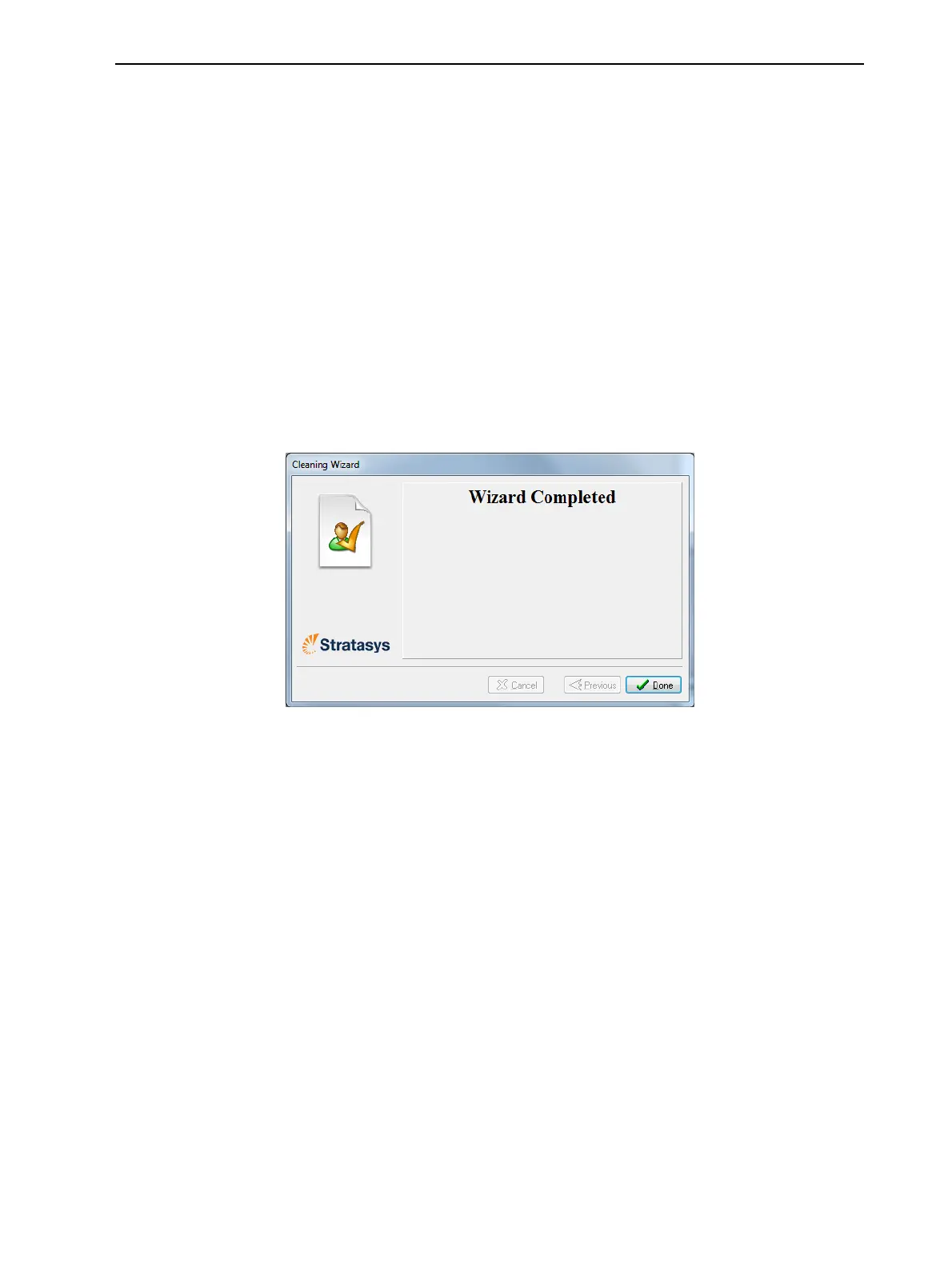
Thehead-purgecyclebegins.Whenthisiscomplete,thefinalwizard
screenappears.
Figure6-30Cleaningwizard—finalscreen
18.ClickDonetoclosethewizard.
Cleaning the
Roller Waste
Collector and
Inspecting the
Roller Scraper
Therollerwastecollectorremoveswastematerialscrapedfromtheroller.
Suctionremovesthiswastetotheprinter’swastecontainer.
Thisassemblyshouldbecleanedweeklytopreventablockageinthetubes
leadingtothewastecontainer,sothatwastematerialdoesnotoverflowinto
theprinter.
Tocleantherollerwastecollector:
1. Prepare—
❒ M2.5andM2Hex(Allen)keys
❒ disposablecleaninggloves
❒ isopropanol(IPA—isopropylalcohol)orethanol(ethylalcohol)
❒ cleaningcloth
❒ cottonswabs(Q-tipsorsimilar)
2. Putonthegloves.













 To Next Page