Objet1000 Plus User Guide 6 Operating and Maintaining the Objet1000 Plus 3DPrinter
DOC-06810 Rev.B 6-37
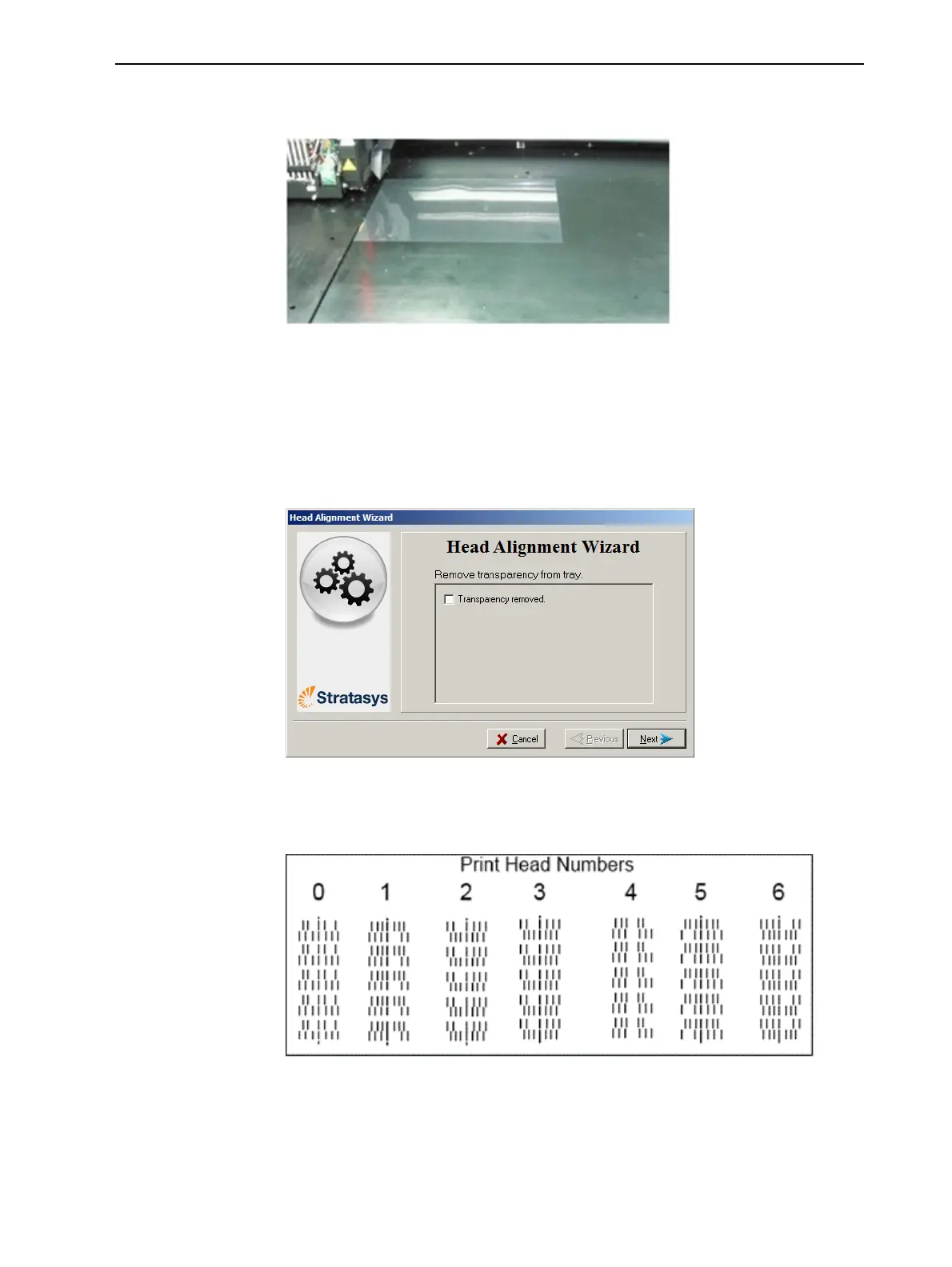
5. Wheninstructedtodoso,placethetransparencyonthebuildtray—next
totheleftandrearedgesofthetray,asshowninthefollowingfigure.
Figure6-43Positioningthetransparencyonthebuildtray
6. Makesurethatthetransparencysheetislyingflat,andtapeittothetray.
7. Inthewizardscreen,selectthecheckboxtoconfirmthatthe
transparencysheetisonthebuildtray,andclickNext.
Theprinterprintstheheadalignmenttestonthetransparency.
8. Whenthefollowingscreenappears,removethetransparency.
Figure6-44HeadAlignmentwizard—steps8–10
Thetransparencysheetisprintedwithsetsofverticallinesinseven
columns,eachshowingtheresultsfromadifferentprinthead.
Figure6-45Samplehead-alignmenttest
Note: ThereisnocolumnforheadH7becauseitsalignmentisusedasa
referenceforaligningallotherheads.













 To Next Page