Objet1000 Plus User Guide 5 Using Objet Studio
DOC-06810 Rev.B 5-14
5. Selectanyofthefollowingoptions,asrequired:
❒ Units—Millimetersorinchesfortheobject’sunitsofmeasure.
The3Dfilecontainstheobject'sproportions,butnotitsunitsof
measure.Therefore,makesuretocorrectlyselecteithermillimetersor
incheswheninsertinganobject.Otherwise,thesizeoftheobjecton
thebuildtraywillbeeithermuchtoolargeormuchtoosmall.To
changethemeasurementunitsofobjectsalreadyplacedonthetray,
see"MeasurementUnits"onpage5-34.
❒ Numberofcopies—Howmanycopiesofthisobjecttoplaceonthe
buildtray.
❒ OrientAutomatically—Automaticallyorientobjectsonthebuildtrayfor
efficientmodelbuilding.
❒ Assembly—Markthischeckboxifyouselectedmultiplestlfilesthat
arepartofanassembly.
Note: TheExtentsvaluesdisplayedintheCoordinatessectionoftheInsert
dialogbox,representthemaximumdimensionsoftheobjectoneachaxis.
Thesedimensionscorrespondtothevirtual“boundingbox”surroundingthe
objectseeFigure5-51onpage5-43).
6. ClickInsert.
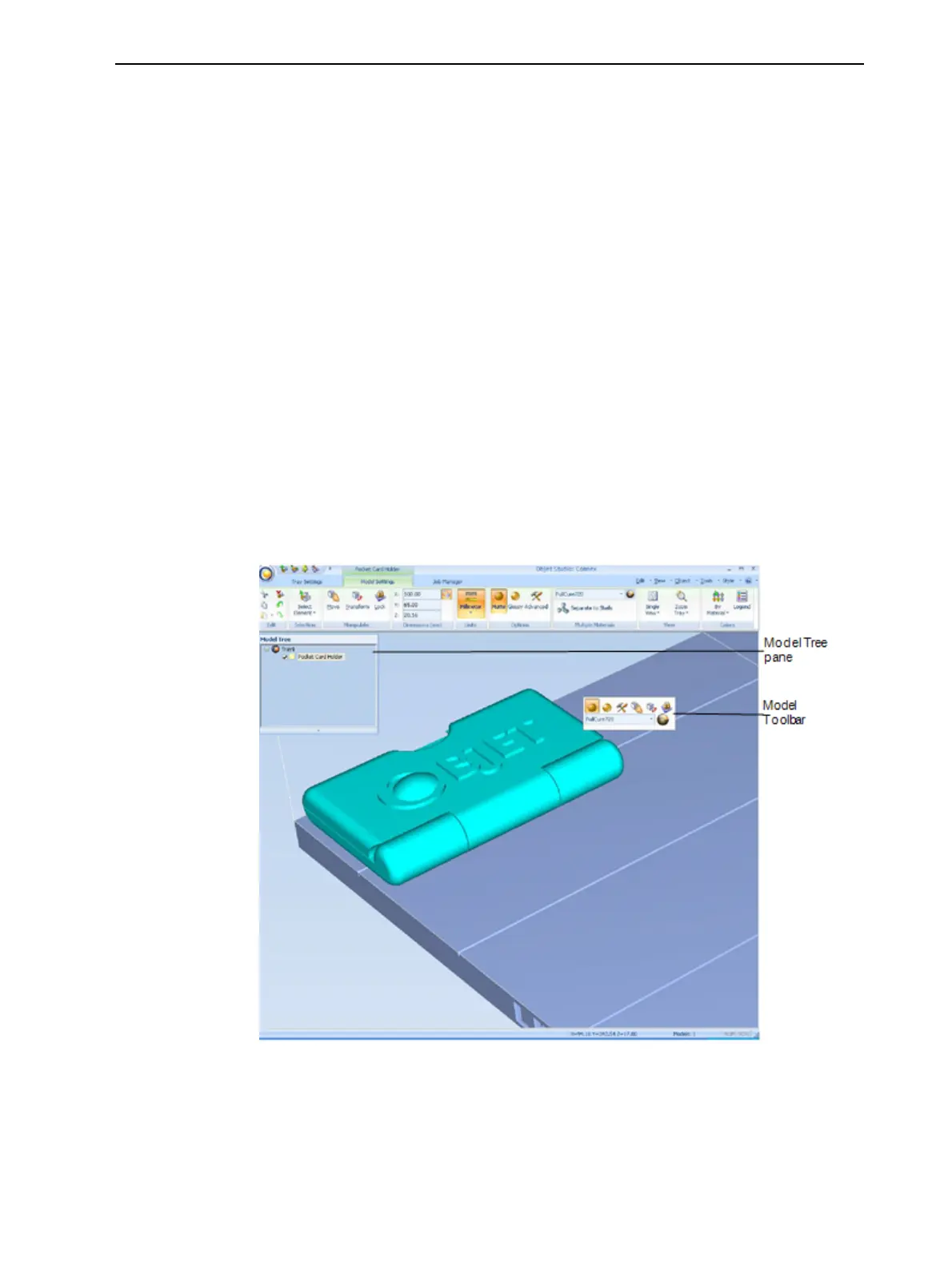
ObjetStudioplacestheobjectonthebuildtray,andinthemodeltree.
Figure5-13Defaultscreenlayout
TheModel Settingsribbonisdisplayedwhenobjectsareplacedonthe
buildtray.













 To Next Page