Objet1000 Plus User Guide 5 Using Objet Studio
DOC-06810 Rev.B 5-27
Positioning Objects on the Build Tray
Toproducemodelsefficientlyandwiththerequiredfinish,itisimportantto
carefullypositionobjectsonthetray.ObjetStudiosupportstheautomatic
positioningofobjects.However,youshouldchecktomakesurethatthe
objectsareorientatedoptimallyforyourneeds,accordingtothe
considerationsexplainedin"ManualPositioning"onpage5-29.
Twothingsthataffectthepositioningofobjectsonthetrayareorientation
andplacement.YoucanletObjetStudiodeterminetheoptimumorientation
andposition,oryoucancontrolthem.
Automatic
Orientation
Bydefault,ObjetStudioautomaticallyorientsobjects,whenplacedonthe
buildtray,fortheshortestprintingtime.(Youcanlaterchangethe
orientationmanually.)However,youcancancelautomaticorientationwhen
placinganobjectonthebuildtray.
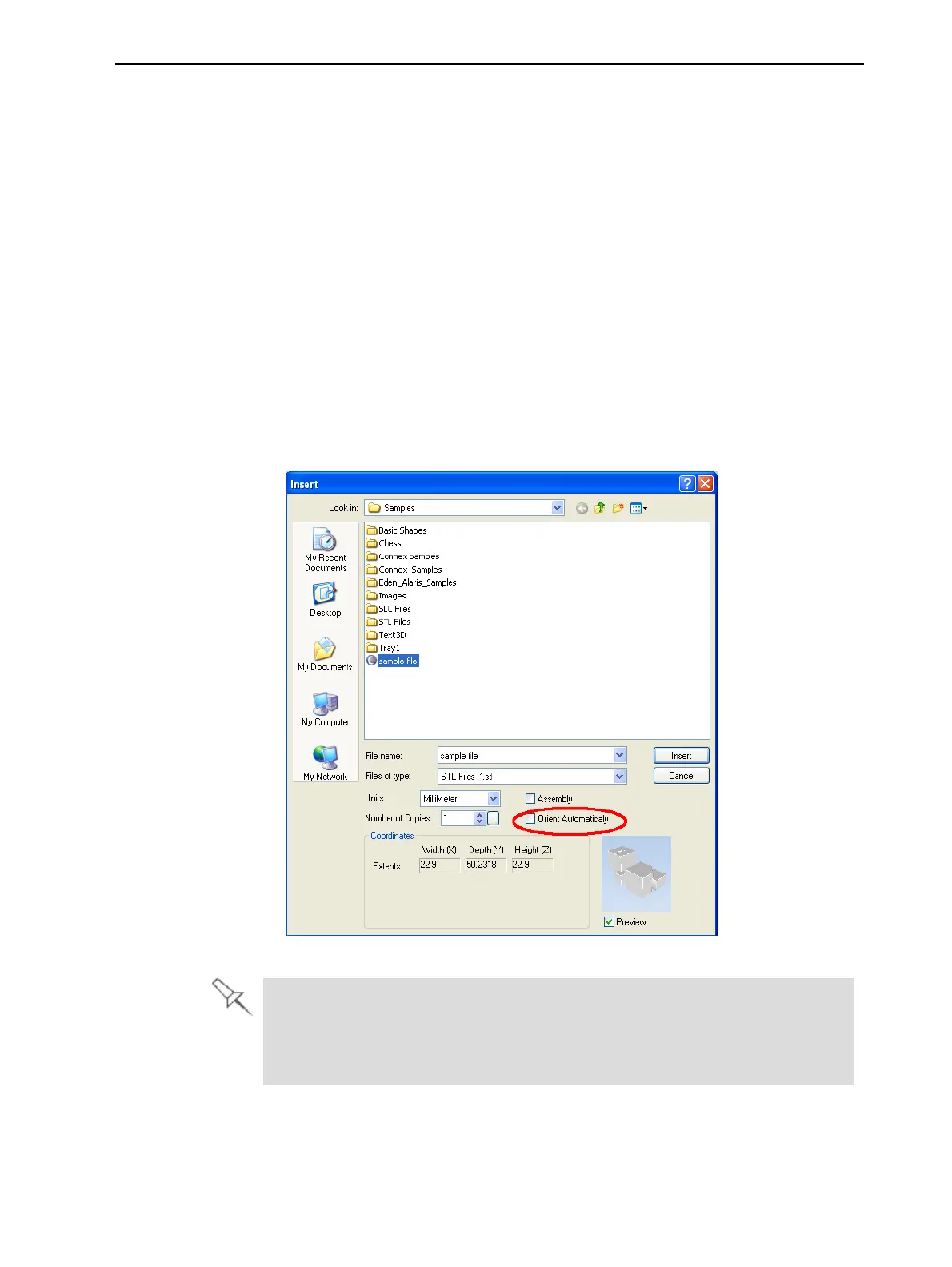
Toplaceanobjectonthebuildtraywithoutautomaticorientation:
➢ IntheInsertdialogbox,makesureOrient Automaticallyisnotselected.
Figure5-32Orient Automatically optiondisabled
Youcanchangethedefaultsetting,sothatautomaticorientationisnot
appliedunlessyouselecttheOrient Automaticallycheckboxeachtimeyou
placeanobjectonthebuildtray.Todothis,see"DefaultSettings"onpage5-
70.













 To Next Page