119
S
Location: Mounting (Interface) Plate
Generic Name: M16 Hex Nuts, at washers,
and standard lock washers.
Location: Service Head
Generic Name: Spacer, Faireld Spacer
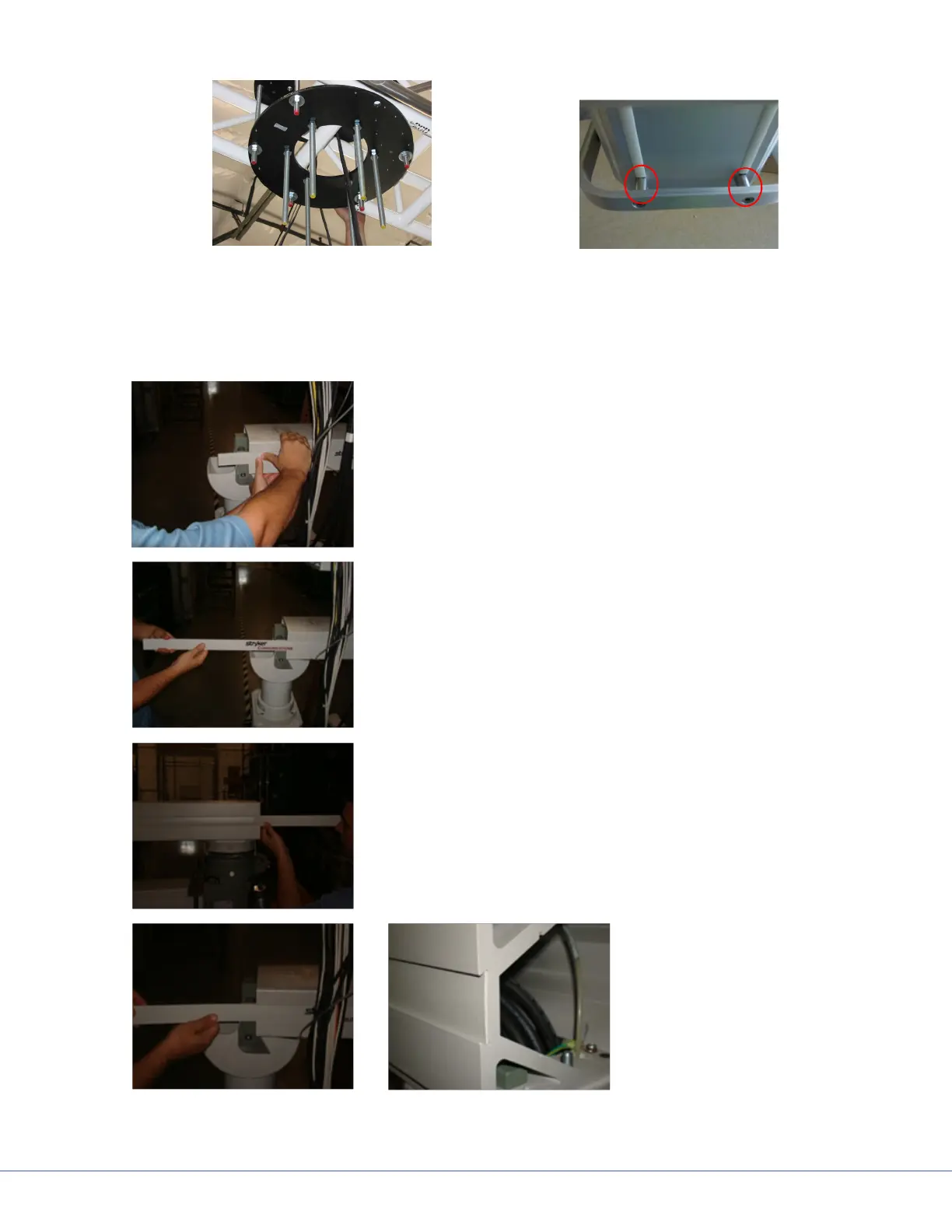
17.4 Replacing the Trim Strip
1. Slide the strip with your thumbs so the strip extends from
boom arm.
2. Pull strip out.
3. Insert strip in channel on boom arm.
4. Slide strip in channel
on boom and make sure
strip is ush in channel.











 To Next Page