56
S
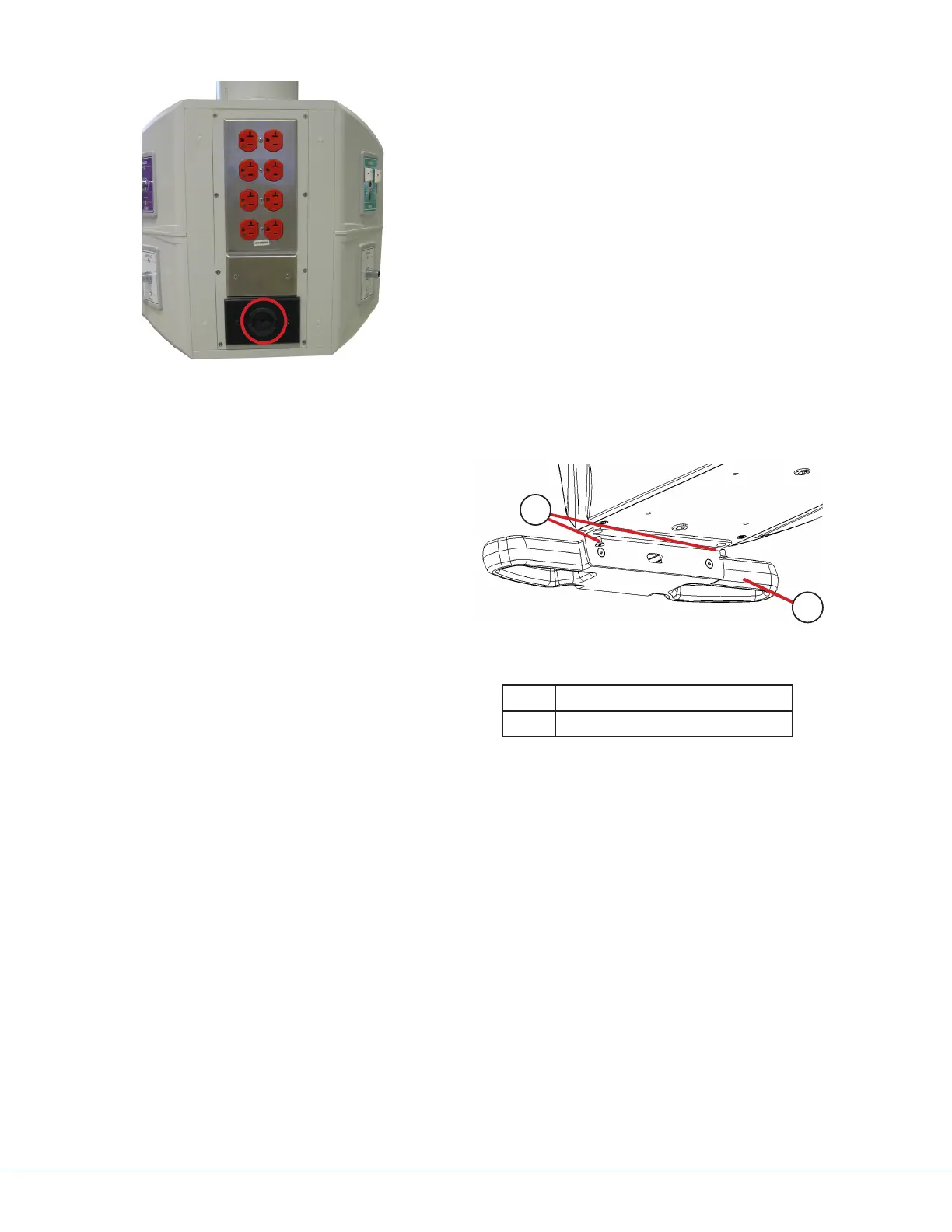
Data Pass-rough Location
c. Pass the control cable through the data
pass-through on the same side as the
handle.
d. Connect the control cable to the bracket
and store cable slack inside the FLEXiS
System.
11.1.3 FLEXiS Handle to Service Head Installation
1. Remove the handle to chassis bracket from
the packaging.
2. Position the handle and bracket under
the FLEXiS System (Item 1) chassis in the
desired location.
3. Install the M3 mounting screws (Item 2)
into the bottom plate of the FLEXiS Sys-
tem.
2
1
Handle to FLEXiS Bracket
1 Handle and Bracket
2 M3 Mounting Screws











 To Next Page