Operating the Equipment Locally
Page 4-46 Instruction Manual: evolution 5000 E5710 and E5720 Encoder
ST.TM.E10074.1
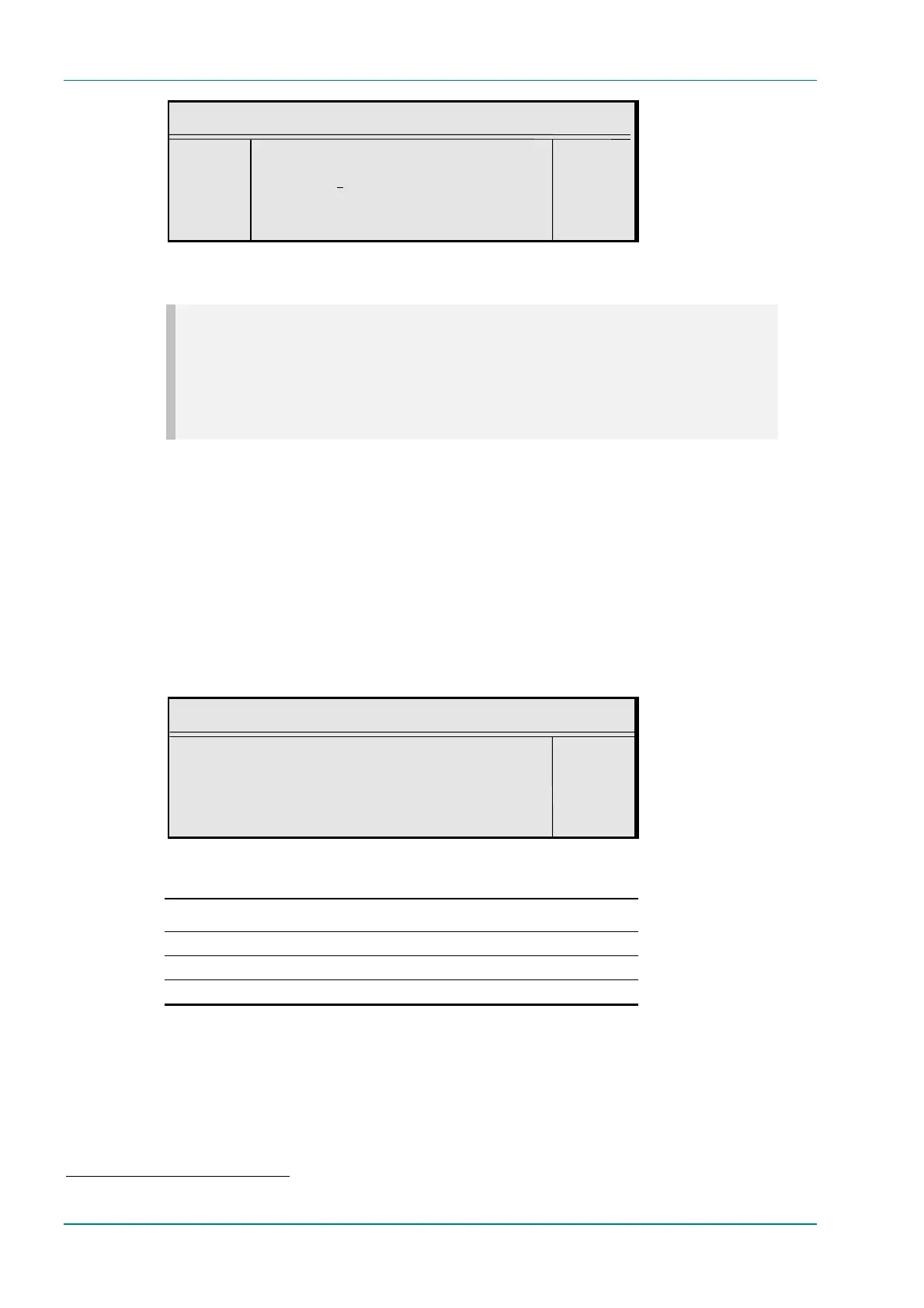
VBI PID
¬ Left VBI PID : +
® Right `33 (0021h)’ —
l Ins Enter l
l Del Update using softkeys Quit l
VBI In Picture Option
NOTES…
1. The VBI in Picture option is only accessible if the selected video profile/level is 422P@ML
5
.
2. VBI in Picture transmits the VBI waveform as part of the picture and as such will be subject to
some distortion. Most analogue VBI types are robust against this type of distortion but others,
e.g. video index and ITS, are intended for SDI transmission and will not survive MPEG
coding/decoding in VBI in Picture mode.
To access the VBI in Picture option, press the VBI in Picture softkey in
the VBI Menu. This enables the extended picture format available in the
MPEG 4:2:2 specification to be selected. When selected, the Encoder
compresses and transmits the VBI data as part of the active picture. This
mode requires up to 3 Mbit/s of bit-rate, depending on the amount and
complexity of the VBI present. It may be necessary to increase the video
bit-rate accordingly to maintain picture quality.
When this option is not selected (or when 4:2:0 format video is used), VBI
data must be transmitted in its original digital form either in an
independent data stream (in the case of Teletext) or in user data fields
within the MPEG video transport stream.
VBI in Picture
VBI in Picture : +
Off (Bit-rate too low) —
Enter l
Update using softkeys Quit l
Table 4.38: VBI in Picture Options
Selected Option Description
On VBI is coded as active video.
Off
Off (Bit-rate too low) Insufficient bit-rate.
5
4:2:2 is only available when software option M2/ESO2/422 is purchased.



 To Next Page