Operating the Equipment Locally
Instruction Manual: evolution 5000 E5710 and E5720 Encoder Page 4-47
ST.TM.E10074.1
VPS (Line 16) Option
NOTE…
This option is only available when Frame Rate is 25 Hz.
To access the VPS (Line 16) option, press the VPS (Line 16) softkey in
the VBI Menu. This enables the extraction of VPS (Video Programming
System) data from line 16 of the video input. The option can be turned On
or Off.
WSS (Line 23) Option
NOTES…
1. This option is only available when Frame Rate is 25 Hz.
2. Aspect ratio will change when WSS is enabled.
To access the WSS (Line 23) option, press the WSS (Line 23) softkey in
the VBI Menu. This enables the extraction of WSS (Wide Screen Signalling)
data from line 23 of the video input. The option can be turned On or Off.
Closed Caption Option
To access the Closed Caption option, press the Closed Caption softkey in
the VBI Menu. This enables the extraction of closed captioning data from
line 21 of the video input. The option can be turned On or Off.
CC Format Option
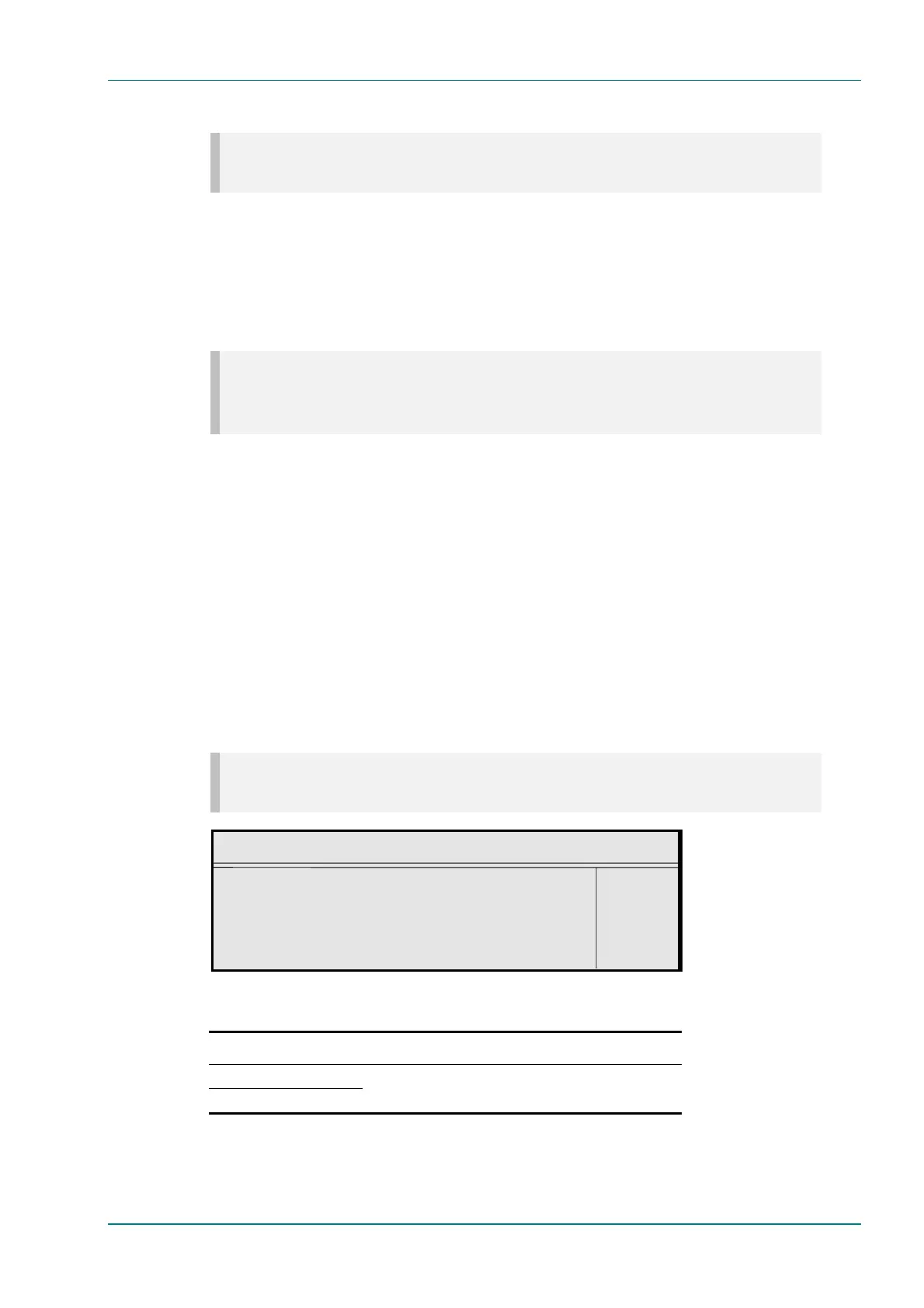
To access the CC Format option, press the CC Format softkey in the VBI
Menu. This inserts the closed captions as user data in the video stream in
the selected format.
NOTE…
This option is only displayed if the video frame rate is set to 29.97 Hz.
CC Format
CC Format : +
ATSC —
Enter l
Update using softkeys Quit l
Table 4.39: CC Format Options
Selected Option Description
TANDBERG / NDS
ATSC
Closed Caption format.



 To Next Page