Operating the Equipment Locally
Instruction Manual: evolution 5000 E5710 and E5720 Encoder Page 4-33
ST.TM.E10074.1
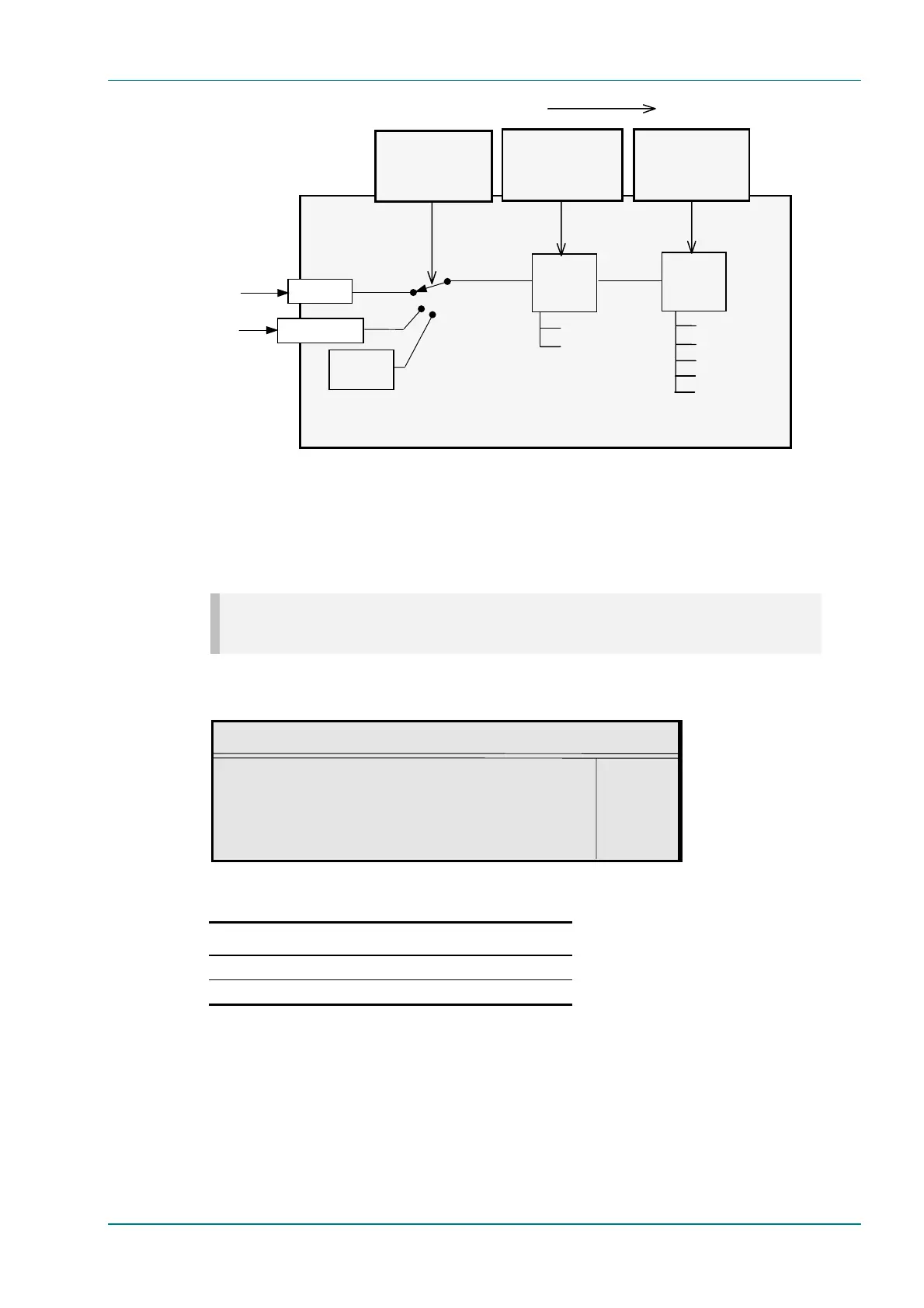
Figure 4.11: Setting up the Video Input
Frame Rate Option
NOTE…
The frame rate is only shown when the video input is Serial Digital, any Test Pattern or Off.
To access the Frame Rate option, press the Frame Rate softkey from the
Video Source Menu.
Frame Rate
Frame Rate : +
29.97 Hz —
Enter l
Update using softkeys Quit l
Table 4.23: Frame Rate Options
Selected Option Description
29.97 Hz Used in 525 lines (NTSC-M + PAL-M).
25 Hz Used in 625 lines (PAL).
Video Locked Option
This option indicates whether the video is locked. It is for status only and
cannot be changed.
E57xx Encoder
Setup/Video/Encoder
Profile/Level Option
Test
Pattern
Encoding
Setup/Video Source
Source Option
Setup/Video/Encoder
Compression Mode
Encoding
4:2:0 (MP@ML)
4:2:2 (422P@ML)
(option)
Standard
Low Delay
Very Low Delay
Mega Low Delay
Seamless 1-6
Set up the Video in this sequence
Serial Digital Video In
SDI
COMP VIDEO
nalo
ue Video



 To Next Page