Operating the Equipment Locally
Instruction Manual: evolution 5000 E5710 and E5720 Encoder Page 4-51
ST.TM.E10074.1
4.9 Audio Menu
4.9.1 Overview
The Audio Menu is selected from the Setup Menu by pressing the Audio
softkey. This menu permits the selection of audio parameters. Any option
with a clear circle next to it cannot be accessed and changed. It is for
status information only (see Figure 4.15 for menu structure).
Although a full list of menu options are given, it depends upon the Coding
Standard selected as to which are shown on the front panel display.
4.9.2 Audio A and B Menus
Introduction
Audio A and B have the same menu options, depending upon the Coding
Standard selected. Audio A Menus are shown as examples. The Audio A
Menu is selected from the Audio Menu by pressing the Audio A softkey.
This menu permits the selection of individual channel audio parameters.
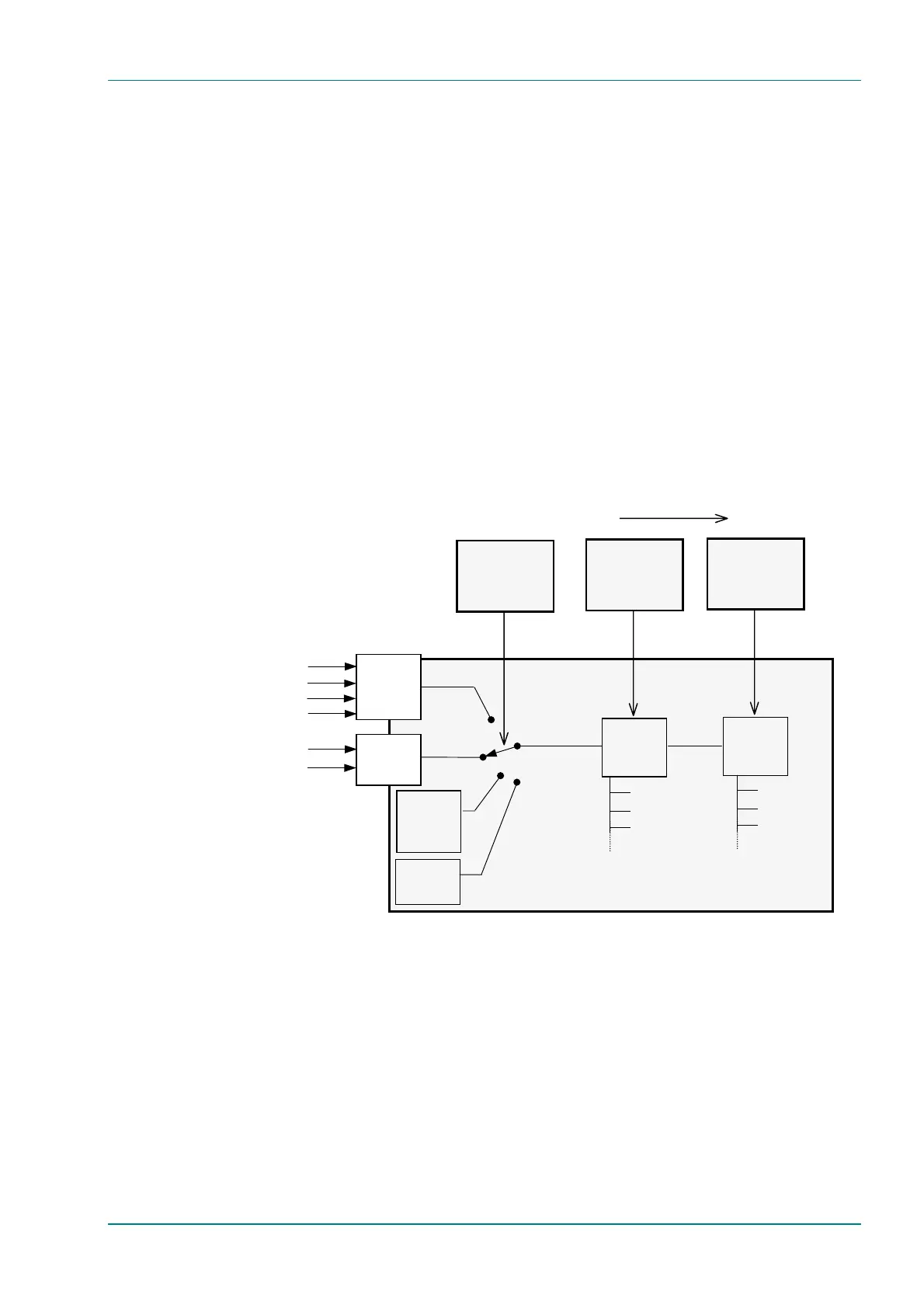
Figure 4.14: Setting up the Audio Input
E5710 and E5720 Encoder
Test Tone
1 kHz, 0 dB
SDI Video
Analogue A/Digital A
Analogue B/Digital B
Setup/Audio
Coding Standard
Option
Audio In
SDI De-embedded 1
SDI De-embedded 2
SDI De-embedded 3
SDI De-embedded 4
Empty
Packets
∞ dB
Encoding
Setup/Audio
Source Option
Setup/Audio
Coding Mode
Option
Encoding
MPEG Layer 2
Dolby Digital (AC-3)
Mono
Stereo
etc
Set up the Audio in this sequence



 To Next Page