Operating the Equipment Locally
Instruction Manual: evolution 5000 E5710 and E5720 Encoder Page 4-83
ST.TM.E10074.1
Table 4.83: On Air Options
Selected Option Description
On Multiplexer output is switched on.
Off Multiplexer output is switched off.
4.12.4 Bit-rate (188) and Bit-rate (204) Option
NOTE…
If the Packet Length option is set to 188 bytes then only the Bit-rate (188) option is displayed. If the
Packet Length option is set to 204 bytes then both the Bit-rate (188) and Bit-rate (204) options are
displayed.
To access the either of the bit-rates, press the Bit-rate (188) or the
Bit-rate (204) softkey in the Mux Menu.
Both the Bit-rate (188) and the Bit-rate (204) can be in the range of
0 Mbit/s to 50 Mbit/s.
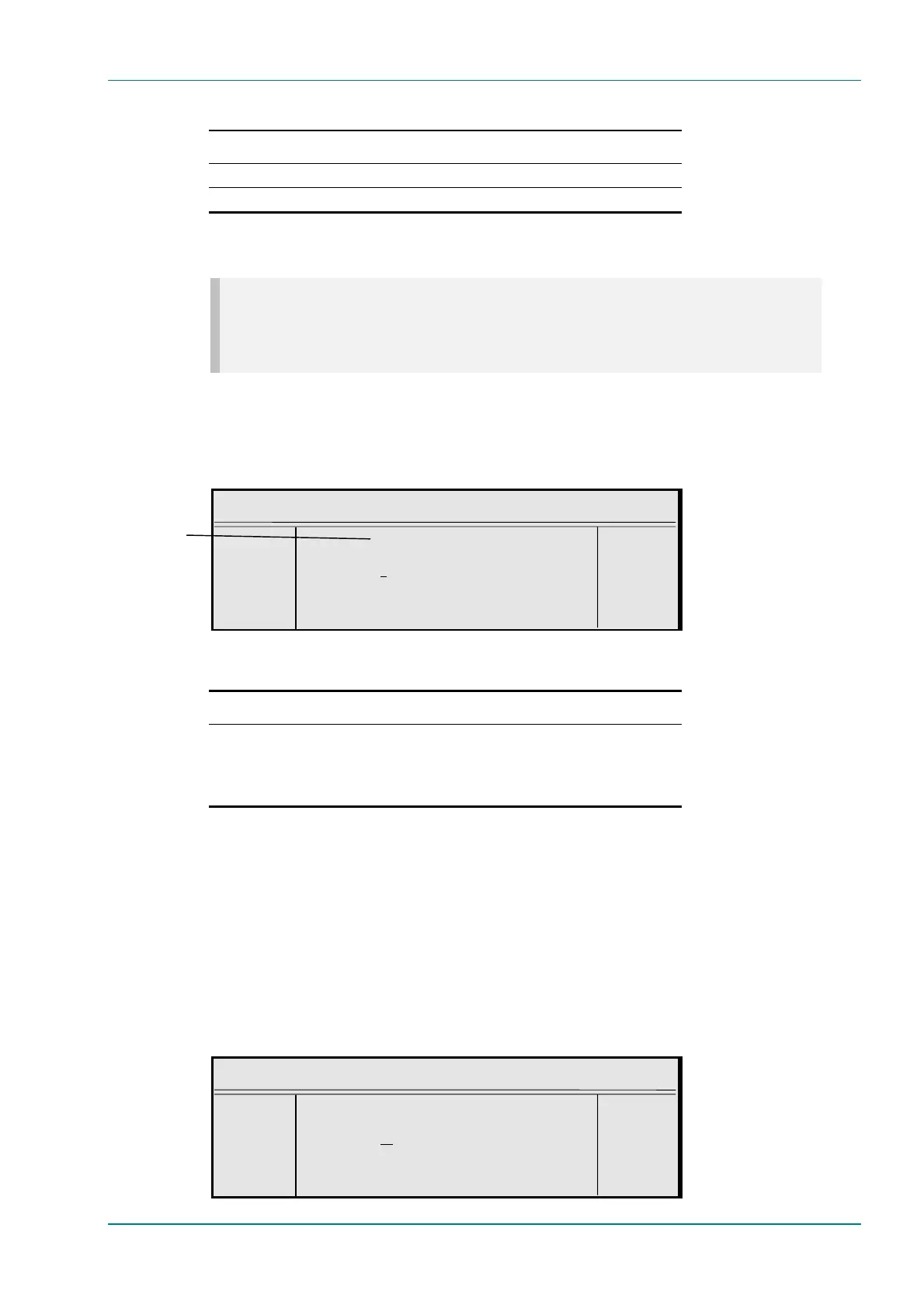
Bit-rate (188)
¬ Left Bit-rate (188) : +
® Right `40.000 Mbit/s’ —
l Ins Enter l
l Del Update using softkeys Quit l
Table 4.84: Bit-rate (188) and Bit-rate (204) Options
Selected Option Description
188 / 204
Min: 0.0000 Mbit/s
Max: 50.0000 Mbit/s
Step Size: 0.0001 Mbit/s
Multiplexer output bit-rate when in baseband output format
and ASI output mode.
Changing the bit-rate affects the automatic video bit-rate
and video resolution calculations.
If the specified bit-rate is outside the valid input range, a confirmation
screen is displayed which shows the maximum/minimum value allowed.
4.12.5 Clock
This option indicates the origin of the clock. It is set to Local Oscillator, is
for status only and cannot be changed.
4.12.6 PCR PID Option
To access the PCR PID option, press the PCR PID softkey in the Mux Menu.
This shows the Program Clock Reference Packet Identifier.
PCR PID
¬ Left PCR PID : +
® Right `32 (0020h)’ —
l Ins Enter l
l Del Update using softkeys Quit l
Can also be 204



 To Next Page